Finding court files in Maryland doesn't have to mean driving to a local courthouse or waiting weeks for paperwork. The Maryland Judiciary provides online tools that let you look up civil, traffic, and criminal cases from your computer. Knowing which portal to use saves you time and prevents dead ends.
The primary gateway is the Maryland Judiciary Case Search system. This database covers public trial and appellate court records across the state. However, it's not a complete digital copy of every physical file. It's a searchable index and docket summary. If you need certified documents or restricted files, you'll need to take different steps.
Using Maryland Judiciary Case Search
The official online database is free to use and open to anyone. You don't need an account to query the system, but you do have to agree to terms of use regarding proper data handling.
To run a basic search, head to the Maryland Judiciary Case Search portal. You can filter your search by several fields:
- Party Name: Enter a business name or an individual's last name and first name. Middle names help narrow down common names.
- Case Number: If you already know the specific identifier, typing it directly brings up the exact docket.
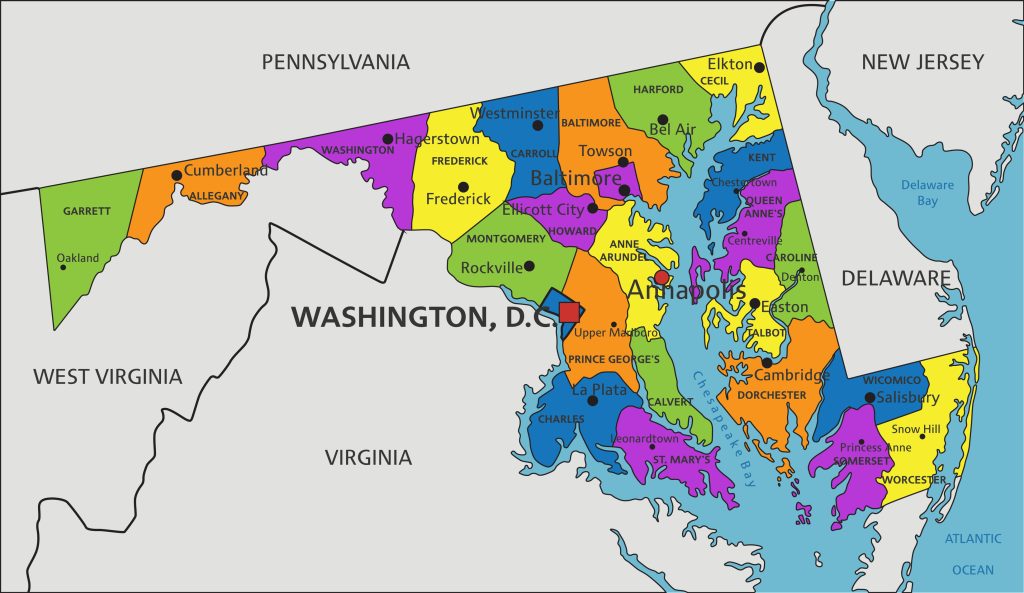
- Court Location: You can restrict your search to specific counties or district courts if you know where the case was filed.
- Case Type: Filter by civil, criminal, traffic, or juvenile matters.
Results show names, case numbers, filing dates, trial locations, and brief descriptions of charges or claims. Clicking on an individual case number opens the full docket history. This lists every motion, hearing date, and ruling entered by the judge.
What You Won't Find on Case Search
Many users assume every historical file is online. That's incorrect. Certain records are intentionally restricted to protect privacy or comply with state statutes. You won't find expunged, shielded, or sealed files through the public portal.
Furthermore, recent legal changes mean certain criminal outcomes are kept off the public Case Search display. For example, charges ending in a nolle prosequi, dismissal, or acquittal do not appear online. Cases resolved with a stet where three years have passed are also hidden from remote digital view. Minor cannabis possession charges dismissed before specific statutory dates are similarly omitted. To view these restricted or historical case files, you must visit the Maryland Courts Directory and contact the clerk's office where the matter was heard.
Alternative Portals for Specialized Records
Not all Maryland records live in the main Case Search database. Depending on what you're looking for, you might need an entirely different government website.
Land and Property Records
If you're hunting for deeds, mortgages, or liens, use MDLandRec. This platform archives real property documents across the state. You must register for a free account to view images of property deeds and land indexes.
Estate and Probate Cases
To check wills, estate administration, and orphan's court filings, use the Maryland Register of Wills portal. These records track how deceased individuals' assets and estates are handled.
Maryland Electronic Courts (MDEC)
MDEC is the state's integrated case management system. While attorneys must file documents through MDEC, members of the general public are not required to use it. Public access is generally restricted, though designated physical kiosks exist at certain local courthouses for public viewing.
Common Mistakes to Avoid
People often waste hours running into roadblocks because they misunderstand how state databases operate. Keep these pitfalls in mind:
- Treating Case Search as a Background Check: The judiciary explicitly warns against using public Case Search for official employment screening. For certified criminal history checks, contact the Maryland Department of Public Safety and Correctional Services.
- Ignoring Name Variations: Spelling errors or missing middle initials cause searches to fail. If a name yields zero results, try searching with just a last name and a broad date range.
- Expecting Certified Copies Online: Case Search provides summaries, not official certified copies. If you need documents for legal proceedings, you must order certified copies directly from the court clerk for a fee.
Frequently Asked Questions
Can I look up juvenile court records online?
No. Juvenile delinquency and child-in-need-of-assistance records are strictly confidential under Maryland law and do not appear on public databases.
Is there a fee to search Maryland court cases?
No. The core online Case Search portal is completely free to browse. You only pay fees if you request physical or certified paper copies from a court clerk.
How far back do online records go?
Availability varies by county and court type. Most electronic dockets date back to the late 1990s, though some circuit court records extend further back. For older historical records, you may need to consult the Maryland State Archives.
What should I do if I find an error in my case file?
If you spot incorrect data on a public docket, you must send written notice directly to the clerk of the court where the original record was filed. The judiciary requires formal written requests to update or correct clerical errors.


