Accessing public legal filings shouldn't require a law degree. The Maryland Judiciary Case Search system provides free online access to state district and circuit court case records, including civil, criminal, and traffic dockets. Whether you're checking a business partner, tracking a local lawsuit, or exploring personal legal history, navigating the portal effectively requires knowing specific rules about exact names, wildcard searches, and data limitations.
This guide breaks down how to run precise queries, bypass common search errors, and understand what data remains restricted from public view.
Navigating the Maryland Case Search Portal
The official online database indexes records from the Maryland District Courts and Circuit Courts. To begin your search, you must visit the official portal and accept the user agreement terms. Once inside, you can query records using individual names, business names, or specific case numbers.
The interface allows you to filter by specific parameters: For further background on this topic, comprehensive analysis can also be found at The New York Times.
- Case Type: Filter between civil, criminal, or traffic matters depending on what you need.
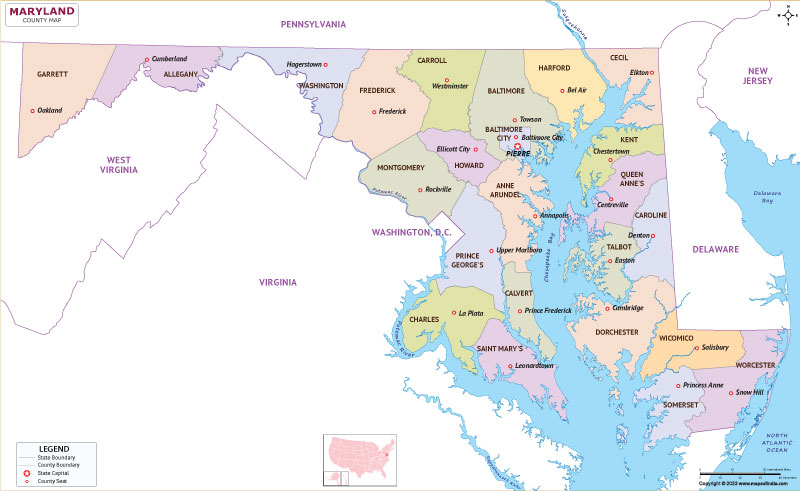
- Location: Narrow your search down to specific counties or Baltimore City to manage common names.
- Date Filed: Restrict the timeframe to separate older filings from recent dockets.
Handling Exact Names and Wildcards
The system defaults to exact name matching. If you type a common name like "John Smith" without modifiers, the database will only pull files matching those exact character strings, potentially missing records with middle initials or suffixes.
To perform a partial name search, you must enter at least the first character of the last name followed by a percent sign (%) as a wildcard. For example, entering Sm% for the last name will retrieve names starting with those letters. Keep in mind that wildcard symbols cannot be placed at the beginning or middle of search terms. Including a middle name or birth year helps isolate the correct individual among thousands of entries.
Understanding Record Availability and Limitations
Not every document or case history lives on the public portal. The Maryland Judiciary restricts certain files to protect privacy or comply with statutory expungements.
What is Missing from Online Dockets?
- Expunged and Shielded Cases: Criminal charges that have been expunged or shielded by court order are entirely removed from public visibility.
- Specific Criminal Dispositions: Certain case outcomes—such as acquittals, dismissals, nolle prosequi entries, or stet dockets meeting specific time thresholds—may no longer appear online, requiring an in-person visit to the local courthouse clerk.
- Sensitive Family Law Documents: Adoptions, guardianships terminating parental rights, and select medical or financial statements remain confidential without a special court order.
If you need certified copies of physical documents or full case files that aren't summarized online, you must contact the Circuit Court Clerk in the specific jurisdiction where the case was heard.
Common Mistakes to Avoid
Using public court databases efficiently requires avoiding a few procedural traps that often frustrate first-time users.
- Relying on Case Search for Official Background Checks: The Maryland Department of Public Safety and Correctional Services explicitly notes that online case search portals should not be used as a substitute for official criminal background checks. Online dockets can lack final disposition updates or contain clerical omissions.
- Misinterpreting Missing Charge Numbers: If you notice skipped charge numbers on a criminal docket (for instance, charges 1, 4, and 5 appearing sequentially), don't assume a system glitch. This usually indicates that specific charges within a multi-count unit were legally expunged or removed.
- Ignoring County-Level Nuances: Historical depth varies wildly depending on the county. While some jurisdictions maintain digital archives dating back to the late 1990s, older historical records require manual research through the Maryland State Archives.
Frequently Asked Questions
Is there a fee to use the Maryland Case Search system?
No. Searching the online database and viewing case summaries is entirely free for the public. However, requesting physical copies or certified documents from a court clerk requires standard statutory fees.
Why won't the search bar accept my wildcard symbol?
The database only accepts the percent sign (%) at the end of a partial word entry. Placing a wildcard at the beginning or middle of a first or last name will trigger an error or yield zero results.
Can I file new court documents through Case Search?
No. Case Search is strictly a read-only portal for public case summaries and dockets. Attorneys and registered participants use the Maryland Electronic Courts (MDEC) system for electronic filings.
How quickly are new court filings updated online?
Clerk entries typically appear on the public portal almost immediately after data is processed into the local court management system. However, processing delays can occur during high-volume periods or court holidays.



