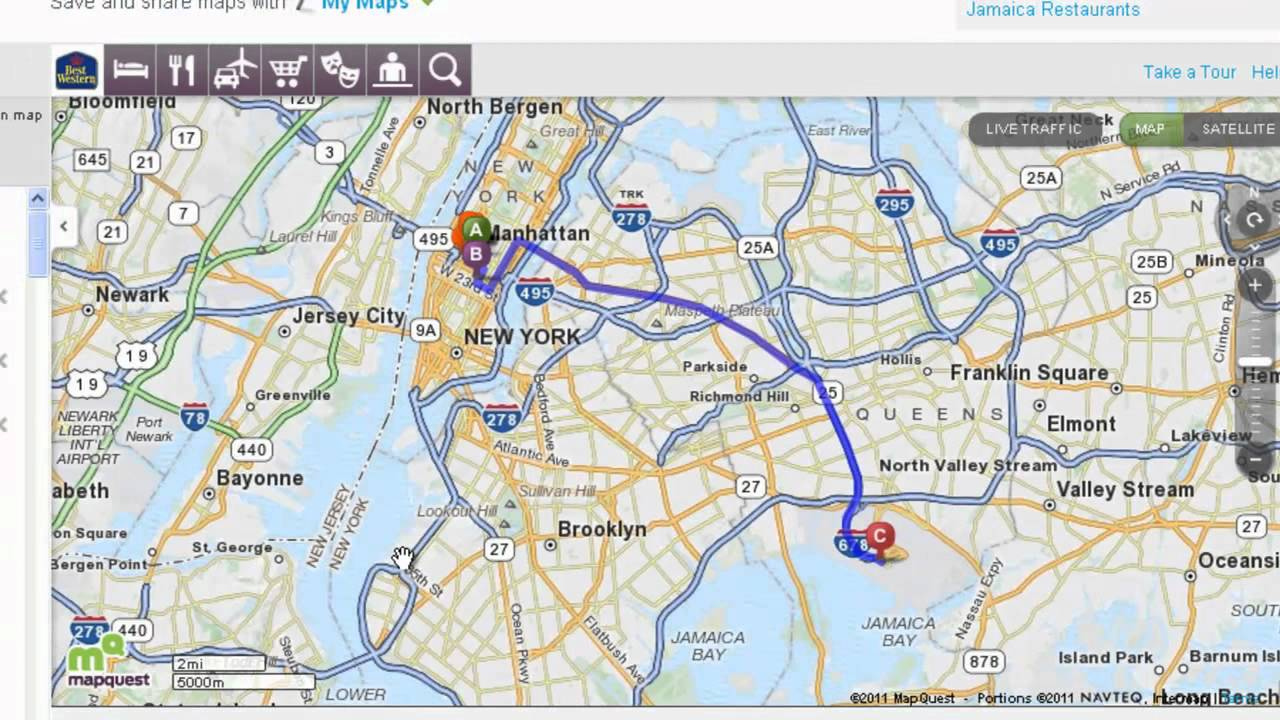
Planning a road trip used to mean unfolding massive paper maps across the dashboard and hoping you didn't miss a highway exit. Today, digital mapping tools handle the heavy lifting, and MapQuest remains a dependable staple in the travel technology space. While newer apps dominate smartphone screens, MapQuest offers unique multi-stop planning capabilities and practical features that make it a useful travel companion for drivers.
Getting the most out of MapQuest requires understanding its strengths, limitations, and hidden tools. Whether you're mapping out a cross-country vacation or managing a multi-stop errand run, knowing how to optimize routes, track fuel costs, and bypass traffic jams will save you time and frustration behind the wheel.
Core Features That Make MapQuest Useful
MapQuest provides more than basic point-to-point driving directions. Its platform includes several built-in utilities designed to streamline travel logistics without requiring a paid subscription.
- Turn-by-turn voice navigation: Clear audible prompts guide you through turns, highway transitions, and lane changes so you can keep your eyes on the road.
- Live traffic updates: The app monitors congestion, accidents, and road closures in real time, automatically suggesting faster alternative paths when available.
- Fuel cost estimation: MapQuest calculates estimated fuel expenses for your specific route, helping you budget road trips more accurately.
- Nearby point of discovery layers: Users can find gas stations, hotels, restaurants, and coffee shops directly along their path or near their destination.
Comparing prices at nearby gas stations is one of the platform's standout roadside advantages. Instead of exiting blindly, you can check local fuel prices within the United States and choose the cheapest stop before your tank hits empty. For another perspective on this development, see the recent update from Travel + Leisure.
Mastering Multi-Stop Route Planning
One area where MapQuest outshines several mainstream competitors is multi-stop trip planning. If you're visiting multiple locations in a single journey, the desktop and mobile route planners allow you to add up to 26 stops on a single itinerary.
To build an efficient multi-stop route, follow these steps:
- Open the MapQuest route planner on your desktop or mobile device.
- Enter your starting location and final destination.
- Click the option to add another stop, then input your intermediate destinations line by line.
- Enable automatic stop reordering so the system sequences your pins into the most time-efficient path, cutting down total travel time.
- Send the finished route directly to your mobile device or start turn-by-turn navigation immediately.
Automatic reordering is a massive time-saver for road trips with complex itineraries, preventing you from accidentally crisscrossing your own path.
Managing Common Road Trip Roadblocks
Even with reliable GPS software, unexpected travel issues pop up. Knowing how to handle them keeps your journey stress-free.
Dead zones with poor cellular coverage can disrupt real-time navigation. Before heading into remote areas, plan your route while connected to Wi-Fi, take screenshots of critical turn-by-turn directions, or print a physical backup map using MapQuest's dedicated print utility.
Traffic delays are another inevitable hurdle. When MapQuest flags an accident ahead, don't ignore the rerouting prompts. Accepting suggested detours can save you hours of sitting idle on interstate highways. You can also customize your route settings to deliberately avoid toll roads, highways, or specific hazards depending on your driving preferences.
According to the Federal Highway Administration, proper trip preparation and real-time traffic management significantly reduce collision risks and fuel consumption during peak travel seasons.
Frequently Asked Questions
Is MapQuest completely free to use?
Yes, the standard web version and the mobile app are free to use with full core functionality, though you will encounter advertisements during your session.
Can I use MapQuest without an internet connection?
MapQuest relies primarily on a live internet connection for real-time traffic and map rendering. If you lose cell service, active navigation may stall, which makes pre-planning or having a backup offline option essential.
How many stops can I add to a single MapQuest route?
You can add up to 26 stops per route, making it a flexible choice for road trips with heavy itineraries or multi-location errands.
Does MapQuest offer public transit directions?
MapQuest focuses primarily on driving and walking directions. It does not provide robust public transit routing for buses or subways compared to transit-focused apps.
For more insights on travel safety, check out the National Highway Traffic Safety Administration for guidelines on distraction-free driving.



