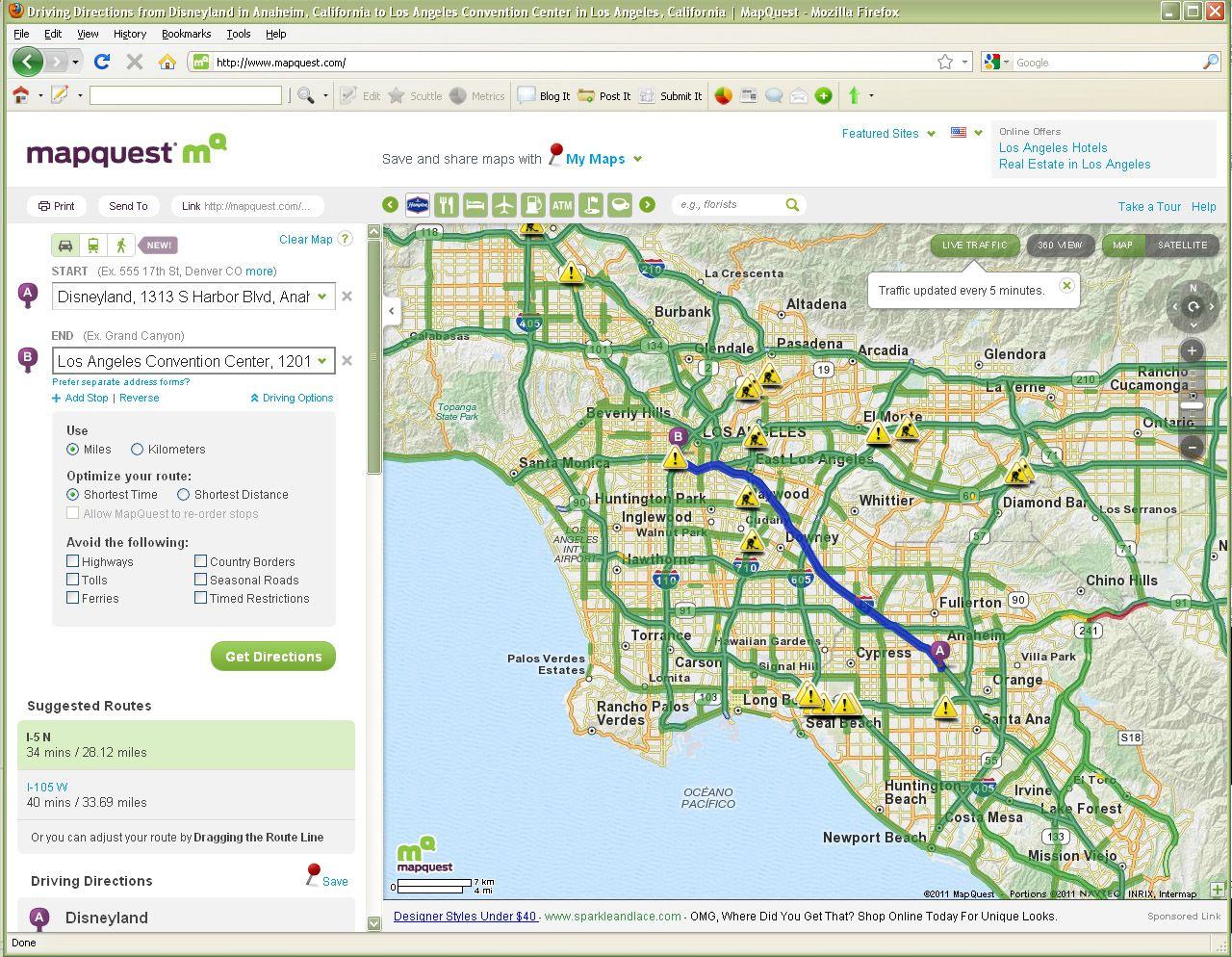
MapQuest is staging an unexpected comeback. Thirty years after pioneering commercial web mapping, the platform surged to the top of the Apple App Store following a high-profile refusal to adopt politically mandated geographic name changes. While this viral moment captured public attention, millions of users are discovering that the app has quietly evolved far beyond its retro desktop-printout origins into a modern, feature-rich mobile navigation tool.
This revival raises a practical question for daily commuters and road-trippers: can a nostalgic web pioneer genuinely compete with entrenched giants like Google Maps and Apple Maps? Beyond the headlines, the platform offers distinct advantages, unique quirks, and specific limitations that shape how it performs on the road today.
The Modern Architecture of MapQuest
The current mobile iteration shares little resemblance to the static browser directions of the late 1990s. Owned by System1, the platform operates native applications for iOS and Android equipped with real-time traffic updates, satellite layers, and turn-by-turn voice guidance.
When you boot up the app, the interface looks familiar. A clean search bar anchors the top of the screen, accompanied by quick-access shortcuts for nearby fuel stations, dining, and lodging. Traffic indicators use a standard color-coded system—yellow for delays, red for heavy congestion, and green for clear lanes. Under the hood, however, developers have pushed a rapid cadence of updates focusing on CarPlay and Android Auto integration, incident reporting, and EV charging station filters.
Core Navigation Features
- Optimized Routing: Computes paths designed to balance distance, estimated travel time, and toll avoidance.
- Multipoint Stops: Allows drivers to insert multiple destinations into a single active route without resetting guidance.
- Speedometer Integration: Displays current vehicle speed alongside local speed limits to assist with safe driving compliance.
- Customized Guidance Voices: Offers alternative audio prompts, including retro character voices, to make long drives more engaging.
How It Compares on the Open Road
Using the app for daily commuting reveals both strengths and friction points. On the positive side, power consumption is noticeably efficient. The app sips battery life compared to heavy competitors that constantly pull intensive background telemetry. Voice navigation performs reliably, issuing clear prompts well ahead of upcoming turns.
Performance hiccups do surface during complex transit scenarios. In rural regions or dense urban interchanges, routing algorithms occasionally select sub-optimal side streets or minor detours instead of direct multi-lane highways. Incident reporting and crowdsourced updates, while improving rapidly through recent patches, lack the massive data density found in mature ecosystems like Waze. For straightforward point-to-point driving, it matches major alternatives; for intricate urban navigation under heavy traffic pressure, drivers may need to stay alert.
Practical Use Cases Beyond Basic Driving
MapQuest has survived decades by leaning into utility features that extend past standard routing.
- Trip Planning and Scheduling: Users can plan trips around specific arrival or departure times using the "Leave by" or "Arrive by" parameters.
- Integrated Services: Partnerships with platforms like OpenTable and Grubhub let users browse restaurant menus or secure reservations directly through points of interest.
- Roadside Assistance: Stranded motorists can access on-demand mechanical help straight from the interface.
- EV Station Discovery: Toggling electric vehicle settings highlights compatible charging infrastructure along mapped routes.
Frequently Asked Questions
Is MapQuest completely free to use?
Yes, the core mapping, search, and turn-by-turn navigation features are free and supported by ads and optional in-app purchases.
Does MapQuest work offline without a data connection?
Unlike dedicated offline navigation tools, it requires an active cellular connection to fetch live traffic updates, dynamic routing adjustments, and map tiles.
How does MapQuest handle data privacy compared to Google Maps?
While it still collects location data to function, it operates outside the vast data-profiling ecosystem of major advertising conglomerates, offering a slightly smaller data footprint for privacy-conscious users.
Can I use MapQuest on Apple CarPlay or Android Auto?
Yes, the platform supports both major vehicular dashboard systems, letting you manage routes, report road incidents, and search for stops directly from your car's built-in display screen.



