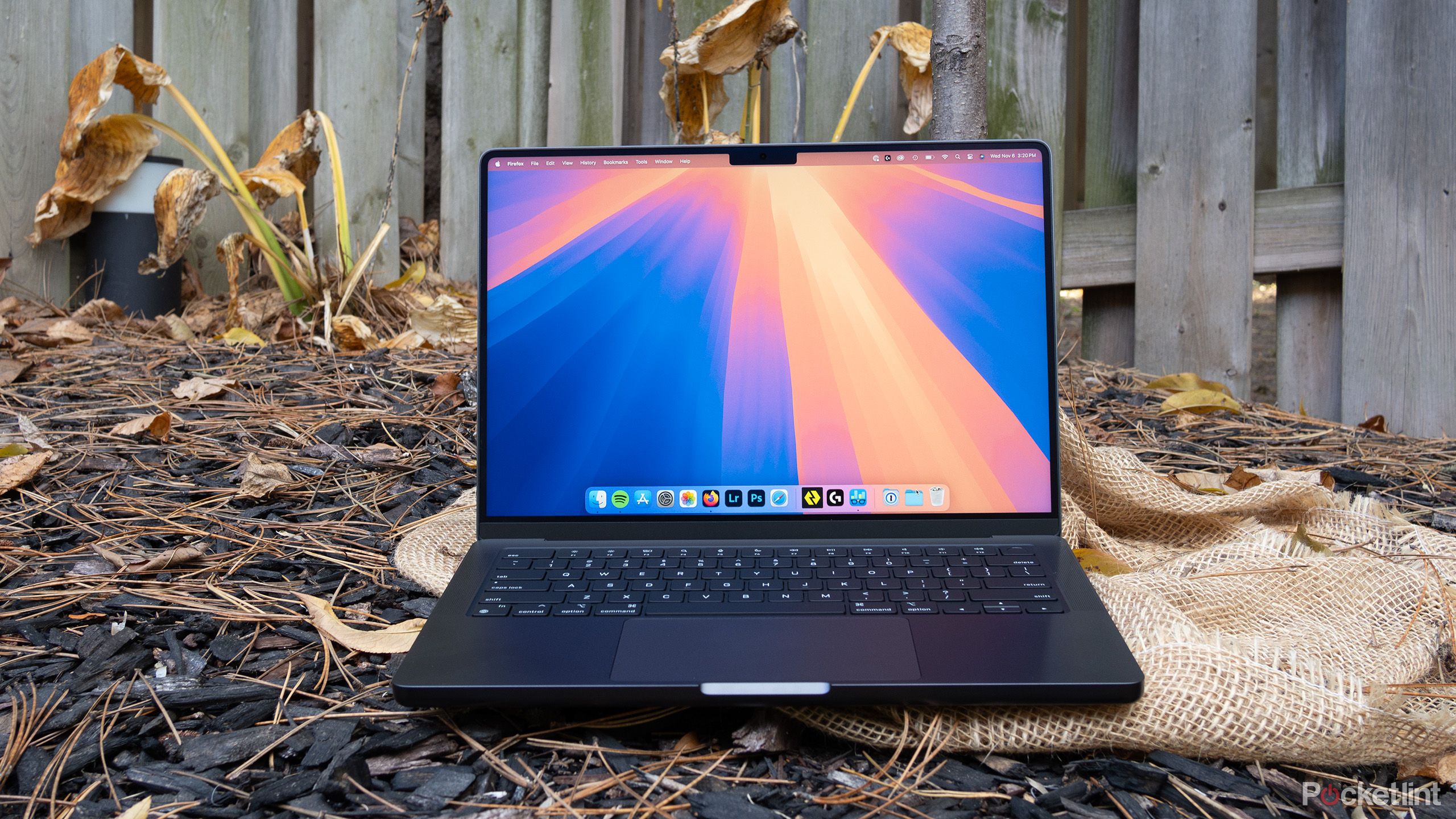
Choosing between a MacBook Pro and a MacBook Air used to mean picking between a powerhouse and a toy. Today, Apple's custom M-series processors close that gap. Both laptops handle everyday writing, browsing, and heavy multi-tasking without breaking a sweat. Yet, they serve entirely different masters. If you buy the wrong one, you'll either waste hundreds of dollars on power you never touch or find yourself stalled by thermal throttling during a heavy video render.
The short answer comes down to mobility versus sustained performance. The MacBook Air prioritizes a thin, fanless chassis that slips into any bag and runs all day in absolute silence. The MacBook Pro trades away some of that featherlight portability for active cooling fans, more ports, a vastly superior display, and sustained high-end processing power. Let's break down how these differences impact your day-to-day workflow.
Design and Portability Face-Off
Physical dimensions separate these two lineups immediately. The MacBook Air remains the standard for mobile workers, students, and frequent flyers. Available in 13-inch and 15-inch variants, it measures less than half an inch thick and weighs as little as 2.7 pounds. Because it relies on a fanless, passive cooling design, it never makes a sound, even when pushed.
The MacBook Pro comes in 14-inch and 16-inch sizes. It's noticeably blockier, heavier, and thicker to accommodate internal cooling fans and larger batteries. While it's still portable enough to take to a coffee shop, you'll feel the extra weight in your backpack over a long commute. If you value an ultra-light bag above all else, the Air wins this round effortlessly.
Performance and Thermal Limits
Both laptops share architectural roots, meaning single-core speeds for opening apps and loading websites feel identical. The divergence appears during sustained workloads.
- The Air's Fanless Reality: Under light to moderate tasks like coding, writing, and photo retouching, the MacBook Air flies. However, export a 4K video or compile massive codebases for twenty minutes straight, and internal heat builds up. Without fans to push hot air out, the processor throttles its speed to keep temperatures safe.
- The Pro's Active Cooling: The MacBook Pro features internal fans that spin up quietly under heavy loads. This active cooling system lets the silicon maintain peak clock speeds indefinitely.
If your daily routine involves brief bursts of work, you won't notice a difference. If you regularly push hardware for hours, the Pro prevents frustrating slowdowns. You can read more about Apple's hardware specifications directly on the Apple MacBook Pro Official Page.
Display Quality and Visual Real Estate
Screen technology is one of the most visible upgrades when stepping up to a Pro model.
The MacBook Air uses a bright, color-accurate Liquid Retina display. It handles everyday media consumption and office work with clean text reproduction and vivid colors.
The MacBook Pro steps up to a Liquid Retina XDR display. It incorporates mini-LED backlighting, offering incredible peak brightness for HDR content and true blacks. Crucially, the Pro models feature ProMotion technology, supporting adaptive refresh rates up to 120Hz. Scrolling documents and moving windows feels remarkably fluid compared to the standard 60Hz panel on the Air. For photographers and video editors working with color-critical projects, the Pro display is a major asset.
Connectivity and Peripheral Support
If you hate dongles, port selection will heavily sway your decision.
MacBook Air Ports:
- MagSafe 3 Charging
- 2x Thunderbolt / USB 4
- 3.5mm Headphone Jack

MacBook Pro Ports:
- MagSafe 3 Charging
- 3x Thunderbolt / USB 4 (or Thunderbolt 5 on high-end models)
- HDMI Port
- SDXC Card Slot
- 3.5mm Headphone Jack
The MacBook Air keeps things minimal with two Thunderbolt ports. If you plug in a charging cable and an external monitor, you're out of ports. The MacBook Pro adds an HDMI port for direct TV or monitor hookups and an SDXC card slot that photographers will love. Pro models also support more external displays natively out of the box.
Battery Life and Power Efficiency
Apple Silicon changed expectations for mobile computing endurance. Both machines easily survive a full standard workday on a single charge, but their profiles differ slightly:
- MacBook Air: Offers phenomenal efficiency during web browsing, word processing, and media streaming, often yielding 15 to 17 hours of real-world use.
- MacBook Pro: Packed with much larger physical batteries, the Pro models—especially the 16-inch configuration—can stretch past 20 hours under mixed workloads, though heavy tasks drain it faster.
For most users, both options provide more than enough stamina to leave the power brick at home. For deeper insights into battery metrics across laptops, check out testing methodologies at CNET Computing.
Common Mistakes When Choosing
Buyers frequently fall into a few traps when shopping between these two lines:
- Buying Pro specs "just in case": Spending extra money on a MacBook Pro because you think you might learn video editing someday usually results in paying for weight and fans you never utilize.
- Ignoring RAM limitations: Choosing a base model with insufficient unified memory for heavy application environments can choke performance long-term, regardless of whether you pick Air or Pro.
- Overlooking screen size ergonomics: Assuming a 13-inch laptop is always better for travel without considering whether you can comfortably work on a smaller canvas all day.
Frequently Asked Questions
Can the MacBook Air handle external monitors?
Yes, current MacBook Air models support external displays, though base models typically limit you to one external screen while the lid is open (or two with the lid closed, depending on the specific generation). Pro models support multiple external displays natively.
Do I need a cooling fan for writing and coding?
Standard coding, web development, writing, and spreadsheet management run smoothly on a fanless MacBook Air. Fans are only necessary if you run continuous compiling tasks, 3D rendering, or heavy audio/video production loops.
Is the base storage enough on modern MacBooks?
Apple's baseline configurations have shifted to higher storage floors, but you should evaluate your local file storage needs. If you store massive local video libraries or local virtual machines, upgrading your storage configuration at purchase is wise since internal drives cannot be upgraded later.
Which model holds its resale value better?
Both MacBooks retain their value significantly better than Windows equivalents. However, entry-level MacBook Air models generally experience faster turnover and high demand on the secondary market due to their lower price point.



