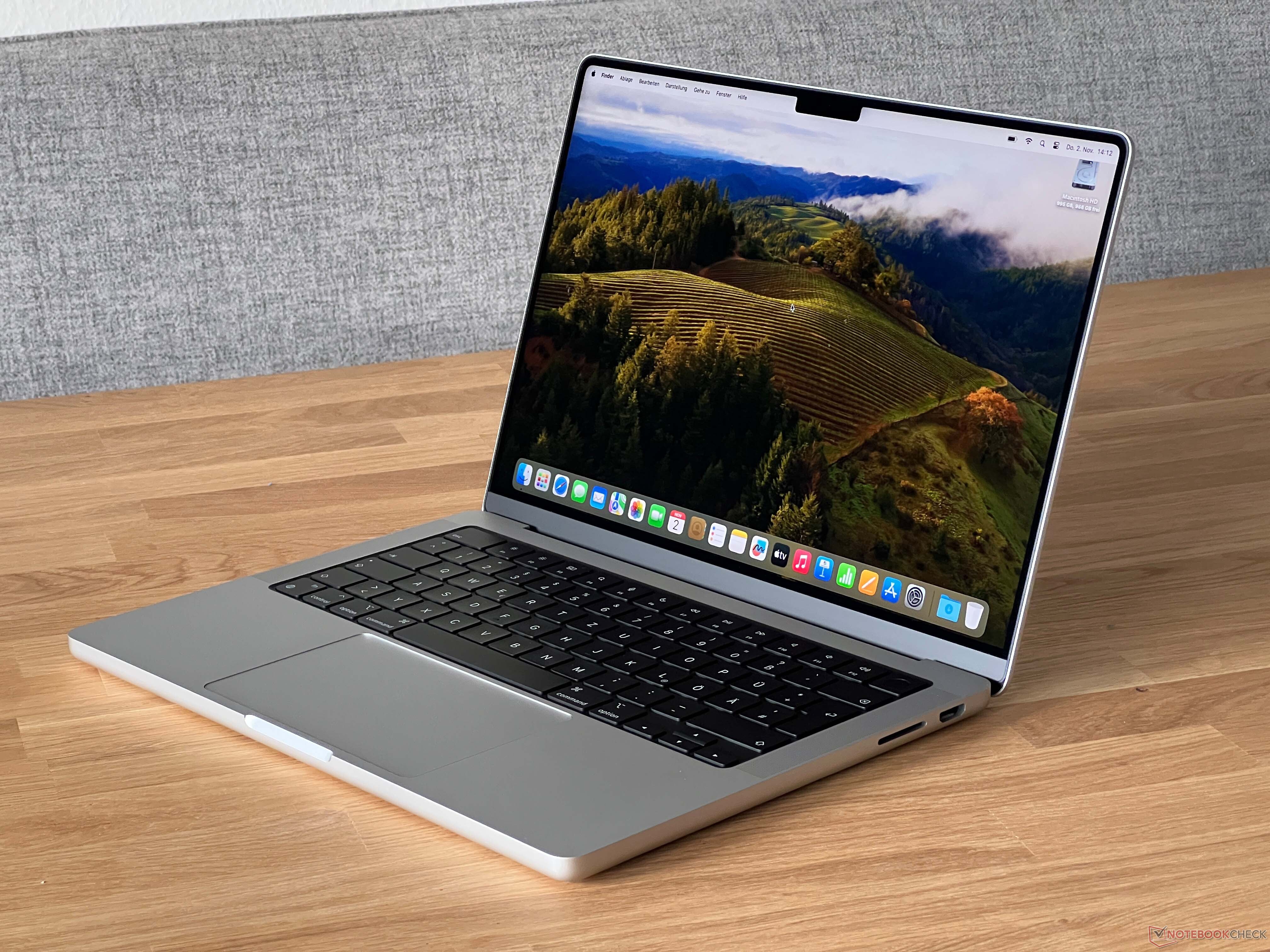
When Apple introduced the M1 chip, the tech world talked about battery life and browser speeds. Producers and audio engineers cared about something else entirely: track counts, plugin headroom, and zero-latency monitoring. If you're building or upgrading a rig today, the MacBook Pro M1 remains a remarkable center console for the modern music studio. It handles heavy digital audio workstations (DAWs) and hungry virtual instruments without breaking a sweat, all while running completely silent.
You don't need a top-tier Max or Ultra chip to run a professional sessions setup. Even the base M1 and M1 Pro models punch well above their weight class, changing how mobile and project studios operate. Let's look at how this machine handles real-world audio production workloads, where it shines, and how to configure your setup for maximum reliability.
Understanding M1 Architecture in Audio Workflows
The M1 system-on-a-chip integrates the CPU, GPU, and unified memory onto a single die. This layout changes how audio software communicates with hardware. Traditional computers pass data back and forth between separate RAM sticks and processors, creating bottlenecks during heavy plugin loads. Unified memory lets the CPU and GPU access the same data pool instantly.
When you load a dozen instances of a demanding synthesizer or convolution reverb, that shared memory bandwidth prevents audio dropouts and stutter.
- Unified Memory: Opt for 16GB if you work with heavy orchestral sample libraries or virtual instruments like Omnisphere. 8GB handles basic tracking and podcasting, but it fills up quickly with modern plugin chains.
- Thermal Efficiency: Because the M1 runs cool, your laptop won't spin up noisy fans during a quiet vocal tracking session in the same room as the microphone.
- Storage Speeds: Internal solid-state drives read and write at blistering speeds, loading massive sample libraries in seconds rather than minutes.
DAW Compatibility and Native Plugin Performance
Transitioning to Apple Silicon used to require caution, but the ecosystem has matured. Major digital audio workstations run natively, including Apple Logic Pro, Ableton Live, Pro Tools, and Reaper. Native execution means you get maximum performance and efficiency from every core.
Older plugins that lack native Apple Silicon versions run through Rosetta 2 translation. While translation adds a tiny overhead tax, the raw power of the M1 silicon usually absorbs it without issue. Still, checking your essential plugin suite before migrating saves you from mid-project compatibility headaches.
- Check Developer Updates: Visit plugin manufacturer sites to confirm Apple Silicon native support.
- Manage Hybrid Sessions: If a specific legacy plugin causes spikes, freeze or bounce those tracks to audio to free up processing power.
- Audio Driver Stability: CoreAudio handles class-compliant audio interfaces natively with exceptional stability. Most modern USB and Thunderbolt interfaces require no custom drivers at all.
Configuring Your Studio Peripheral Chain
A studio computer is only as good as its connections. The MacBook Pro M1 features Thunderbolt / USB 4 ports that offer immense bandwidth for external gear, though port count varies by model.
If you use a base 13-inch MacBook Pro M1, you only get two Thunderbolt ports. That means you'll likely need a reliable powered USB-C hub or docking station to connect your audio interface, MIDI controllers, iLok keys, and external backup drives.
- Interface Connection: Plug your primary audio interface directly into a native port rather than through a cheap hub to maintain the lowest possible buffer size.
- External Storage: Store your sample libraries on a fast external NVMe SSD housed in a Thunderbolt or USB-C enclosure. Keep your operating system and active projects on the internal drive.
- Power Management: Keep the laptop plugged in during long tracking and mixing sessions to ensure the processor maintains peak performance states without power-saving throttling.
Common Mistakes to Avoid
Even with powerful hardware, small configuration errors can ruin a recording session or introduce frustrating artifacts into your mix.
- Running Mixed Architecture Plugins: Avoid running a DAW in Rosetta mode while trying to load native plugins, or vice versa, when your host software allows a choice. Keep your workflow uniformly native where possible.
- Ignoring Buffer Settings: Setting your buffer size to 64 samples while tracking heavy virtual instruments is fine, but bump it to 512 or 1024 samples when mixing to give the CPU breathing room for heavy bus processing.
- Skimping on Backup Drives: Relying solely on the internal drive for large project files and completed stems is risky. Set up automated backups using Time Machine or cloud storage.
Frequently Asked Questions
Can a base M1 MacBook Pro handle large multi-track sessions?
Yes. A base M1 with 16GB of RAM can easily handle 50+ audio tracks with standard EQ and compression plugins. If you rely heavily on resource-heavy software instruments and orchestral libraries, look toward the M1 Pro or M1 Max variants for extra memory bandwidth and core counts.
Do I need a cooling pad for long mixing sessions?
No. The M1 chip is designed for extreme power efficiency. Standard base M1 models are fanless and rely on passive cooling, while M1 Pro and Max models have fans that rarely kick on during audio work unless you are simultaneously rendering video or running heavy 3D rendering tasks.
Are legacy USB audio interfaces compatible with M1 Macs?
Most class-compliant audio interfaces work out of the box. However, if your interface relies on proprietary control panel software or older kernel extensions, check the manufacturer's website for updated Apple Silicon drivers before upgrading your operating system.
How much RAM do I actually need for music production?
8GB is adequate for basic multitrack recording, podcast editing, and light electronic music production. For professional workflows involving large sample libraries, film scoring templates, or dozens of active virtual instruments, 16GB or 32GB is the recommended sweet spot.



