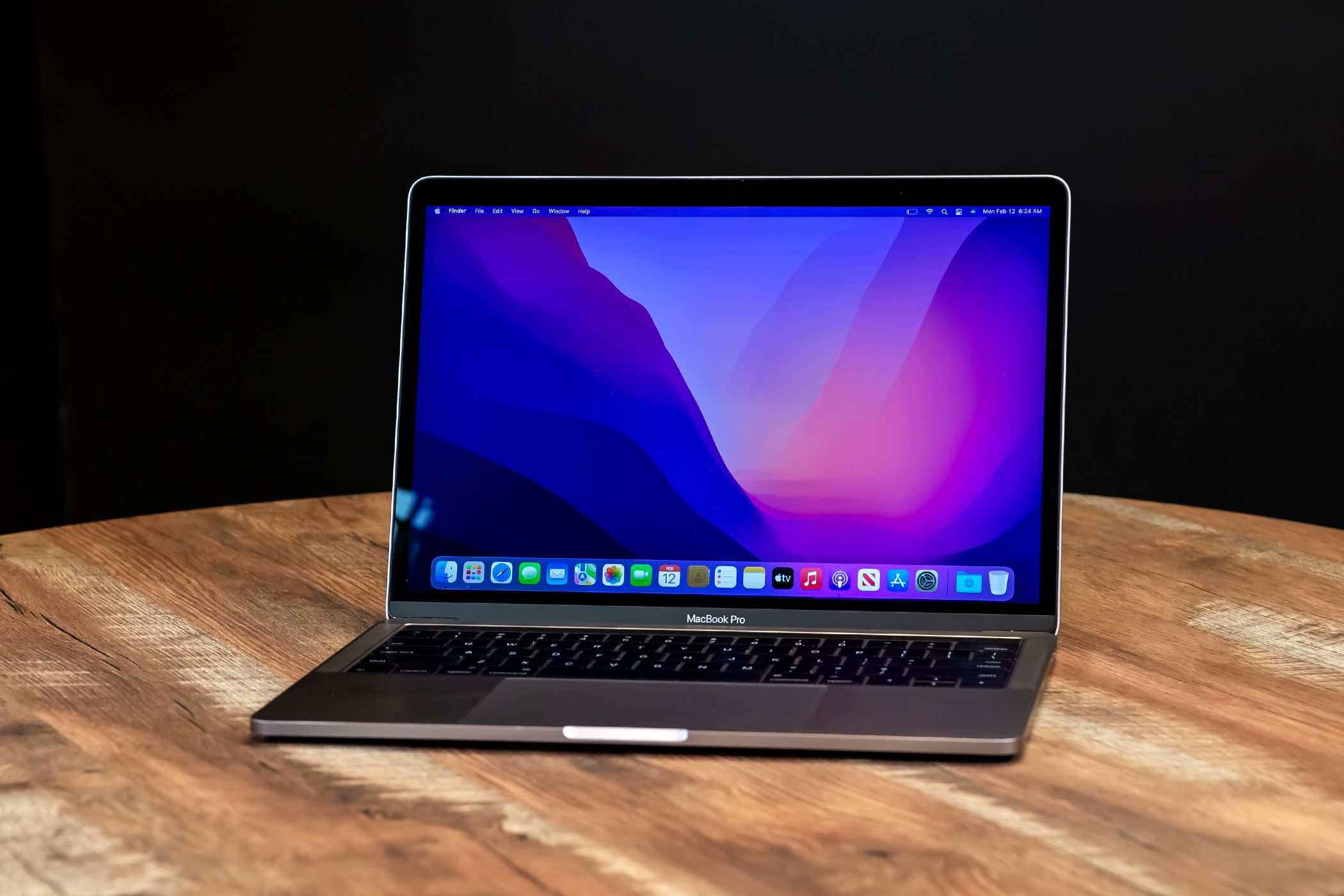
Deciding on the right machine configuration for demanding work isn't easy, especially when Apple charges steep upgrade fees. If you're eyeing a MacBook Pro with 16GB RAM and 1TB SSD, you're looking at a sweet spot configuration that often splits opinions among developers, creators, and power users.
This specific pairing sits right at the threshold of professional utility. It costs significantly more than base models, yet it stops short of maxed-out workstation pricing. Let's break down whether this configuration delivers actual value for your daily workflows or if you're better off saving your cash or stepping up.
Understanding the Hardware Bottlenecks
Before spending your hard-earned money, you need to know how 16GB of unified memory and 1TB of solid-state storage actually behave under pressure in macOS. Unlike older computers, modern Apple Silicon laptops integrate memory directly onto the processor package, allowing the CPU and GPU to share a single high-speed pool.
Unified Memory Realities
16GB of unified memory handles most professional tasks well, but it has limits. If you're editing 4K video timelines in Final Cut Pro, running Docker containers, or compiling large codebases, 16GB will keep your system responsive.
However, heavy multitasking with dozens of browser tabs, virtual machines, and uncompressed photo libraries at the same time will trigger memory swapping. While fast internal storage makes swapping less painful than it used to be, heavy users who plan to keep their laptop for five or more years should seriously consider whether 32GB fits their future workload better.
The 1TB Storage Calculus
Apple's base storage tiers fill up fast. Between system data, applications, cache files, and developer environments, a 512GB drive disappears before you know it.
Stepping up to a 1TB SSD gives you breathing room. You can store active video projects, local container images, and offline media libraries without constantly juggling external drives. Furthermore, Apple's base SSD speeds on certain entry tiers have occasionally faced scrutiny, making the 1TB option a safer bet for sustained read and write speeds.
Workflow Breakdown: Who Wins and Who Loses?
Not all power users run the same software. Your specific daily applications dictate whether this configuration is a smart investment or an expensive mistake.
Software Development and Engineering
For web developers and software engineers, this machine handles local databases, local server instances, and IDEs like VS Code or Xcode smoothly. Compiling medium-sized projects won't cause thermal throttling or stuttering.
The catch: If you routinely spin up multiple heavy Kubernetes clusters or heavy backend microservices locally, you'll hit a memory ceiling quickly. For heavy container orchestration, bump up the RAM.
Video and Photo Editing
Photographers working in Lightroom and Photoshop will find this setup comfortable. You can stack dozens of high-resolution RAW layers without lagging brushes.
Videographers can edit 4K footage efficiently, though heavy color grading with heavy third-party plugins will push the system. The 1TB drive is essential here to hold current raw footage before archiving it to network-attached storage or external drives.
Cost Versus Longevity Analysis
Apple's pricing structure for upgrades means you pay a hefty markup for extra memory and storage. Because you cannot upgrade these components after purchase, you're buying insurance for future software bloat.
If you buy a lower-spec machine to save money today, you might find yourself forced to replace it two years sooner because it feels sluggish. Purchasing a well-balanced machine like this extends your upgrade cycle. If you keep the laptop for four to five years, the per-year cost differential drops significantly, making the upfront investment much easier to justify.
Common Mistakes When Buying a Pro Laptop
Many buyers make predictable errors when configuring their machines. Avoid these pitfalls to get the most value out of your purchase.
- Overbuying storage you don't need locally: If your files live primarily in cloud storage or network drives, don't pay Apple's high prices for massive internal space. Invest that money in RAM instead.
- Underestimating future software demands: Operating systems and apps demand more resources every year. Buying absolute base specs to save a quick buck often backwrites your long-term productivity.
- Ignoring external port speeds: Remember that you can supplement storage with fast external drives, but you can never add more RAM. Prioritize memory if you are torn between the two upgrades.
Frequently Asked Questions
Can I upgrade the RAM or SSD later?
No. Apple Silicon MacBooks feature fully integrated components soldered directly onto the logic board. What you buy on day one is what you are stuck with for the life of the machine.
Is 16GB RAM enough for professional work in 2026?
Yes, for standard creative work, coding, and general professional multitasking. However, if your daily workflow involves heavy 3D rendering, machine learning model training, or massive audio production sessions with hundreds of virtual instruments, look at higher memory tiers.
Is the 1TB SSD faster than the smaller storage options?
In many Apple configurations, base storage models use fewer NAND chips, which can lower raw transfer speeds compared to higher tiers like the 1TB model. Choosing the 1TB tier often ensures optimal peak read and write performance.
Should I buy AppleCare+ with this configuration?
Given that modern MacBooks cannot be repaired modularly—meaning a single spilled drop can destroy the entire logic board—investing in protection coverage or insurance is wise for an expensive portable workstation.



