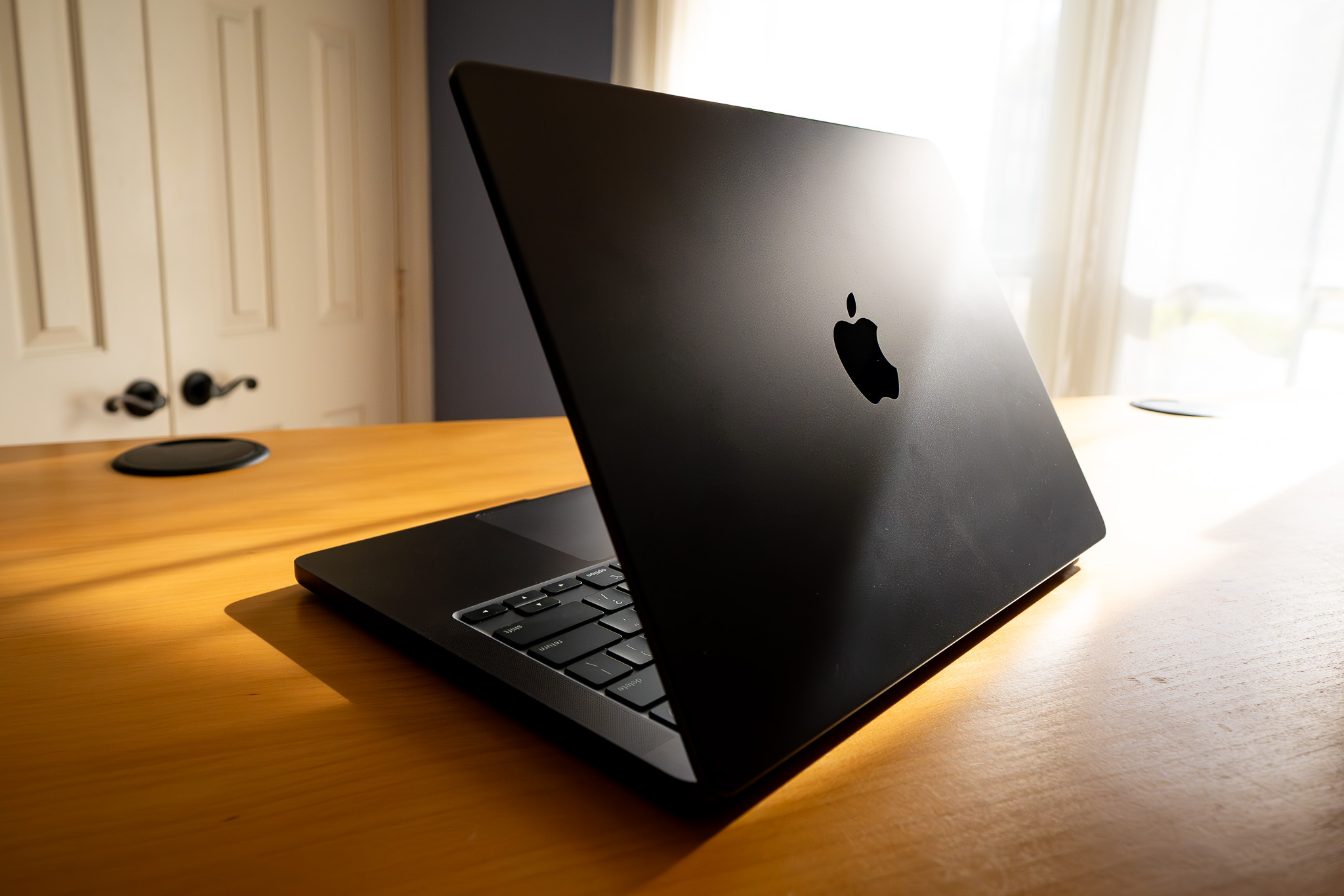
The MacBook Air model A1466 stands as one of the most resilient consumer laptops Apple ever assembled. Spanning a production run from 2012 to 2017, this 13-inch machine defined an era of portable computing before the transition to USB-C ports and butterfly keyboards. If you're looking at one today—whether as a budget-friendly secondhand find or pulling an old machine out of storage—it helps to understand what this classic hardware can still handle.
Underneath its tapered aluminum unibody shell, the A1466 houses Intel Core processors, solid-state storage, and physical ports that modern MacBooks abandoned long ago. While it won't compete with Apple Silicon chips in raw processing power, it remains a reliable tool for writing, web browsing, and basic administrative tasks.
Core Hardware Specifications and Performance
The A1466 chassis covers multiple internal hardware revisions, most notably the 2015 through 2017 iterations. The final 2017 model runs on a 1.8GHz dual-core Intel Core i5 processor (Turbo Boost up to 2.9GHz) paired with 8GB of 1600MHz LPDDR3 RAM.
Graphics are driven by the integrated Intel HD Graphics 6000, which draws from shared system memory. This configuration handles standard daily workflows smoothly, but it struggles with modern graphic-heavy tasks like 4K video editing or contemporary 3D gaming.
Storage relies on proprietary PCIe-based solid-state drives. While these speeds were impressive during its initial release, they max out well below the read and write rates found in modern NVMe drives. Upgrading the internal storage requires compatible proprietary modules rather than standard M.2 drives, though third-party adapter options exist for technical hobbyists.
Legacy Ports and Physical Connectivity
One of the primary reasons users hold onto or seek out the A1466 generation is its comprehensive array of native ports. Unlike newer minimalist laptops that require external dongles for basic peripherals, the A1466 includes:
- Two USB 3.0 ports for mice, flash drives, and legacy accessories.
- A Thunderbolt 2 port capable of driving external displays.
- An SDXC card slot, making it easy for photographers to pull media directly without an external reader.
- A MagSafe 2 power connector, which magnetically detaches if someone trips on the cord, saving the laptop from flying off a desk.
This physical independence makes the machine popular for field work where carrying adapters is impractical. The classic full-size scissor-switch keyboard also offers deep, tactile travel, avoiding the reliability issues that plagued later Apple keyboard generations.
Software Support and Operating System Limits
Official macOS support for the A1466 stopped at macOS 11 (Big Sur). Running an unsupported operating system introduces security vulnerabilities if you connect to public networks frequently.
Many users bypass this limitation using community patcher tools like OpenCore Legacy Patcher to install newer operating systems such as macOS Monterey or Ventura. While these patches breathe new life into the interface, older dual-core processors will run warmer and experience noticeable battery drain under newer software loads. For safety and stability, running the native final supported OS or a lightweight Linux distribution remains the most practical choice for daily productivity.
Battery Health and Replacement Realities
Battery longevity is a critical factor when evaluating any secondhand laptop. The A1466 shipped with a 54-watt-hour lithium-polymer battery designed to yield up to 12 hours of wireless web browsing when new.
Years of charge cycles mean most original batteries are degraded. Checking the cycle count through the macOS System Information tool gives you a direct read on battery health. Replacing the battery is straightforward because the bottom case secures with standard pentalobe screws, and replacement cells are widely available through parts suppliers like iFixit.
Common Hardware Failure Points
Even durable machines develop wear patterns over time. Keep an eye out for these frequent issues if you're inspecting an A1466:
- Speaker degradation: The internal speakers often develop a crackling sound as the foam surrounds dry out and tear.
- Hinges and display cable: Repeated opening and closing can strain the display flex cable, occasionally causing stage light banding at the bottom of the screen.
- Fan noise under load: The single cooling fan gathers dust quickly, leading to loud spinning and thermal throttling during sustained tasks like video streaming or Zoom calls.
Frequently Asked Questions
Can the RAM be upgraded on a MacBook Air A1466?
No. The RAM is soldered directly onto the logic board during manufacturing. If you are buying a used unit, make sure to find one configured with 8GB of RAM rather than the base 4GB models.
Is the A1466 good for students in 2026?
It works well for basic word processing, writing papers, checking email, and reading academic PDFs. However, it struggles with modern browser memory demands if you keep dozens of tabs open simultaneously, and unsupported software status might violate institutional security policies.
How do I check the exact year model of an A1466?
Click the Apple logo in the top left corner of the screen, select About This Mac, and look at the processor and year designation listed next to the screen size. You can also match the EMC number printed on the bottom aluminum case against Apple's technical database.
Can I run Windows on this laptop?
Yes. Apple's built-in Boot Camp assistant allows you to install Windows 10 natively on these Intel-based machines, providing full driver support for the keyboard, trackpad, and Wi-Fi hardware.



