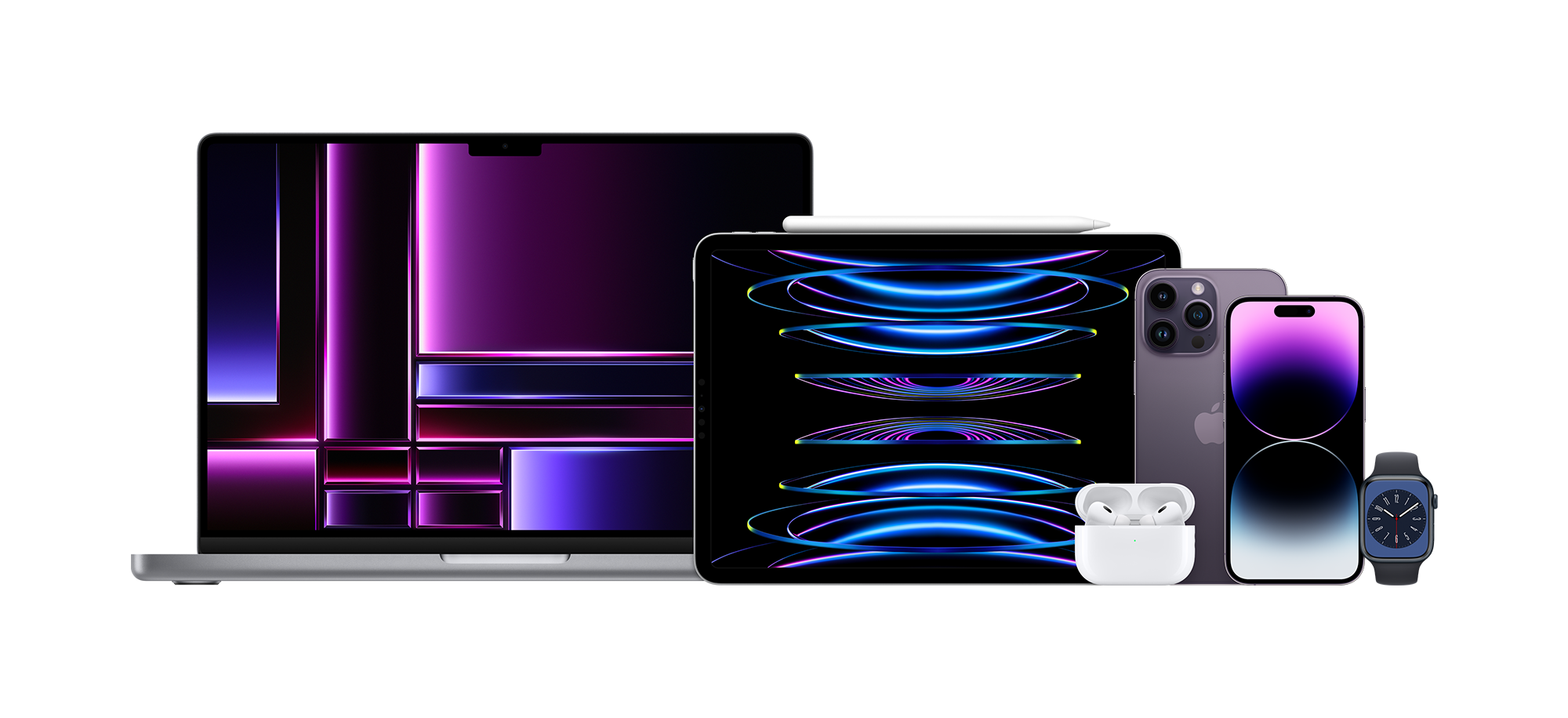
The MacBook Air M2 dropped the iconic wedge shape for a flatter, blockier chassis that mirrors its Pro siblings. Built around Apple's second-generation silicon, this machine aims squarely at students, writers, and mobile professionals who want silent operation and solid battery life without carrying extra weight. It starts at $1,199, packing a 13.6-inch Liquid Retina display, a fanless design, and the magnetic MagSafe charging port back where it belongs.
Performance-wise, the M2 processor features an 8-core CPU and up to a 10-core GPU, handling daily web browsing, 4K video playback, and moderate photo editing without breaking a sweat. Because it lacks a cooling fan, sustained heavy multi-core loads will trigger thermal throttling, meaning export times for massive video files take longer than they would on an active-cooled MacBook Pro. If you're looking for official technical documentation on specifications, you can check the Apple Support MacBook Air Tech Specs.
Design Evolution and Display Changes
Apple ditched the classic tapered wedge that defined the Air line for over a decade. The new chassis measures just 0.44 inches thick and weighs 2.7 pounds. It feels dense and rigid, avoiding any flex on the keyboard deck.
The screen grew from 13.3 inches to 13.6 inches by pushing the corners outward and introducing a display notch to house the upgraded 1080p webcam. That notch draws mixed reactions; it carves into the menu bar, though macOS handles it gracefully for most apps. The panel pushes 500 nits of brightness, which is bright enough for working near sunlit windows or outdoor cafes.
Keyboard and Trackpad Quality
Typing on the Magic Keyboard feels snappy with adequate key travel. Apple kept the full-height function row, which makes quick work of media controls and screen brightness adjustments. Below the keys sits a massive Force Touch trackpad. Palm rejection works well, and the haptic feedback simulates physical clicks reliably across the entire glass surface.
Real-World Performance and Thermal Limits
The base configuration pairs the M2 chip with 8GB of unified memory and a 256GB SSD.
- Web and Office Tasks: Opening dozens of Chrome tabs, running Slack, Zoom, and heavy Excel sheets simultaneously causes zero stutter. Memory bandwidth hits 100GB/s, keeping app switching instant.
- Creative Apps: Logic Pro and Lightroom run smoothly. Photoshop handles layers efficiently, though batch exports push the passive cooling to its limit.
- Gaming: Casual titles from Apple Arcade run fluidly, and demanding titles like Civilization VI playable, but high-end 3D gaming isn't this laptop's core strength.
If you plan to run demanding workloads regularly, consider upgrading to 16GB of RAM. The base 256GB model also uses a single NAND storage chip configuration that results in slower read/write speeds compared to the 512GB version, an important detail if you regularly transfer large files. For broader hardware benchmark comparisons, take a look at the Notebookcheck Apple M2 Benchmarks.
Battery Life and Connectivity
Apple promises up to 18 hours of video playback, though real-world mixed usage with screen brightness locked at 50% yields closer to 12 to 14 hours of continuous web work. That’s enough to survive a full workday and a flight home without hunting for an outlet.
Port selection remains minimal:
- Two Thunderbolt 4 / USB 4 ports on the left side.
- A 3.5mm headphone jack with high-impedance support.
- A dedicated MagSafe 3 charging port.
The return of MagSafe is a massive win. It snaps on magnetically, freeing up both Thunderbolt ports for hubs, external displays, or storage drives. For a comprehensive overview of how tech publications evaluate modern laptops, visit PCMag Laptop Reviews.
Common Mistakes to Avoid
Buyers frequently make a few avoidable errors when purchasing this machine:
- Sticking to 8GB of RAM: Unified memory cannot be upgraded after purchase. If you keep many apps open or want future-proofing, spend the extra money on 16GB.
- Ignoring the SSD speed quirk: Buying the 256GB base model means slower SSD read/write metrics than the 512GB tier due to single-chip layout differences.
- Expecting pro-level sustained rendering: Buying a fanless laptop for continuous 4K video rendering leads to thermal throttling and slower export times.
Frequently Asked Questions
Does the MacBook Air M2 have a fan?
No. The laptop uses a fanless, passive cooling design. It remains completely silent even under full CPU loads.
Can I connect multiple external displays?
The M2 MacBook Air officially supports one external display up to 6K resolution at 60Hz natively. Connecting multiple external monitors requires third-party DisplayLink adapters.
Is the base 8GB RAM enough for students?
For writing papers, streaming video, and basic research, 8GB works fine. Anyone dabbling in video editing, coding environments, or heavy multitasking should upgrade to 16GB.
What comes in the box?
The laptop includes a braided USB-C to MagSafe 3 cable and a power brick. Depending on the model tier, you get either a compact 30W adapter or a 35W dual-port compact power adapter.



