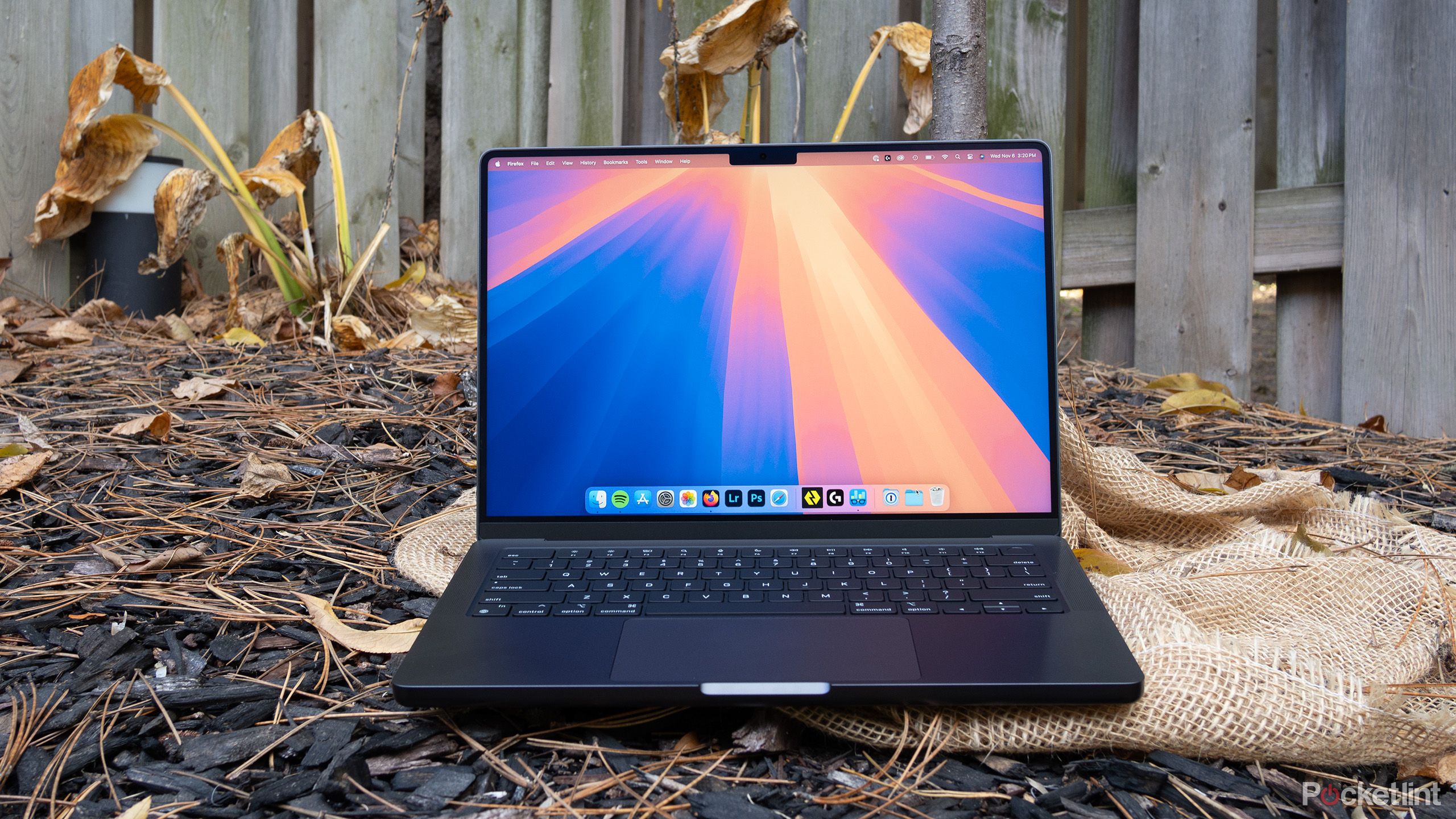
Buying a used or refurbished M1 MacBook Pro 2020 makes financial sense if you need reliable performance on a budget. Apple's shift away from Intel processors changed laptop computing, and this specific machine proved that the first-generation custom silicon was no fluke. Even years after its release, it handles everyday workflows, coding tasks, and light media editing without breaking a sweat or turning on its fan.
Yet, hardware ages, specifications shift, and newer software demands more resources. Before spending your money on a four-year-old machine, you need to know how it stacks up against current Apple Silicon iterations, where it falls short, and whether the pricing makes sense compared to entry-level M2 or M3 alternatives. Let's break down the actual performance, hardware longevity, and value proposition of the 13-inch M1 MacBook Pro today.
Performance Reality Check: M1 vs. Modern Workloads
The M1 chip inside this MacBook Pro features an 8-core CPU and an 8-core GPU. When Apple launched it, reviewers were stunned by its thermal efficiency and speed. Today, that performance remains impressive for standard tasks, but it is no longer state-of-the-art.
If you open dozens of browser tabs, stream video in 4K, run Slack, and edit documents simultaneously, you won't notice any lag. The unified memory architecture ensures data moves quickly between the processor and RAM. However, heavy multitasking on the base 8GB RAM model will eventually trigger swapping to the SSD, which slows things down during intense workloads.
Code Compilation and Development
Developers often look at older MacBooks as affordable Unix workstations. The M1 chip handles web development, Docker containers (with ARM-native images), and IDEs like VS Code exceptionally well. Compiling medium-sized projects is faster than on older Intel i7 MacBook Pros, and the battery won't drain while you work away from a power outlet.
However, if you work with massive databases, heavy virtualization, or native Windows architecture through emulation, the 16GB RAM ceiling becomes a bottleneck. You cannot upgrade the RAM later, so finding a configuration with 16GB is critical for serious development work.
Creative Work: Photo and Video Editing
Photography workflows in Lightroom Classic and Photoshop run smoothly on the M1 MacBook Pro. Exporting batches of RAW files takes seconds thanks to the dedicated neural engine and media engines.
Video editing is a mixed experience. Editing 4K H.264 or HEVC footage in Final Cut Pro or Premiere Pro is remarkably fluid because the chip has hardware-accelerated decoding. You can scrub through timelines without proxy files. The limitation appears when you stack heavy color grading, multiple complex effects, or work with 8K footage. Furthermore, the active cooling fan in the Pro model allows it to sustain peak performance longer than the fanless M1 MacBook Air, but it still lacks the raw GPU muscle of the Pro and Max chips found in later generations.
Hardware Longevity: What Ages Well and What Doesn't
A laptop is more than its processor. The physical build, screen, keyboard, and battery dictate how long the machine remains pleasant to use.
Display and Keyboard
The Retina display holds up well against modern budget laptops. It pushes a resolution of 2560 by 1600 pixels, offers wide color support (P3), and peaks at 500 nits of brightness. It doesn't have the deep blacks or high refresh rates of the newer Liquid Retina XDR displays on 14-inch models, but it is plenty sharp and bright for indoor and outdoor work.
Apple fixed its keyboard reliability issues by the time this model launched, using the comfortable Magic Keyboard mechanism. Typing feels tactile and responsive, and the keys don't suffer from the sticky failure rates of older butterfly keyboards.
The Touch Bar Debate
The 13-inch M1 MacBook Pro is one of the last machines to feature the Touch Bar. Consumer opinions on this OLED strip remain split. Some users love the contextual shortcuts it provides in apps like Photoshop or Safari. Others find it gimmicky and miss physical function keys. If you rely heavily on the escape key or function rows for software shortcuts, spend time testing a Touch Bar layout before buying.
Battery Health and Portability
One of the greatest hazards of buying an older laptop is degraded battery life. Apple laptops generally feature durable batteries that retain strong capacity over hundreds of cycles, but a used machine might have a worn battery. Check the maximum capacity in macOS system settings before purchasing. A healthy battery should comfortably deliver 8 to 10 hours of mixed web browsing and writing.
The chassis is compact, lightweight at 3.0 pounds, and slips easily into a backpack. The build quality uses recycled aluminum, meaning the frame resists flexing and dings better than plastic PC alternatives.
Software Support and macOS Lifespan
Apple controls both hardware and software, which gives older Macs a long tail of updates. The M1 chip continues to receive the latest macOS releases, including macOS Sequoia.
Yet, you must consider the software horizon. Apple typically supports Macs for roughly seven years from their release date. That puts the 2020 M1 generation on track for active OS updates for a few more years, followed by an additional couple of years of security patches.
Certain advanced features in newer versions of macOS—particularly machine learning tools and Apple Intelligence features—require an M1 chip with at least 8GB of RAM, but many advanced AI functions are restricted to M1 Macs with higher specs or newer silicon entirely. If cutting-edge local AI processing matters to you, an M1 machine will leave you behind. Check the official Apple macOS compatibility guidelines for up-to-date system requirements.
Pricing and Market Value: New vs. Used
You cannot buy a brand-new M1 MacBook Pro from Apple anymore, as they discontinued the line in favor of 14-inch models with M3 chips. That means your options are restricted to the refurbished market, private sales, or clearance stock from third-party retailers like Best Buy.
- Base Model (8GB RAM / 256GB SSD): Frequently found on the used market for $500 to $650. At this price point, it undercuts brand-new Windows laptops while offering superior build quality and trackpads.
- Upgraded Model (16GB RAM / 512GB SSD): Harder to find, often priced around $750 to $900.
Compare these prices against a base M2 or M3 MacBook Air. A newer Air lacks a fan, features a slightly larger screen with thinner bezels, and offers faster single-core performance. If you find a base M1 Pro for $500, it's a steal. If a used 8GB M1 Pro costs $800, you are better off stretching your budget for a newer M-series machine with a warranty.
Common Mistakes When Buying a Used M1 MacBook Pro
Shooting for the lowest price tag on eBay or Marketplace can backfire. Watch out for these pitfalls:
- Buying 8GB RAM for heavy workloads: If you open heavy applications or plan to keep the laptop for five years, 8GB of unified memory creates a bottleneck. Look for 16GB if your budget permits.
- Ignoring activation lock: Ensure the previous owner completely wiped the Mac and removed it from their iCloud account. A locked Mac is an expensive paperweight.
- Overlooking battery cycles: Ask for a screenshot of the battery health percentage and cycle count before exchanging money. Replacing a MacBook battery out-of-warranty costs over $150.
- Confusing the Air and Pro: Some sellers mislabel the fanless M1 MacBook Air as a Pro because the designs look similar. Always verify the exact specifications in the "About This Mac" menu.
Frequently Asked Questions
Is the M1 MacBook Pro still good for students in 2026?
Yes. For writing papers, attending Zoom lectures, running research databases, and managing day-to-day coursework, it handles everything effortlessly. Its battery easily lasts through a full day of classes without hunting for an outlet.
Can the M1 MacBook Pro run Windows?
Not natively through Boot Camp, because Apple Silicon uses an ARM architecture rather than x86 Intel architecture. You can run Windows ARM via virtualization software like Parallels, but it requires setup and has limitations with certain legacy x86 Windows applications.
How does the M1 Pro compare to the base M2 chip?
The base M2 offers roughly 15 to 20 percent faster CPU performance and a slightly stronger GPU. However, the M1 MacBook Pro has an active cooling fan, allowing it to maintain high performance during sustained tasks longer than a fanless M2 MacBook Air.
Is 8GB of RAM enough on an M1 Mac?
For basic web browsing, email, streaming, and word processing, 8GB is functional because macOS manages memory efficiently. For video editing, software development, or heavy multitasking, 8GB fills up quickly and hurts long-term performance.
Will the M1 MacBook Pro stop getting software updates soon?
It continues to receive current macOS versions. While Apple drops older hardware from support cycles gradually, the M1 architecture shares its foundation with newer chips, ensuring it will remain supported for several more years.



