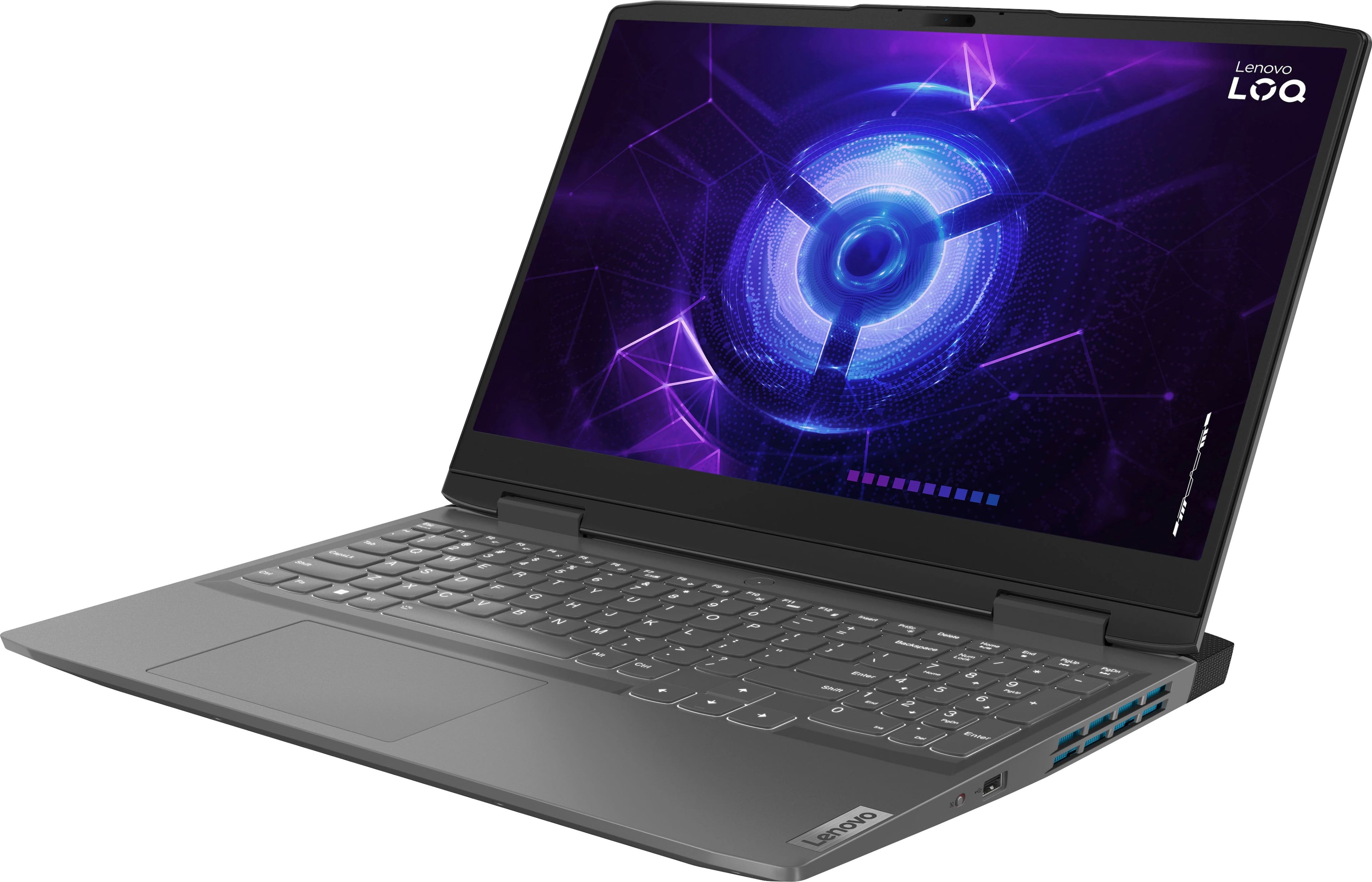
Lenovo's international warranty doesn't mean every repair center worldwide will fix your laptop for free. While Lenovo offers International Warranty Service (IWS), coverage depends heavily on your specific machine type, whether that exact model is sold in your destination country, and local repair capabilities. If you travel frequently or relocate, assuming universal coverage can leave you stranded with high out-of-pocket repair bills.
The reality of cross-border laptop repair involves a complex set of regional rules, exclusions, and documentation requirements. We'll break down how Lenovo handles global coverage, which models qualify, and what you must verify before packing your gear for an international move.
Understanding Lenovo International Warranty Service
Lenovo provides global protection through its International Warranty Service framework. You don't need to register your device online to activate IWS. Once you purchase an eligible machine, it's automatically covered in any country where Lenovo officially sells and services that exact product line.
However, "international" does not mean "everywhere for every model." Service availability is strictly tied to local inventories and distribution channels. If a regional service depot doesn't stock parts for your specific four-digit machine type, they aren't obligated to perform standard warranty repairs.
Which Lenovo Products Qualify for Global Coverage?
Hardware eligibility varies significantly by product family. Knowing your device class prevents unwelcome surprises at a foreign service counter.
- Think-branded hardware: ThinkPads, ThinkCentres, ThinkStations, and ThinkVision monitors generally enjoy the broadest IWS support. Because these are enterprise machines, Lenovo maintains standardized global parts inventories.
- Idea-branded consumer laptops: IdeaPads and budget consumer notebooks face stricter limitations. Many Idea models are region-specific, meaning they are sold only in select markets. If you take a regional consumer model to a country where it was never launched, local technicians may refuse service or offer repairs strictly on a "best effort" fee basis.
- Tablets and accessories: Select Android tablets and ThinkPads docks qualify, but coverage depends entirely on whether those accessories are distributed in your destination country.
Common Limitations and Hidden Exclusions
Even if your laptop model qualifies for IWS, several administrative and technical exclusions can halt a repair request.
Software and Operating Systems
To comply with regional licensing laws, IWS covers hardware defects only. Factory-installed Windows operating systems, pre-loaded utility suites, and driver corruption issues are excluded from international claims. If a foreign service center replaces your motherboard, restoring your software environment remains your responsibility.
Power Adaptors and Local Compliance
Moving across regions often means dealing with different electrical grids and plug standards. While Lenovo covers internal power supply components if they fail due to manufacturing defects, damage caused by unstable local voltage or incompatible third-party power adapters voids your protection. Furthermore, wireless cards and modems must comply with local telecommunications laws in your destination country.
Documentation Requirements
In your home country, a serial number check is usually enough to initiate a repair. Abroad, many regional service centers require extra proof before touching your machine. Countries across parts of Asia, Latin America, and the Middle East often demand an original purchase receipt, official import customs declarations, or proof of travel (such as a passport stamp or visa) to prove you didn't grey-market import the hardware.
How to Check Your Machine's Global Eligibility
Before boarding a flight or relocating abroad, verify your exact coverage status using Lenovo's official portal.
- Locate your device's four-digit machine type and serial number, usually found on the bottom cover.
- Visit the Lenovo Support Portal and enter your serial number into the product finder.
- Navigate to the Warranty & Repair tab and select International Warranty Services.
- Review the destination country list to confirm whether local service depots support your specific model.
If your destination country isn't listed for your machine type, your best alternative is checking if a neighboring country supports your model, or purchasing an upgraded regional service package.
Frequently Asked Questions
Do I need to register my laptop for international warranty coverage?
No registration is required. International Warranty Service applies automatically based on your hardware serial number and purchase date, provided the model is distributed in your destination region.
Will accidental damage protection transfer internationally?
Standard IWS covers hardware manufacturing defects only. Upgraded coverages like Accidental Damage Protection (ADP) or Sealed Battery replacements do not automatically transfer globally unless you purchase an additional International Service Entitlement (ISE).
What happens if my exact laptop model isn't sold in the country I'm visiting?
If the destination country lacks parts or model authorization, local technicians may handle your repair on a limited "best effort" basis, which can incur out-of-pocket labor fees or shipping costs to a neighboring country.
Can I get my laptop fixed abroad if I bought it second-hand?
Yes, as long as the machine is still within its original base warranty period and matches an eligible IWS machine type. However, regional service centers may ask for the original proof of purchase if ownership records appear disputed.



