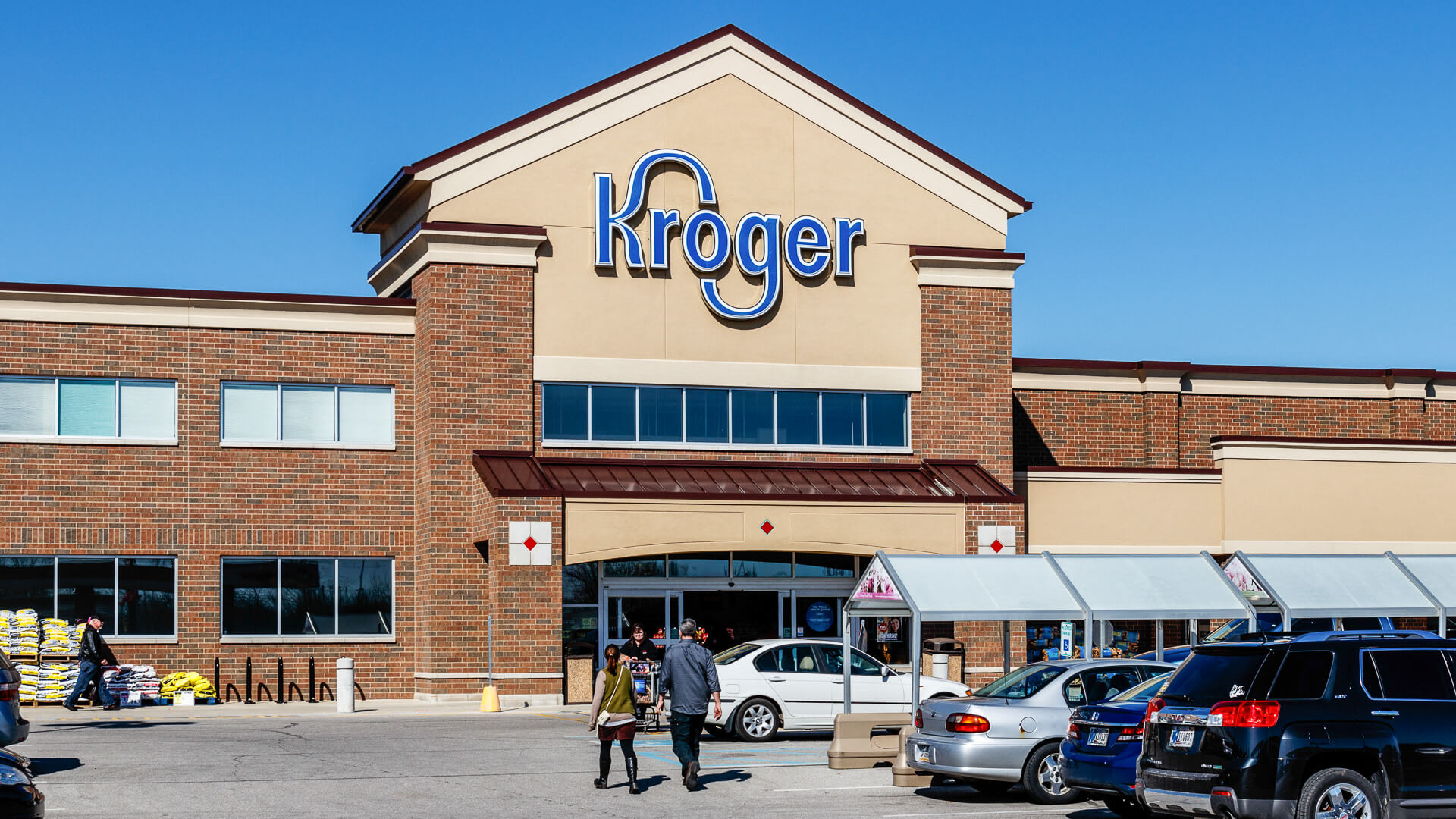
Getting a head start on next week's grocery savings changes your weekly budget from reactive to strategic. When you access a Kroger ad sneak peek before the new cycle officially begins, you stop buying items at full price that might go on sale tomorrow. You can hold off on stocking up, coordinate meal plans around upcoming loss leaders, and clip digital coupons before inventory runs low.
Kroger operates on a structured weekly sales cycle that runs from Wednesday through the following Tuesday. While the official circular refreshes on Wednesday mornings, savvy shoppers don't wait until opening day to find out what's dropping in price.
Understanding the Kroger Ad Release Schedule
Knowing the exact timeline of when promotional data becomes public is the core of finding early deals. Kroger's operational schedule follows a predictable weekly rhythm across most corporate and regional divisions.
- Saturday through Monday: Early crowd-sourced previews and leaked circular highlights appear on dedicated deal-sharing platforms.
- Tuesday: The official preview of next week's ad goes live on the Kroger Official Site and the mobile application, letting you view baseline pricing a day early.
- Tuesday Midnight (ET): Digital coupons tied to the upcoming ad become active for clipping, and price updates begin propagating through the system.
- Wednesday Morning: The new weekly ad officially takes effect at store register terminals, launching new BOGO offers, multi-buy promotions, and fuel rewards.
How to Access Next Week's Circular Early
You don't need special software to view upcoming discounts, but you do need to know where to look and how to bypass the default interface which usually locks you into the current week's active sales.
Using Third-Party Deal Communities
Because corporate circulars are distributed to distribution centers and local publications days in advance, independent deal aggregators often obtain copies early. Checking dedicated deal blogs and coupon forums over the weekend gives you a preliminary look at major front-page items, meat specials, and multi-week promotions. Treat these early leaks as directional guides; always verify local pricing once the official page updates on Tuesday.
Modifying Store Parameters on Kroger.com
When you visit the official site, the default view reflects the current active week. To inspect regional variations or check upcoming changes, use the store locator tool to confirm your preferred location. Pricing and item availability change drastically based on your geographic division—what's on sale in the Atlanta division might differ completely from the Dallas or Cincinnati markets. Setting your store accurately ensures you see the correct regional ad version when Tuesday rolls around.
Reading Between the Lines of the Preview
A sneak peek is only valuable if you know how to interpret the promotional language. Kroger structures its sales using specific terminology that impacts how you build your shopping list.
Spotting Mega Events and Multi-Buy Triggers
If next week's preview features a "Buy 5, Save $5" or similar multi-item promotion, look closely at the participating items list. These sales require you to purchase a designated quantity of participating products to trigger an instant checkout discount. Previewing the ad allows you to cross-reference these items against your pantry inventory so you don't accidentally buy items your household won't use just to hit the multi-buy threshold.
Evaluating Loss Leaders vs. Stock-Up Prices
Front-page items are typically loss leaders—products priced below cost to get you through the doors. When viewing a sneak peek, identify these items immediately. If ground beef or chicken breasts drop to historic lows next week, hold off on your mid-week protein purchases. Conversely, if an item you need is on its final week of a major markdown, buy it now rather than waiting for next week's price increase.
Common Mistakes When Using Ad Previews
Shoppers often make simple errors that cost them money even when they review circulars ahead of time. Avoiding these pitfalls keeps your grocery bill lean.
- Forgetting to clip digital coupons early: Many high-value manufacturer coupons have limited redemption caps. When you spot a great item in the preview, look for matching digital coupons in the app and clip them immediately, even if the sale hasn't started.
- Ignoring regional exclusions: Assuming a national deal applies identically to your neighborhood store often leads to register surprises. Always check your specific ZIP code via the Kroger Help Center Guidance on weekly ad navigation.
- Shopping on transition days: Tuesdays are awkward transition windows where old tags might still hang on shelves while new prices are rolling into the computer system. Shopping on Wednesdays ensures absolute price consistency with the printed circular.
Frequently Asked Questions
Can I use manufacturer coupons on top of Kroger sale items?
Yes. Kroger allows coupon stacking by combining a store sale price or digital promotion with a manufacturer coupon, provided the terms and conditions of both offers are met.
Why does my app show a different ad than my friend's app in a different city?
Kroger prices and circular contents are determined by regional marketing divisions. Inventory, local supplier costs, and regional demand dictate these differences, which is why setting your exact preferred store in the app is critical.
Do I need a physical loyalty card to get the weekly ad prices?
No. You can use your phone number associated with your digital account at checkout, or scan the barcode directly inside the Kroger mobile app to unlock all advertised sale prices and digital coupon savings.
How do I find clearance markdowns that aren't in the weekly ad?
Look for bright orange clearance tags—often called manager's specials—on meat, bakery, and dairy items early in the morning, typically between 7 AM and 9 AM, when staff members mark down items approaching their sell-by dates.


