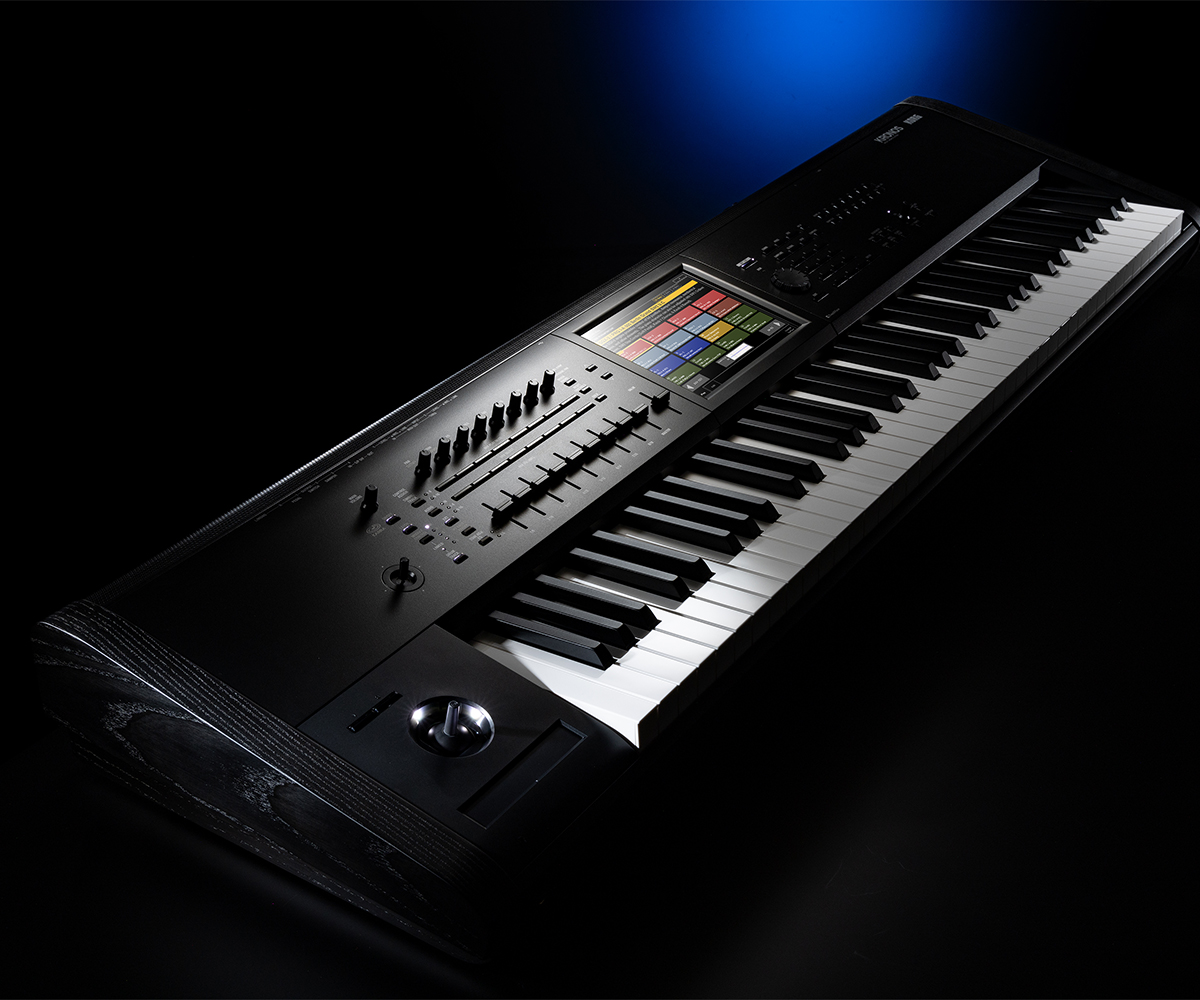
Getting your hands on the Korg Wavestate software changes how you approach sound design, moving you past static wavetables into rhythmic, evolving sonic landscapes. Whether you're transitioning from the hardware version or exploring wave sequencing for the first time, setting up the plugin correctly within your digital audio workstation opens up deep modulation capabilities without tying you down to physical gear.
Unlike standard virtual instruments that rely on basic samples or fixed waveforms, the Wavestate plugin mirrors the architecture of its hardware counterpart, offering gigabytes of sample data paired with multi-stage envelope generators and vector control. Producers looking to integrate this engine into their workflow need to understand installation, authorization, routing, and advanced patch building to avoid common performance pitfalls.
Understanding the Wavestate Architecture
The core of the Wavestate isn't a traditional synthesizer engine; it's a multi-tiered sample playback and sequencing system. At its foundation are Wave Sequences, which step through different audio samples, timing values, and pitch shifts across multiple lanes.
- Lane Structure: Timing, pitch, shape, and step-sequence steps operate independently across separate lanes, allowing polyrhythmic modulation loops to run concurrently within a single patch.
- Vector Control: The joystick mixer blends up to four distinct program layers in real time, letting you morph textures dynamically.
- Wave Memory: The software houses the exact multisample library found in the hardware unit, ranging from acoustic instruments and vintage synths to gritty industrial noise.
Understanding these layers prevents you from treating the instrument like a standard subtractive synth. When you press a key, you aren't just triggering a note; you're setting a complex web of synchronized modulators into motion.
System Requirements and Installation Steps
Before downloading and authorizing the software, verify that your computer meets the necessary processing specifications. Because wave sequencing utilizes heavy real-time modulation and streaming samples, running it on an underpowered CPU causes audio dropouts.
- Create or log into your account on the Korg Software Pass portal.
- Download the installer matching your operating system, ensuring compatibility with modern macOS and Windows environments.
- Run the installer package and select your required plugin formats, including VST3, AU, and AAX depending on your DAW.
- Launch the Korg Software Pass application to authorize your license online before opening your DAW.
Failing to run the standalone authorization utility prior to opening your host software is the most common reason the plugin fails to validate during initial startup scans.
DAW Integration and Routing Best Practices
Integrating the Wavestate plugin into your production template requires careful management of CPU overhead and MIDI routing. Because individual patches can generate massive polyphony with multiple lanes moving simultaneously, a single instance can consume significant processing power.
When setting up your sessions, route individual lanes or audio outputs if you want to apply external mixing effects. While the built-in effects section—featuring modeled graphic EQs, cabinet simulators, and multi-effects processors—is robust, treating the synth as a multi-out instrument gives you finer control during the mixing stage.
- Buffer Settings: Set your audio interface buffer to 256 samples or higher during heavy arrangement phases to prevent audio artifacting.
- MIDI Mapping: Map your hardware control surface CCs to the vector joystick for tactile, real-time performance modulation.
- Preset Management: Organize custom user banks into dedicated folders within your user directory to prevent accidental overwrites during software updates.
Designing Evolving Pads and Textures
Creating patches from scratch requires patience with the step sequencer. Start by initializing a basic program and stripping away active effects to hear the raw wave sequencing engine clearly.
Choose two contrasting multisamples for lanes A and B. Set different step lengths for the timing lane and the sample lane—for example, a 7-step timing lane paired with a 5-step sample lane creates a shifting phase relationship that doesn't repeat for dozens of bars. Assign a random LFO to the filter cutoff to introduce organic drift, ensuring your evolving pad never sounds static or robotic.
Frequently Asked Questions
Can I use the Wavestate software without owning the hardware synth?
Yes, the software version operates entirely independently as a native plugin and standalone application, requiring no hardware connection to function.
How does the software version compare to the hardware keyboard?
The software contains the exact same sound engine, wave memory, and patch architecture as the hardware unit, though physical controls are replaced by click-and-drag mouse interactions or mapped MIDI controllers.
Can I transfer patches between the hardware and software?
Yes, patch data is cross-compatible. You can export programs created on the hardware unit and load them directly into the software plugin via librarian software.
What causes audio crackling when playing complex patches?
Heavy wave sequencing with active multi-effects demands significant CPU resources. Freeing up buffer size or freezing track stems resolves performance bottlenecks.



