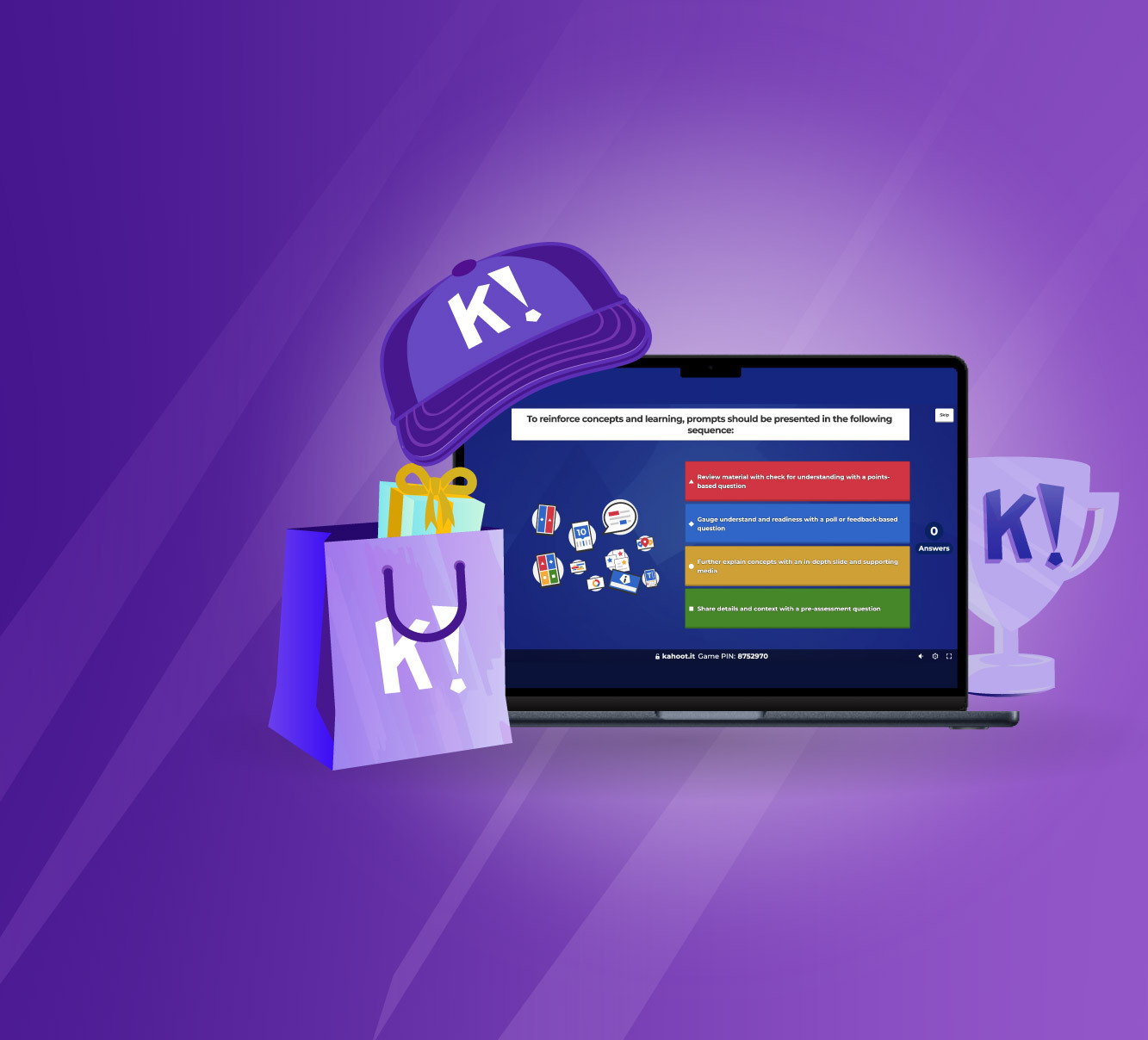
Traditional employee onboarding and compliance updates often fail because they rely on passive lectures and dense PDFs. When teams tune out, knowledge retention plummets, leaving organizations vulnerable to compliance risks and poor product adoption. Game-based learning platforms like Kahoot turn routine training sessions into active, competitive experiences that capture attention and improve long-term recall.
Integrating interactive mechanics into professional settings doesn't mean trivializing serious topics. Instead, it leverages human psychology—healthy competition, instant feedback, and visual storytelling—to make complex information stick. Whether you're onboarding remote software engineers or training frontline retail staff, structuring your curriculum around interactive elements bridges the gap between passive listening and active execution.
The Shift Toward Game-Based Corporate Training
Adult learners require relevance, interactivity, and immediate feedback to stay motivated. Standard slide presentations often induce cognitive overload, especially during lengthy compliance or technical sessions. Game-based platforms address this challenge by breaking dense information down into bite-sized modules, formative assessments, and live challenges.
When participants interact with training material through timed quizzes, polls, and puzzles, they transition from passive recipients to active participants. This shift sparks dopamine release, which reinforces neural pathways associated with memory formation. According to learning analytics from organizational platforms, interactive sessions yield significantly higher completion rates and better scores on post-training evaluations compared to static text documents.
Core Features That Drive Workplace Engagement
Modern enterprise editions, such as Kahoot! 360, offer specialized tools designed specifically for business environments rather than just classrooms. Understanding how to deploy these features effectively ensures your training budget delivers a measurable return on investment.
Interactive Presentations and Slide Importers
You don't need to build entire games from scratch. Most professional setups let you import existing PowerPoint, Keynote, or PDF slide decks directly into the platform. You can intersperse traditional informational slides with interactive polls, open-ended questions, and quick-fire quizzes. This keeps remote and hybrid teams alert during long virtual town halls or product launches.
Self-Paced Courses and Remote Flexibility
Not every employee can attend live sessions at the exact same time, particularly in global companies spanning multiple time zones. Assigning self-paced modules allows team members to complete training courses on desktop or mobile devices whenever their schedules permit. Automated email reminders help boost completion rates for mandatory compliance courses without requiring constant manual tracking from HR managers.
Team Mode and Collaborative Brainstorming
Workplace success relies heavily on teamwork, and training platforms should reflect that dynamic. Team mode lets multiple participants group together, discussing answers collectively before submitting them via individual devices. Furthermore, open-ended brainstorm questions allow managers to crowdsource ideas from hundreds of participants simultaneously, compiling the results into detailed reports for later analysis.
Practical Use Cases Across Departments
Different business units have distinct educational requirements. Tailoring your game-based strategy to the specific department prevents training fatigue and ensures maximum relevance.
- Compliance Training: Transform dry legal policies and security protocols into scenario-based quizzes. Breaking rules down into true-or-false or image-reveal questions helps employees recognize real-world risks faster.
- Product Launches: When rolling out new features or inventory, use interactive presentations to walk sales teams through product specifications. Follow up with a live tournament to test product knowledge and identify gaps before staff speak with customers.
- Remote Onboarding: Help new hires feel welcome and aligned with company culture by pairing orientation slides with icebreaker polls and trivia about company history.
You can review official workplace solutions and deployment strategies directly on the Kahoot! Workforce Engagement Platform.
Common Pitfalls to Avoid
While gamification offers clear benefits, poorly executed implementation can backfire. Keep these practical traps in mind when designing your corporate modules:
- Prioritizing Speed Over Comprehension: Most platforms award bonus points for fast answers. If your questions are too complex, this feature encourages wild guessing rather than thoughtful analysis. Balance your timer settings to give learners adequate processing time.
- Over-Gamifying Serious Material: While lighthearted competition works well for trivia and product updates, highly sensitive topics like workplace harassment or financial regulations require a more measured, respectful tone.
- Neglecting Post-Session Analytics: Running a fun quiz is only half the battle. Failing to export and review the performance reports means you miss out on identifying systemic knowledge gaps across your team.
Step-by-Step Implementation Strategy
To roll out an effective game-based training program within your organization, follow a structured rollout plan:
- Audit Existing Materials: Review your current slide decks, PDFs, and training manuals to identify sections that suffer from low engagement or high dropout rates.
- Define Clear Objectives: Establish what employees need to know by the end of the session. Write quiz questions that directly test those core competencies rather than trivial side facts.
- Blend Formats: Combine 5 to 10 informational slides with 3 interactive checkpoints (such as a poll, a quiz, and an open-ended discussion prompt) to maintain a healthy rhythm.
- Run a Pilot Test: Test the session with a small pilot group of team leads to check technical compatibility, audio-visual settings, and question clarity.
- Analyze and Iterate: Review the automated data reports after the full rollout to see which questions tripped up the most participants, and refine your training materials accordingly.
For broader insights on digital learning trends and workplace productivity, consult resources provided by industry bodies like the Association for Talent Development.
Frequently Asked Questions
Can employees complete training sessions on their mobile phones?
Yes. Most modern game-based platforms offer dedicated mobile apps or responsive browser interfaces, allowing staff to complete self-paced assignments on smartphones or tablets while away from their desks.
How do I track individual employee performance for compliance?
Enterprise and team plans feature player identifiers and secure email verifications. This ensures that nicknames map back to real employees, enabling managers to generate downloadable compliance tracking reports.
Is it possible to integrate these quizzes into existing video conferencing software?
Yes. Direct integrations with tools like Microsoft Teams and Zoom let hosts run live interactive sessions natively inside the video meeting window, eliminating the need for participants to juggle multiple screens.
How long should an interactive training session last?
To maintain optimal focus, keep live sessions between 20 to 30 minutes. For self-paced modules, break content into 5-to-10-minute microlearning bursts that employees can finish between tasks.