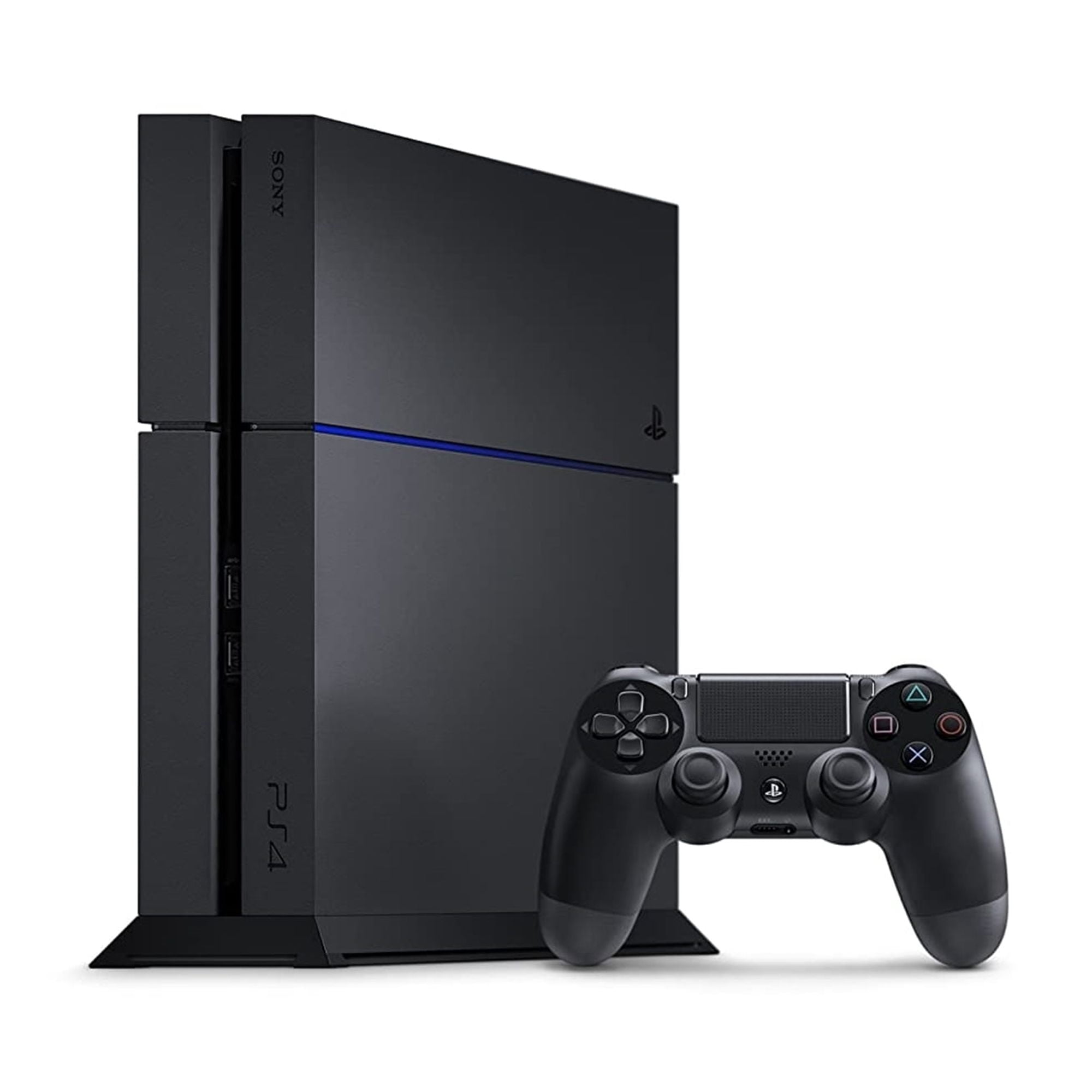
If you are wondering whether the PS4 Pro can play your old library of PlayStation 3, PlayStation 2, or PlayStation 1 games, the short answer is no. You cannot insert a physical disc from any previous PlayStation generation into a PS4 Pro and expect it to boot up.
However, the reality of compatibility on Sony's mid-generation console is more nuanced than a flat refusal. While legacy discs don't work, the console handles standard PlayStation 4 software with various performance enhancements, and Sony offers alternative digital avenues for older titles. Let's break down exactly what the hardware can do, why older discs fail to run, and how you can actually play legacy content.
The Core Reality of PS4 Pro Compatibility
The PS4 Pro is part of the eighth-generation PlayStation family. It shares the exact same software ecosystem as the standard PS4 and the PS4 Slim. That means every single standard PS4 game you own—whether on disc or downloaded via the PlayStation Store—will run on a PS4 Pro.
When it comes to older generations, though, the system hits a hard wall:
- PlayStation 3: Incompatible. The PS3 ran on the highly complex Cell Broadband Engine architecture. The x86-64 architecture of the PS4 family cannot natively read or process PS3 game code.
- PlayStation 2: Incompatible with physical discs. Inserting a blue-back or silver PS2 DVD into the optical drive yields an unsupported disc error.
- PlayStation 1: Incompatible with original CDs. The laser and system software do not recognize legacy PS1 compact discs.
Sony chose not to build hardware-level or complex software emulation for older generations into the PS4 lineup. They focused engineering resources entirely on modern performance, cost management, and the architecture required for current-generation titles.
How the PS4 Pro Handles Standard PS4 Games
While the console doesn't bridge older generations, it handles its own generation with significant upgrades. If you're upgrading from a base PS4 to a PS4 Pro, your entire existing library carries over seamlessly.
The system provides two primary modes for running standard PS4 software:
- Standard Mode: Games without explicit Pro patches run identically to how they would on a base console, utilizing the baseline hardware clock speeds and memory allocations.
- Boost Mode: Introduced in later firmware updates, this feature forces the Pro's upgraded GPU and CPU clock speeds to brute-force better performance in games that were never officially patched by their developers. Frame rates stabilize, and stuttering decreases significantly in heavy areas.
Many developers also released dedicated patches that allow games to run at checkerboard 4K resolutions, target stable 60 frames per second, or incorporate higher-fidelity graphical assets when detected by the Pro hardware.
Alternative Ways to Play Older Games on PlayStation
If your goal is to clear out your shelf of old discs, a PS4 Pro won't help you. But if you simply want to replay specific classics on modern hardware, you have to look past physical backward compatibility and rely on Sony's digital ecosystem.
Digital Remasters and Remakes
Many classic titles from the PS1 and PS2 eras were rebuilt or ported directly as native PS4 applications. When you buy a remastered collection or a standalone port from the PlayStation Store, you aren't using backward compatibility—you're running a native PS4 version of that game. These versions usually feature upgraded resolutions, modern control layouts, and trophy support.
The PlayStation Plus Cloud Library
For access to older generations without buying separate remasters, Sony relies on cloud streaming via PlayStation Plus. Higher subscription tiers give users access to a rotating catalog of classic games from the PS2 and PS3 eras.
Streaming these games bypasses the hardware limitations of the PS4 Pro entirely because the game code runs on remote Sony server blades, sending the video feed back to your console. Keep in mind that this method requires a stable broadband internet connection, and specific titles cycle in and out of the service over time.
Common Mistakes and Misconceptions
Gamers frequently run into confusion when transitioning between console generations. Avoiding these common misconceptions saves time and wasted money:
- Confusing PS5 features with PS4 Pro: The PlayStation 5 supports native backward compatibility for the vast majority of PS4 games, but it still does not natively play PS3, PS2, or PS1 discs. Don't assume a newer Sony console opens the door to legacy optical media.
- Assuming digital ownership transfers: Owning a digital copy or physical disc of a PS2 or PS3 game on an older account does not grant you a free digital license for modern ports unless explicitly stated by a publisher bundle.
- Expecting the optical drive to read CDs: The PS4 Pro's Blu-ray drive is physically incapable of reading compact disc formats used by the original PlayStation.
Frequently Asked Questions
Can I use my old DualShock 3 controllers on a PS4 Pro?
No. The PS4 Pro only natively supports DualShock 4 controllers and officially licensed third-party controllers designed for the PS4 ecosystem. Older controllers lack the required interface pairing and input protocols.
Will my old game saves transfer to the PS4 Pro?
Save data only transfers between compatible systems within the same generation. You cannot import a PS3 save file or a PS2 memory card save into a PS4 Pro game unless the publisher released a specific modernized port with cloud save migration tools.
Does the PS4 Pro play 4K Blu-ray movies?
Oddly enough, no. While the console outputs games and streaming apps in 4K resolution, its internal optical drive is a standard Blu-ray player and does not support physical 4K Ultra HD Blu-ray discs.
Is it worth buying a PS4 Pro just for enhanced graphics?
If you already own a base PS4, upgrading depends heavily on whether you own a 4K television with HDR support. Without a compatible display, the visual benefits narrow down to cleaner anti-aliasing and steadier frame rates via Boost Mode rather than a full resolution leap.



