Accessing your federal tax records online requires verifying your identity through a secure credential service partner. The Internal Revenue Service partners with credential service providers like ID.me to protect taxpayer data from fraud while streamlining access to transcripts, payment histories, and account balances. Setting up your credentials correctly the first time saves you from verification loops and processing delays during tax season.
Setting up your profile involves creating a secure credential wallet, submitting personal identification data, and confirming your identity using government-issued documentation. If you're ready to view your tax history or make scheduled payments, completing this digital onboarding process takes about fifteen minutes when you have the right documents prepared beforehand.
What You Need Before Starting
Before you visit the official portal, gathering your physical documents and digital access points prevents interruptions. Missing a single required item often forces you to restart the verification flow.
- Social Security Number (SSN) or Individual Taxpayer Identification Number (ITIN).
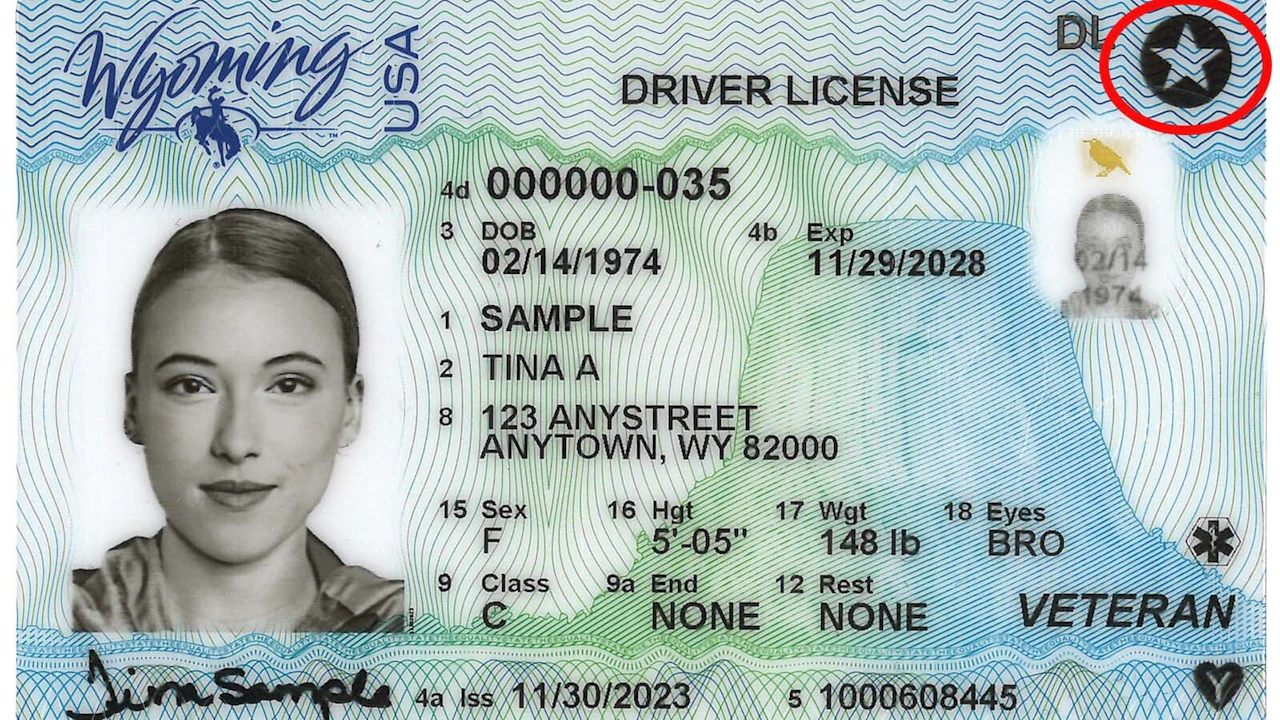
- A valid, unexpired government-issued photo ID, such as a state driver's license, state identification card, or U.S. passport book.
- A personal email address that you control and check regularly.
- A mobile phone with text messaging capabilities or a smartphone equipped with a camera for document capture and facial matching.
- Financial account information, such as the last eight digits of an active checking or savings account, or a loan account number (auto loan, mortgage, or home equity line of credit) used for credit-based identity confirmation.
Step-by-Step IRS ID.me Sign-Up Process
Completing your registration requires moving through two distinct phases: establishing your login credentials and verifying your personal identity.
Step 1: Initialize Your Request on IRS.gov
Navigate directly to the official IRS Individual Online Account page to begin.
- Click the button to Sign in or create an online account.
- Select the option to create a new profile.
- When prompted to choose your sign-in partner, select ID.me to proceed to their secure credential environment.
Step 2: Create Your Credential Wallet
If you don't already have an active profile with the provider, you'll establish your login credentials first.
- Enter your primary personal email address and create a robust password containing at least eight characters, mixing uppercase letters, lowercase letters, numbers, and symbols.
- Review and accept the terms of service and privacy policies.
- Click the confirmation link sent to your email inbox to verify your address.
- Enable multi-factor authentication. Choose between receiving secure text message codes, push notifications, or using a dedicated authenticator app like Google Authenticator or Authy.
Step 3: Verify Your Identity
This phase confirms that you are legally authorized to access the tax records associated with your SSN.
- Select your preferred method of document submission. Using a smartphone camera yields the fastest approval results.
- Upload clear, glare-free digital photos of the front and back of your driver's license or passport. Ensure all four corners of the document are visible within the camera frame.
- Follow the on-screen prompts to capture a live selfie. This biometric comparison matches your facial structure against the photo on your government-issued identification card.
- Input your Social Security Number when prompted. The system checks your details against credit bureaus and public records to validate your identity.
Completing Video Verification if Automated Checks Fail
Automated matching can occasionally fail due to minor data discrepancies, frozen credit reports, or outdated address records. If your digital submission is flagged or rejected, you don't need to visit a federal building.
You can connect with a trained Trusted Referee via a secure video call. The platform prompts you to upload secondary backup documents, such as a W-2 form, utility bill, or bank statement. Once connected, an agent visually inspects your physical ID and confirms your details, granting you verified access within minutes.
Common Setup Mistakes to Avoid
Taxpayers frequently encounter roadblocks during onboarding due to avoidable errors. Keep these practical considerations in mind:
- Using outdated documentation: Submitting an expired driver's license guarantees instant rejection. Verify expiration dates before uploading.
- Mismatched personal data: Ensure the legal name and residential address you enter match your most recent tax return or Social Security card exactly. Moving without updating your address with the postal service or the IRS frequently triggers verification errors.
- Poor photo quality: Blurry images, harsh shadows, or cut-off card edges prevent biometric algorithms from processing your ID. Take photos in a well-lit room against a plain background.
- Browser extensions blocking scripts: Aggressive ad-blockers or strict privacy extensions can interfere with camera permissions and secure script execution. Use a clean browser window or temporarily disable extensions during setup.
Frequently Asked Questions
Is ID.me the only way to access my IRS online account?
No. The IRS also supports Login.gov as an alternative credential provider. You only need to set up one of these services to access your online tax tools. If you already maintain an active Login.gov profile for other federal agencies, you can use it directly on IRS.gov.
Does the system store my biometric data permanently?
The platform follows strict federal privacy guidelines and security frameworks. Biometric data captured during selfie matching is used strictly for initial verification and is deleted or managed in compliance with strict NIST (National Institute of Standards and Technology) standards designed to protect consumer privacy.
What should I do if I get locked out of my account?
If you forget your password or lose access to your multi-factor authentication device, use the password recovery link on the sign-in screen. If your account requires deeper assistance or security resets, you can access support through the official IRS Help Center for step-by-step recovery guidance.
Are there any fees associated with verifying my identity?
No. Creating an account, verifying your identity, and accessing your tax transcripts or account tools online is completely free. Be cautious of third-party phishing sites or text messages claiming you must pay a fee to unlock your tax records.