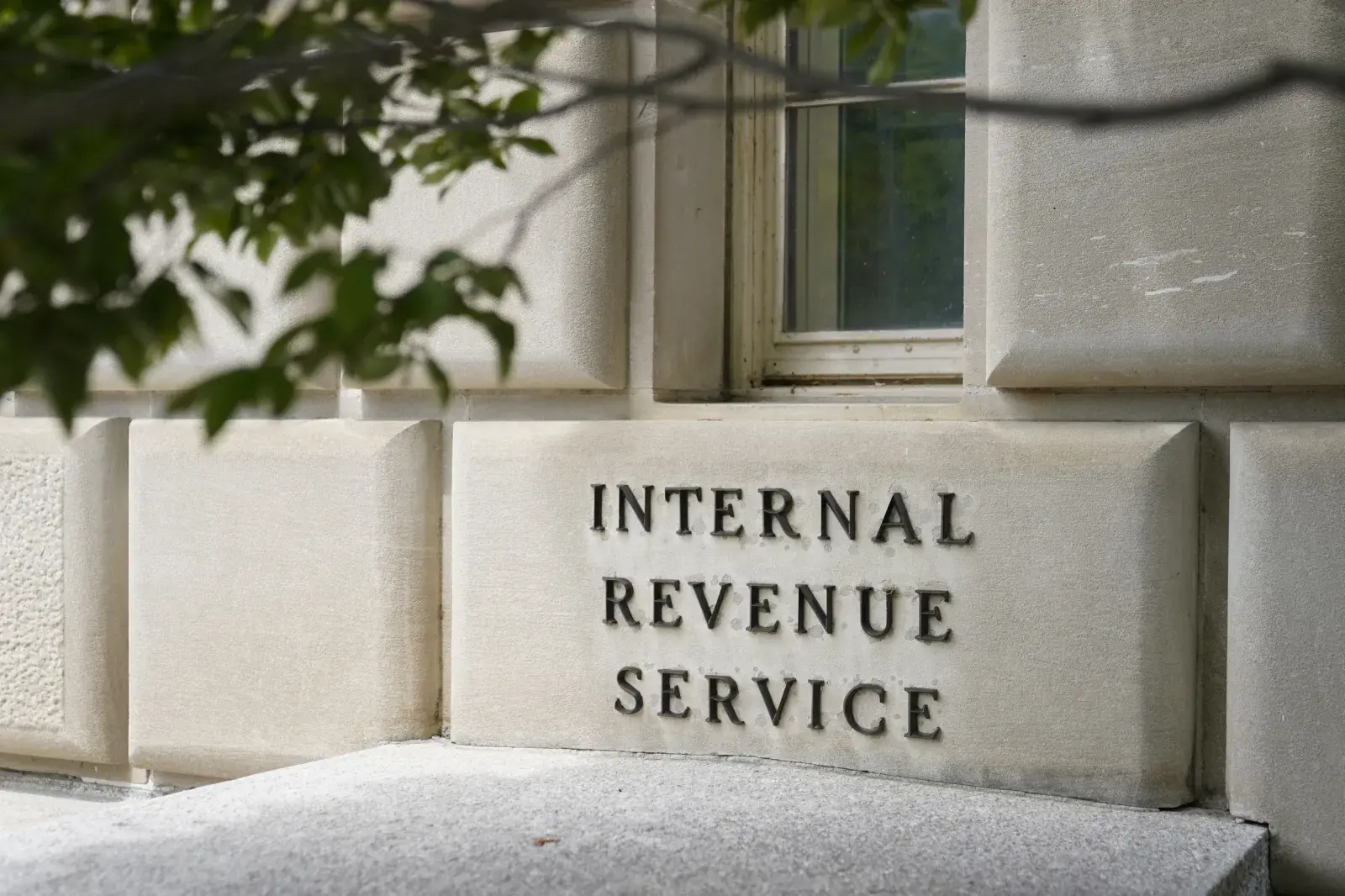
Accessing your personal or business tax records online requires navigating the secure identity verification platform utilized by the federal government. If you're trying to view your transcripts, check refund statuses, or manage payments, you'll need to use credential systems like ID.me. Setting this up correctly the first time prevents lockouts and verification errors.
The IRS uses ID.me to protect taxpayer data against fraud while streamlining digital access. Rather than managing multiple legacy passwords, a single digital wallet connects you to your individual tax account, business tax portal, and transcript delivery services.
Preparing Your Information Before You Start
Before visiting the portal, gather the required documents to speed up the registration process. Skipping preparation often leads to upload failures or rejected verifications.
- Social Security Number (SSN) or Individual Taxpayer Identification Number (ITIN).
- Government-issued photo ID, such as a valid U.S. driver's license, state ID card, or passport.
- Smartphone or computer with an internet connection and a camera for identity document capture.
- Primary email address that you control and check regularly.
- Mobile phone number capable of receiving multi-factor authentication (MFA) text messages or phone calls.
Creating and Verifying Your ID.me Account
If you don't already have an active digital wallet, you'll build one directly through the official IRS gateway.
- Navigate to the official IRS Online Account page and click the button to sign in or create an account.
- Choose the option to sign in with ID.me. If you are a new user, select the link to create a new account.
- Enter your email address and create a strong, unique password. Open your email inbox and click the confirmation link to verify your address.
- Set up multi-factor authentication (MFA). You can use an authenticator app, a text message code, or a push notification on a trusted device.
- Select your identity verification method. Most users choose the self-service option, which requires uploading photos of your driver's license or passport and taking a short video selfie.
- Enter your SSN or ITIN when prompted to complete the linkage to government tax databases.
Once your documents clear, you'll grant consent to share your verified identity data with the IRS. This routes you back to your tax dashboard securely.
What You Can Access After Logging In
Once you pass authentication, your dashboard unlocks multiple self-service tax tools that previously required mailing paper forms or calling support lines.
- Tax Records and Transcripts: Pull wage and income transcripts, return transcripts, or records of account for mortgage lenders and student aid applications.
- Payment History and Management: View pending payments, set up online payment agreements (OPA), or schedule direct bank transfers to settle liabilities.
- Identity Protection PIN (IP PIN): Retrieve or generate a unique six-digit number that stops fraudsters from filing fraudulent returns using your SSN.
- Notice Tracking: Review digital copies of official IRS letters and notices to track outstanding balances or audit inquiries.
Troubleshooting Common Login Errors
Even with careful preparation, technical hiccups happen during digital handshakes between third-party verifiers and federal databases.
- Document Rejection: If your driver's license photo is blurry, glare-heavy, or expired, the automated system will reject it. Ensure you shoot photos in a well-lit room against a plain background.
- Mismatched Personal Details: If you recently moved or changed your legal name, your ID documents might not match legacy IRS files. You may need to complete a video call with a trained referee to verify your identity manually.
- Locked Out of MFA: If you lose access to your phone number, use your backup recovery codes provided during your initial setup, or follow the ID.me credential recovery prompts to reset your authentication method.
You can learn more about federal security standards and login protocols directly through the ID.me Help Center or review official IRS Sign-In Guidelines.
Frequently Asked Questions
Can I access my IRS account without using ID.me?
The IRS primarily relies on digital identity partners like ID.me and Login.gov. If you cannot verify your identity online through self-service or video calls, you can use alternative offline options listed on specific IRS tool pages, though this typically involves requesting transcripts or PINs by mail.
Is my personal data safe with ID.me?
Yes. The platform uses encryption standards compliant with federal cybersecurity mandates. Your biometric data and document images are used strictly for identity verification and are not sold or shared with commercial entities.
What if I already have an ID.me account from another website?
You don't need a separate account. If you already use ID.me for state unemployment, the Department of Veterans Affairs, or social security services, you can use that exact same digital wallet to sign into the IRS. You may just need to approve an additional data share consent prompt.
Why is my SSN required during the wallet upgrade?
The IRS requires an SSN or ITIN to match your identity wallet directly to official tax files. Without this identifier, the system cannot securely display personal tax transcripts or account balances.



