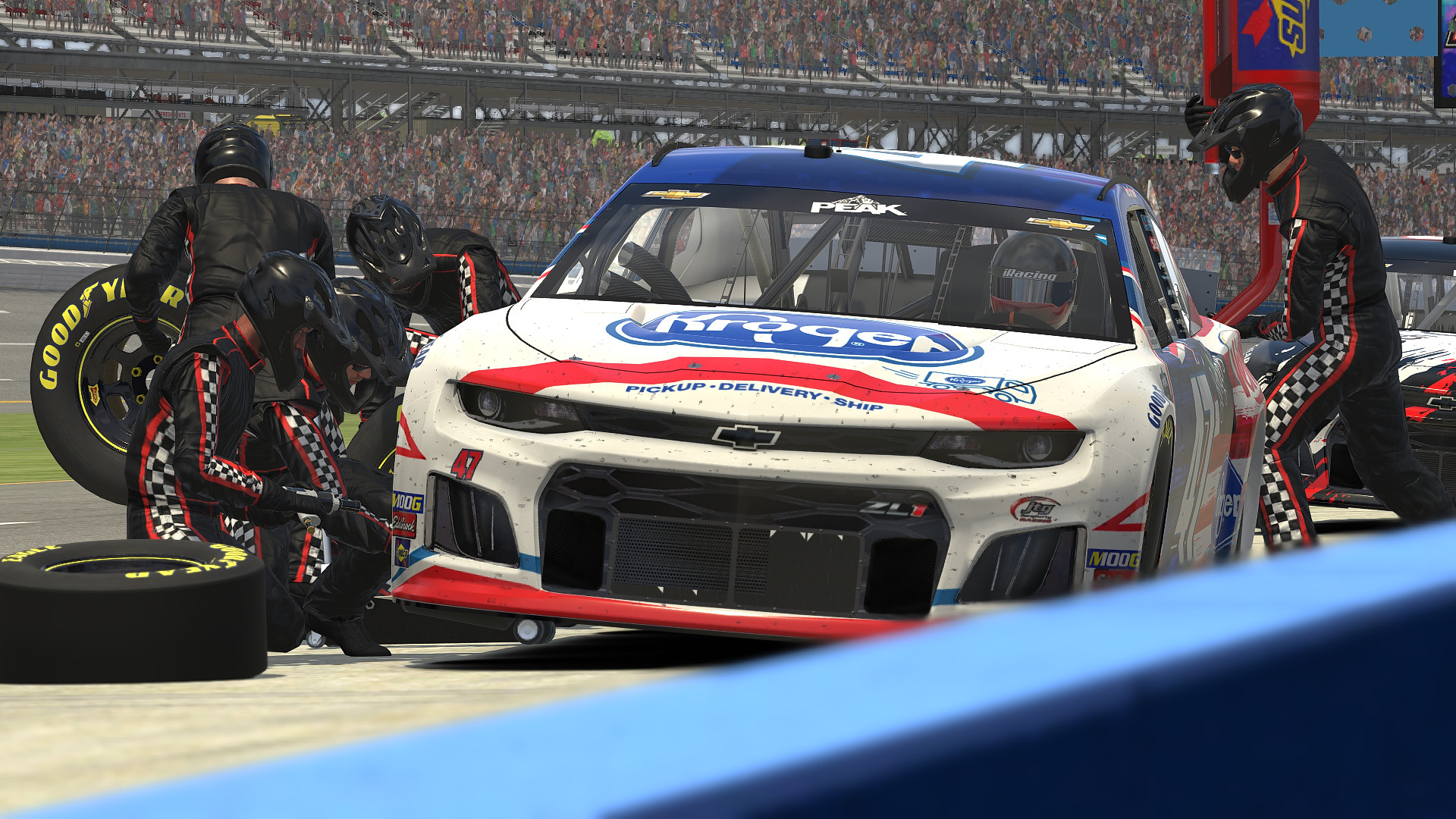
Starting your journey on the world's most competitive simulation platform requires more than just buying a wheel and pressing the gas pedal. iRacing getting started demands an understanding of safety metrics, vehicle physics, and structured progression systems that separate casual arcade driving from serious virtual motorsport. If you jump straight into public lobbies without learning how the platform calculates risk and driver ranking, you'll quickly stall your progress and drain your patience.
The platform operates on a strict subscription model paired with a match-making engine that pairs drivers based on skill and discipline. Out of the box, your membership grants access to dozens of cars and tracks spanning road, oval, dirt oval, and dirt road disciplines. You don't need to purchase paid tracks immediately; the rookie series run entirely on included content, giving you a complete sandbox to build fundamental car control and racecraft before spending extra money.
Setting Up Your Hardware and Sim Settings
Before entering an official online session, optimizing your hardware configuration prevents frustrating technical bottlenecks. Sim racing relies heavily on muscle memory, which requires consistent force feedback and pedal calibration.
- Wheel and Pedals Calibration: Open the controls menu in iRacing and complete the full rotation calibration. For load-cell or potentiometer brakes, set your maximum brake pressure threshold to around 80 percent so you don't accidentally drag the brakes while resting your foot on the pedal.
- Force Feedback (FFB) Setup: Enable linear mode and enter the exact Newton-meter rating of your specific wheelbase. Run a few practice laps, then use the in-sim auto button to calibrate intensity safely without clipping your steering forces in heavy corners.
- Field of View (FOV): Use an online FOV calculator to match your monitor size and viewing distance. Accurate FOV gives you proper depth perception and speed sensation, which is essential for hitting apexes consistently.
- Essential Keybinds: Bind a dedicated button for the tow function (resetting your car to the pits) and the black box controls so you can adjust fuel or check damage reports mid-session without fumbling with the keyboard.
Understanding the Rating Systems
Two distinct numbers dictate your career progression: Safety Rating (SR) and iRating (iR). Keeping them separate in your mind changes how you approach every corner on the track.
Safety Rating measures your cleanliness and adherence to track limits. Every time you touch a wall, spin out, or make contact with another vehicle, iRacing assigns incident points (ranging from 0.x to 4.x). SR is a rolling calculation based on your recent corners-per-incident ratio. If you want to graduate from the initial Rookie license class to Class D, you must maintain a safety rating above 3.00 while completing participation minimums.
iRating measures your raw speed and finishing positions relative to the strength of field (SoF) in your race. Finishing ahead of drivers with higher iRatings increases your score, while finishing behind lower-rated drivers lowers it. Rookies start with a baseline iRating that fluctuates wildly during the first twenty races until the matchmaking algorithm accurately places you in splits with drivers of equal pace.
Surviving and Escaping the Rookie Class
The Rookie tier acts as a filter. It weeds out drivers who treat simulation software like arcade games. Because everyone starts here, race craft is chaotic, and turn-one pileups are common.
Your primary goal in rookie races isn't winning; it's finishing clean. If you start a race, keep your distance from erratic drivers, and stay on the asphalt, your safety rating will climb naturally. Many drivers choose to start from the pit lane during their first few events to completely bypass the initial pack chaos. While this approach sacrifices immediate racing action, it guarantees clean laps that push your safety metric past the threshold required for advancement.
- Focus on Solo Pace First: Spend time in test drive sessions learning how the car behaves when tires are cold versus when they reach optimal operating temperatures.
- Master Wreck Avoidance: Watch your replays to study how accidents develop. Anticipating spinning cars ahead of time lets you brake early and steer clear before disaster strikes.
- Utilize Time Trials: If online race lobbies feel too unpredictable, run official Time Trials. They allow you to farm safety rating in a controlled, solo environment.
Managing Costs and Content Purchases
As you advance past rookie divisions, you will need to buy individual cars and tracks to participate in higher-tier seasonal series. Purchasing content strategically prevents unnecessary spending.
Buying items in bundles offers automatic volume discounts—purchasing six or more pieces of content simultaneously unlocks a permanent percentage discount on your cart. Check the official seasonal schedules before buying tracks. Popular road courses like Circuit de Spa-Francorchamps or Nürburgring appear frequently across multiple series, making them high-value investments for your digital garage.
Frequently Asked Questions
Do I need expensive high-end hardware to be competitive?
No. While hydraulic pedals and direct-drive wheelbases offer better immersion and finer control, thousands of competitive sim racers win events using entry-level force feedback wheels and desk mounts. Consistency matters far more than expensive gear.
What happens if my car gets heavily damaged during a race?
Rookie series include a free fast repair feature. If you crash, pull your car to a complete stop, hold your tow button to return to the pit lane, and the crew will instantly fix your chassis and suspension so you can rejoin the race.
How long does it take to get out of the Rookie license class?
Drivers who prioritize clean driving and crash avoidance can graduate to Class D within a single weekend. Rushing the process by driving aggressively usually results in penalties and delayed promotion.
Can I race with a game controller or keyboard?
While iRacing technically supports gamepads, the physics engine is engineered specifically for force feedback steering wheels and analog pedal sets. Using a controller makes precise counter-steering and threshold braking extremely difficult.