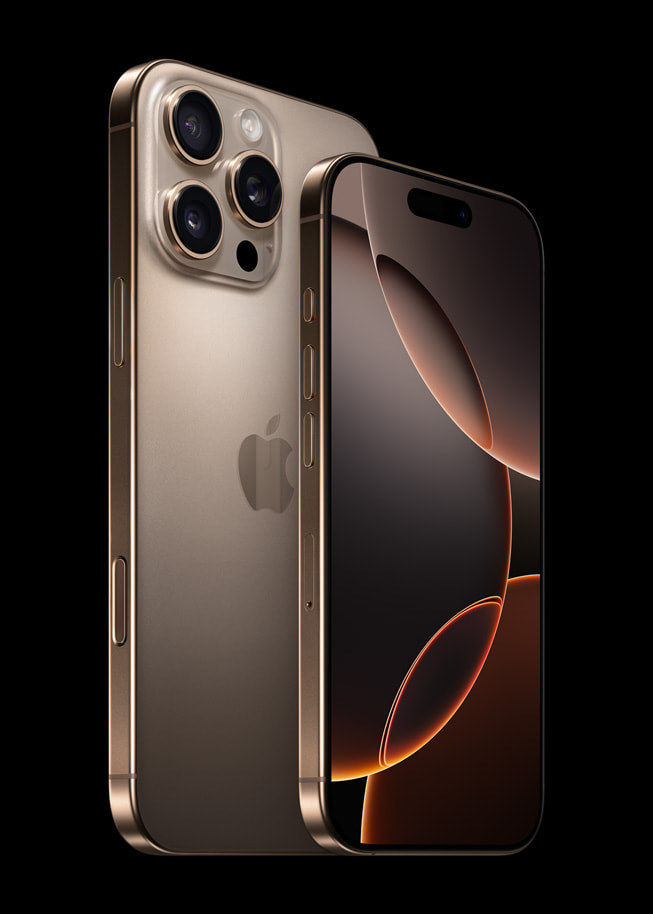
When your screen goes black and your phone stops responding right in the middle of a text or call, it is more than just annoying. An iPhone auto shutdown usually signals a deeper conflict between hardware health, software stability, or thermal limits. If your device keeps powering down without warning, you don't need to live with an unreliable phone or rush straight to a costly repair shop.
Unexpected shutdowns typically happen because the internal power management system cuts current to protect the logic board. This safeguard triggers when battery degradation causes sudden voltage drops, when processor temperatures spike past safe operational limits, or when corrupted iOS cache files cause system kernels to panic. Finding out which trigger is responsible takes just a few targeted troubleshooting checks.
Diagnosing Battery Degradation and Voltage Drops
The single most frequent cause of unexpected power loss is a worn-out lithium-ion battery. Over hundreds of charge cycles, chemical aging reduces the battery's capacity to hold a charge and deliver peak electrical current.
When you launch a resource-heavy app or use the camera flash, the processor demands a sudden surge of power. If an aging battery fails to supply that current instantly, the system voltage plummets below the threshold required to keep components running, forcing an immediate shutdown.
Open your device settings to check your power hardware:
- Open the Settings app on your home screen.
- Scroll down and tap Battery, then select Battery Health & Charging.
- Inspect the Maximum Capacity percentage.
If your battery health shows a figure below 80 percent, or if you notice a service warning message stating that your battery's peak performance capability has been degraded, hardware failure is the prime suspect. Apple provides guidance on iPhone Battery and Performance to help users understand when a replacement is overdue.
Overheating and Thermal Throttling Triggers
Smartphones rely on passive cooling to dissipate heat. When internal temperatures exceed safe thresholds, thermal sensors force an immediate shutdown to protect delicate silicon components from permanent damage.
Heat buildup rarely happens from normal tasks like reading articles. Instead, it usually stems from a combination of environmental factors and heavy resource consumption:
- Leaving the device on a vehicle dashboard in direct sunlight.
- Running intensive 3D games or continuous video rendering while the phone is plugged into a fast charger.
- Utilizing high-drain background routines, such as prolonged GPS navigation inside a warm pocket or case.
If your device feels hot to the touch right before it dies, remove any thick protective case, move it out of direct sunlight, and let it sit powered off for twenty minutes. Avoid putting an overheating phone into a refrigerator or freezer; rapid temperature drops create internal condensation that causes severe water damage.
Software Glitches and Kernel Panics
Not all unexpected power losses stem from hardware. Sometimes iOS experiences a fatal exception, often called a kernel panic, which forces the device to reboot or shut down entirely to prevent data corruption.
Corrupted system settings, unstable app loops, or outdated operating system builds frequently trigger these crashes. Fixing software anomalies requires cleaning out bad data:
- Update iOS: Outdated software versions may contain unresolved bugs that disrupt power management. Navigate to Settings, tap General, and select Software Update to install the newest patches.
- Reset All Settings: If corrupted system preferences are causing instability, reset them without losing personal files. Go to Settings > General > Transfer or Reset iPhone > Reset, and choose Reset All Settings. This clears out customized network configurations, layout options, and permission caches without touching your photos or messages.
Inspecting Analytics Data for Clues
Your phone logs every unexpected shutdown into hidden diagnostic files. Reading these logs can tell you precisely whether a software bug or a hardware failure caused the crash.
- Go to Settings > Privacy & Security.
- Scroll to the bottom and tap Analytics & Improvements, then select Analytics Data.
- Scroll through the alphabetical list to find files starting with
Panic-FullorResetCounter.
If you spot recent entries containing terms like panic or caller: applehip or swails, your device suffered a kernel panic driven by a hardware component or a severe driver crash. Frequent panic logs strongly point toward a hardware defect that requires professional diagnostics. For persistent system errors, consult official resources like Apple Support to schedule an authorized hardware inspection.
Common Mistakes to Avoid
When trying to fix random power failures, users often waste time on ineffective or harmful tactics:
- Ignoring low storage: Letting your internal storage fill completely to the final gigabyte starves iOS of swap memory space, triggering random reboots. Keep at least 5GB of free space available.
- Using uncertified charging accessories: Cheap cables and non-compliant wall adapters can deliver unstable voltage spikes, confusing the iPhone's power management integrated circuit.
- Skipping backups before troubleshooting: Always secure a fresh iCloud or computer backup before attempting factory resets or deep system reinstalls.
Frequently Asked Questions
Can a damaged screen connector cause an iPhone to shut down?
Yes. If the device sustained a drop or impact, loose internal ribbon cables or a damaged display assembly can short-circuit the logic board when pressure is applied, resulting in sudden power cuts.
Does background app refresh cause random shutdowns?
Background app refresh drains battery life quickly, but it rarely causes shutdowns on its own unless combined with an already degraded battery that cannot handle concurrent background processing tasks.
How long should I leave a dead iPhone on the charger?
If your phone shut down due to a completely depleted battery, leave it connected to a high-output wall charger for at least 30 to 45 minutes before attempting to power it back on. Deeply discharged cells take time to trickle-charge back to a safe voltage level.
Will replacing the battery fix random shutdowns permanently?
If diagnostic logs confirm that battery wear and voltage sag caused the shutdowns, installing a new, genuine battery will resolve the issue and restore normal peak performance capabilities.



