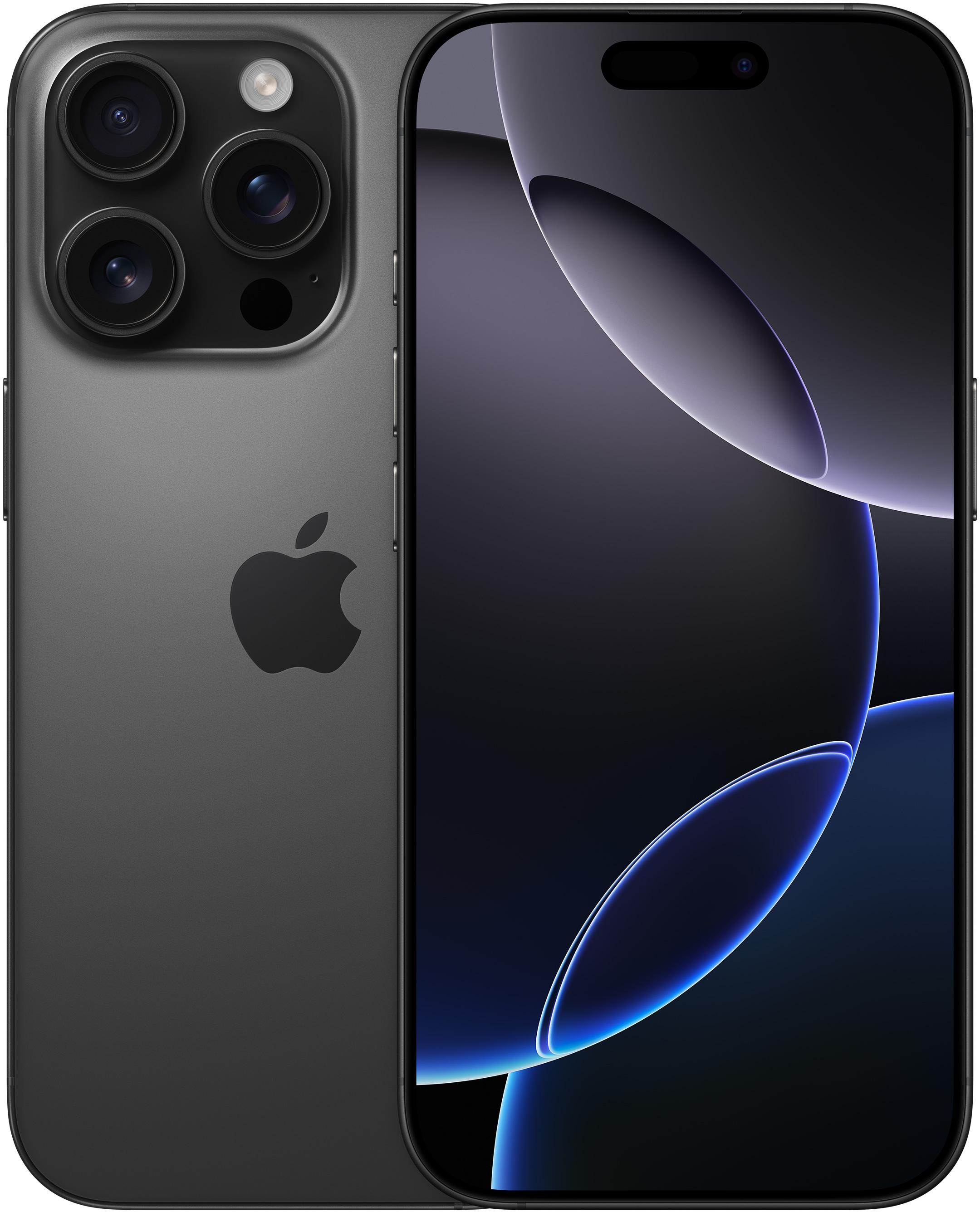
Getting locked out of your phone happens when you enter the wrong lock combination too many times. Apple's security architecture stores your passcode inside a secure hardware chip, meaning no one—not even Apple—can bypass it without wiping the device, unless you qualify for specific built-in recovery paths. You can regain entry using recent software features, your Apple ID, or a connected computer.
When you're locked out, the screen displays an unavailability message. Modern versions of iOS provide direct onscreen recovery options so you don't instantly need a laptop or desktop to fix the issue. Knowing these workflows saves time and protects your personal data from permanent loss if you maintain proper backups.
Using Built-in Passcode Reset Features
If you recently changed your lock combination and forgot the new one, Apple gives you a short window to use your old code. This mechanism prevents unnecessary factory resets.
- Enter your incorrect code five times until the device unavailable screen appears.
- Tap the Forgot Passcode? prompt located in the bottom corner of the display.
- Select Enter Previous Passcode.
- Type your old code and follow the prompts to establish a new one.
This window expires after seventy-two hours. If you pass that threshold, the old code stops working, and you must use alternative recovery steps. You can also choose to expire the previous code immediately inside your settings if you hand your phone to someone else.
Resetting Without a Computer
If you don't have a previous passcode to fall back on, you can wipe the device directly from the lock screen using your Apple Account credentials.
- Trigger the unavailability screen by entering incorrect codes repeatedly.
- Tap Erase iPhone in the bottom corner.
- Confirm by entering your Apple Account password. This signs you out of your profile and wipes the local storage.
- Once the phone restarts, restore your information from an iCloud Backup.
This method requires an active cellular or Wi-Fi connection and your account password. If your device lacks an internet connection, you'll need a physical machine to complete the reset.
Restoring via Mac or Windows PC
When direct onscreen recovery fails, plugging your hardware into a computer running Finder or Apple Devices is the standard recourse. You'll need a compatible USB cable and about an hour of time.
- Power off your phone completely.
- Connect the cable to your computer while holding down the correct recovery button combination for your specific model (such as the side button or volume down button).
- Keep holding until the recovery mode screen showing a cable and computer appears.
- Locate your device in Finder or the Apple Devices app and select Restore.
The computer downloads the latest software, erases your forgotten code, and returns the hardware to its factory state. Afterward, you can set it up fresh or pull down a saved archive.
Strengthening Your Device Security
Preventing future lockouts and unauthorized access involves configuring your settings correctly. A six-digit numeric code or custom alphanumeric string provides stronger defense than a basic four-digit pin.
- Go to your settings menu and locate Face ID & Passcode or Touch ID & Passcode.
- Review what features remain accessible while locked, such as notification centers and control panels. Limiting control center access prevents quick toggling of airplane mode if someone steals your hardware.
- Enable automated data erasure after ten failed entry attempts if you store sensitive enterprise or personal files. If disabled, you must use a computer to restore functionality after ten failures.
Always maintain regular cloud backups so that a security wipe doesn't mean permanent data loss.
Frequently Asked Questions
Can Apple support staff unlock my phone without deleting my files?
No. Apple representatives cannot bypass your security credentials or access local storage. The encryption keys live entirely on your hardware chip, meaning a wipe is mandatory to clear a forgotten code.
What happens to my photos and messages after a reset?
Everything stored locally vanishes during a factory restore. However, items synced to cloud storage or included in recent backups can be downloaded again once you log back into your account.
Why won't my phone show the Forgot Passcode option?
That option requires an active internet connection and an active cellular or Wi-Fi signal. If your device is offline, the button won't appear, and you must use a computer recovery method.
How do I stop my passcode from expiring too quickly?
The temporary seventy-two-hour grace period for old passcodes cannot be extended, but you can manually expire it instantly in your security settings if you want to lock in a new code right away.



