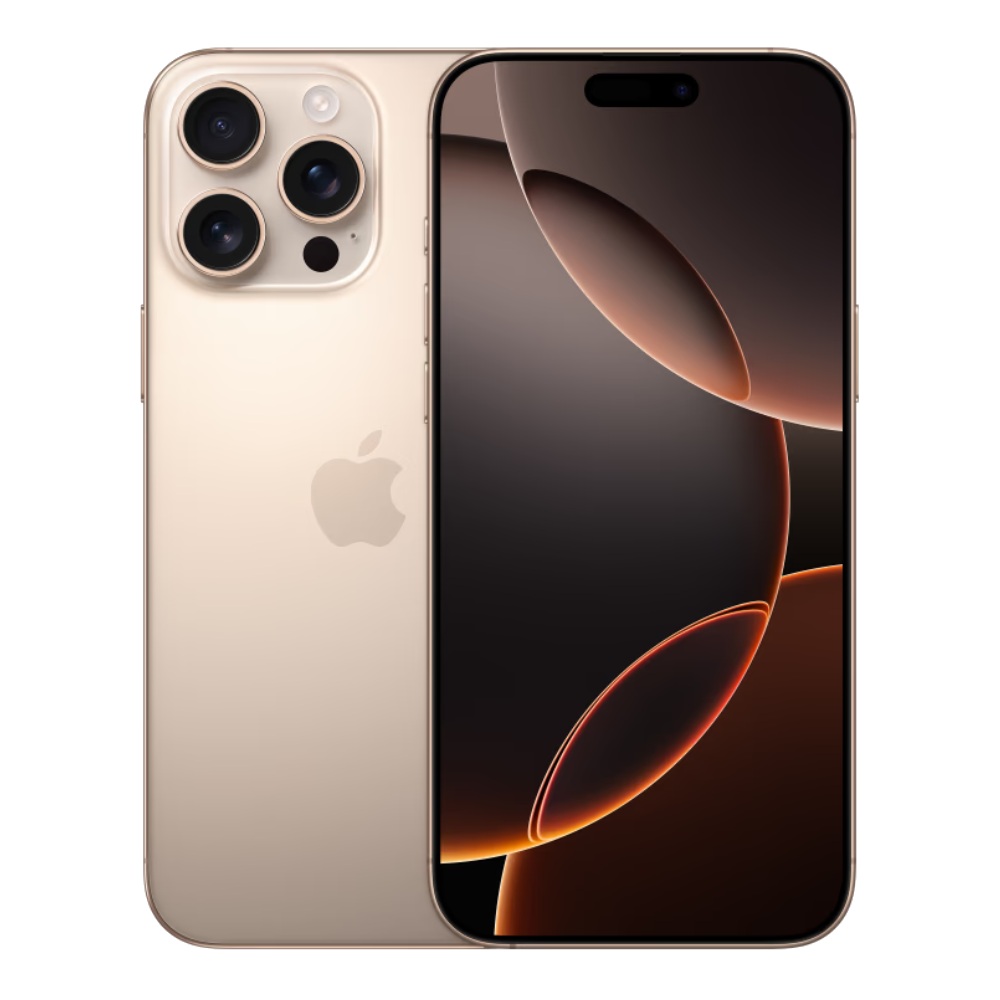
Seeing a blank space or an unexpected error where your network provider name usually lives can ruin your afternoon. When your phone suddenly loses touch with the outside world, you're left cut off from texts, calls, and mobile data. Tracking down why an iPhone says no carrier or displays persistent dropouts requires working backward from quick software fixes to deep hardware checks.
Most missing service issues stem from minor software glitches, outdated carrier bundles, or brief network dropouts. You can usually clear these up in under two minutes by toggling connection states or forcing a fresh handshake with your provider's nearest cell tower. If those quick fixes don't work, the problem might live inside your SIM tray, your account status, or even the phone's internal antenna.
Quick Connection Resets
Before you start digging through advanced system settings, rule out a temporary glitch in how your iPhone communicates with local cell towers. Phones often get stuck in a loop trying to connect to a congested or offline tower.
- Toggle Airplane Mode: Open your Control Center, turn on Airplane mode, wait about twenty seconds, and turn it back off. This forces your phone to search for and lock onto a fresh signal.
- Perform a Clean Restart: Turn your iPhone completely off, wait ten seconds, and turn it back on. This clears out temporary modem cache states that simple sleep-wake cycles miss.
- Inspect Dual SIM Toggles: If you use multiple lines, go to Settings, tap Cellular, and make sure your primary line is turned on and active.
Update Carrier Settings and iOS
Your phone relies on small configuration files provided by your network operator to understand how to handle voice calls, text routing, and data bands. If these files get corrupted or outdated, your connection drops entirely.
To check for a manual update, connect to a stable Wi-Fi network. Open Settings, tap General, and select About. If an update is available, a prompt will appear within fifteen seconds allowing you to install the new bundle.
Simultaneously, check for pending software updates via Apple Support. Bugs in major operating system releases occasionally interfere with baseband firmware communication, rendering the radio silent until a patch is applied.
Troubleshoot Your SIM Card or eSIM Profile
Physical SIM cards take a beating over time from device drops, thermal changes, and moisture. If your phone uses a physical card, use a small paperclip or SIM ejector tool to pop the tray out.
- Inspect the gold contact pins for visible scratches, dust, or corrosion.
- Wipe the card gently with a clean, dry microfiber cloth before seating it firmly back into the tray.
- If you use an eSIM, go to Settings, tap Cellular, and check if your profile shows an error or requires reactivation through your provider's app.
To figure out whether the fault belongs to the phone or the card, pop the physical SIM into another unlocked device if one is handy. If the second phone also shows no signal, your provider needs to issue a replacement card.
Reset Network Settings
When standard troubleshooting leaves you stuck, clearing out your saved network configurations gives your device a clean slate. This process wipes out all saved Wi-Fi passwords, Bluetooth pairings, and custom cellular routing profiles.
- Open the Settings app and tap General.
- Scroll down to Transfer or Reset iPhone and tap Reset.
- Select Reset Network Settings and enter your device passcode to confirm.
- Allow your phone to reboot, then reconnect to your networks.
When to Contact Your Carrier
If your phone still refuses to recognize a network after you've exhausted local fixes, the root cause sits outside your device. Reach out to your provider's support team to verify several key points:
- Confirm your monthly billing account is active, paid up, and not suspended for any reason.
- Ask if there are active tower outages or maintenance windows in your immediate neighborhood.
- Check if your device IMEI has been accidentally flagged, blocked, or restricted on the network registry.
If you recently bought the phone secondhand, verify that it isn't carrier-locked to a different provider. You can check your lock status by visiting AT&T Support or your original carrier's portal if you purchased the device under an installment plan.
Frequently Asked Questions
Why does my phone say no carrier instead of searching?
Seeing a blank carrier label or an explicit error usually means your phone's baseband processor cannot talk to the cellular modem chip. This points to either a missing SIM profile, a corrupted carrier bundle, or a hardware failure in the phone's internal radio components.
Can a cracked screen cause my iPhone to lose service?
Yes. Drop damage that shatters glass often transmits severe shockwaves directly to internal flex cables. The cellular antenna cable runs close to several display connectors on many models, meaning a heavy impact can unseat internal components.
Will resetting my phone factory defaults fix missing service?
A complete factory reset rarely fixes persistent cellular issues unless the problem stems from deep system file corruption. Always exhaust network resets and SIM troubleshooting first, as wiping your phone takes much longer and requires a full backup restore.
How long do carrier settings updates take to install?
Carrier updates are tiny files—often just a few megabytes—and usually install in less than five seconds once you tap the prompt in your About menu. You won't even need to restart your phone for most minor bundle updates to take effect.



