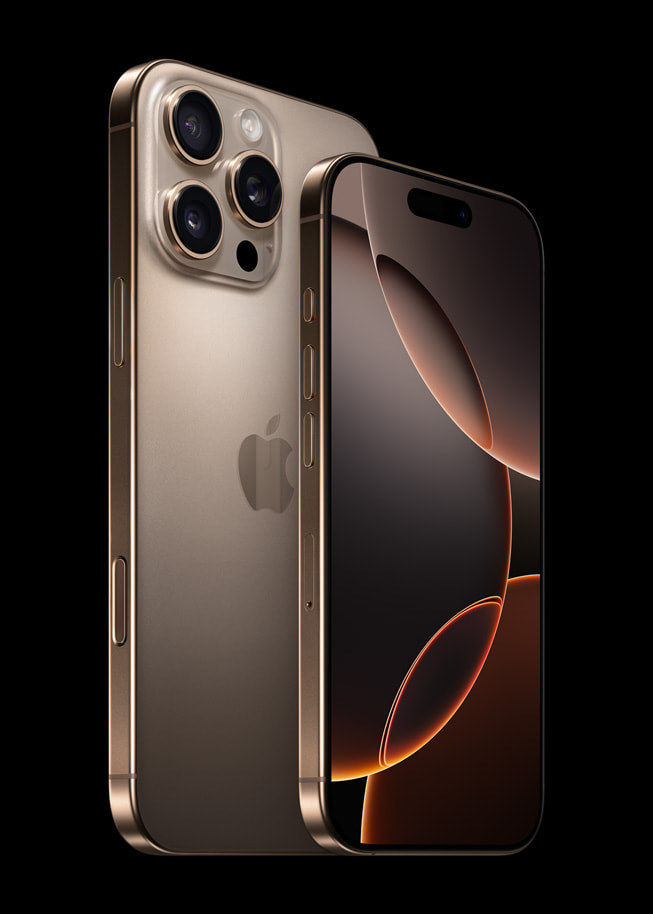
Choosing the right storage tier for a new phone used to mean calculating how many MP3s you owned. Today, the choice dictates how long your device handles high-resolution video codecs, on-device machine learning models, and bloated app footprints. The iPhone 17 Pro starts at a base capacity of 256GB, completely eliminating the cramped 128GB tier of past generations.
For most buyers, the base 256GB model is enough, but high-end video formats and heavy local media libraries change the math quickly. If you plan to keep your phone for four or five years, buying the wrong tier leads to constant storage management alerts or hundreds of dollars wasted on unused capacity.
Understanding the iPhone 17 Pro Storage Lineup
Apple offers the phone in three primary capacities: 256GB, 512GB, and 1TB. Because the starting point is now 256GB, even the entry-level model gives you substantial breathing room compared to older base phones.
After accounting for system software, diagnostic files, and pre-installed system apps, your actual usable space on the base model sits right around 240GB. That leftover space fills up faster than you might expect once you start recording 4K video, downloading offline map packs, and caching offline streaming media.
When the 256GB Base Model Is Enough
The 256GB tier suits the vast majority of smartphone users. If you rely on cloud services like iCloud, Google Photos, or Spotify streaming rather than keeping massive offline vaults, you will rarely brush against the limits of this tier.
- Cloud-First Users: You store photos and videos in the cloud with optimized device storage turned on.
- Casual Shooters: You take everyday snapshots and short clips rather than continuous cinematic reels.
- App Streamers: You keep only the apps you actively use, deleting stagnant games or utilities.
If your previous phone had 128GB and you constantly hovered near capacity, doubling to 256GB feels like an enormous upgrade. Many owners find they can store thousands of photos and dozens of large apps while still retaining 50GB or more of empty headroom.
Why You Might Need the 512GB Tier
Stepping up to 512GB requires an extra financial investment, but it protects against specific long-term usage bottlenecks. iPhones lack expandable storage, meaning you cannot pop in a microSD card when you run low.
- Heavy Video Capture: You regularly shoot 4K video or experiment with Apple ProRes formats, which consume gigabytes in seconds.
- Offline Media Hoarders: You download massive Spotify playlists, offline Netflix seasons, and high-definition podcasts for flights or daily commutes.
- Long Upgrade Cycles: You intend to keep your phone for four to five years, during which operating systems and app sizes steadily swell.
Choosing 512GB acts as an insurance policy. It eliminates the need to audit your photo library or offload old projects every few months.
Who Actually Needs 1TB of Storage?
The 1TB tier is specialized hardware built for specific professional workflows. Unless your phone acts as your primary production tool for external client work, this capacity is usually an unnecessary expense.
- Mobile Filmmakers: You shoot raw pro footage directly on the device and edit on the go without transferring files immediately to an external drive.
- Massive Local Archives: You refuse to use cloud storage due to privacy preferences or poor local internet connectivity, choosing to keep every photo you have taken since 2018 on the physical flash memory.
For a deeper look at overall device capabilities, check out the MacRumors iPhone 17 Pro overview.
Cost Versus Value Analysis
When evaluating storage upgrades, look at your total cost of ownership over the lifespan of the device. Paying for a higher storage tier upfront often costs less than maintaining a top-tier monthly cloud subscription over four years. However, if you already pay for family cloud storage tiers, buying a massive local drive can mean paying twice for space you do not fully utilize.
Another factor is trade-in value. Used phone markets and trade-in programs rarely give you a full return on the extra money spent on a 1TB model compared to a standard 256GB model. Buy the space you need to live comfortably today, not to impress future buyers.
Frequently Asked Questions
Can I upgrade my iPhone 17 Pro storage later?
No. Apple devices feature soldered internal storage with no expansion slots. Whatever capacity you select at checkout is what you must live with for the life of the phone.
Does higher storage make the phone faster?
In past generations, base models sometimes used slower flash configurations, but modern NVMe storage controllers across the lineup deliver rapid read and write speeds. Storage size itself does not radically change day-to-day processing speed unless the drive is filled to its absolute maximum limit.
How much space do system files take up?
iOS system files, pre-installed utilities, and essential operational overhead typically consume between 15GB and 25GB right out of the box, leaving the remaining capacity entirely for your personal data.
Is iCloud a good substitute for local storage?
Yes, if you have a reliable internet connection. iCloud optimized storage keeps low-resolution thumbnails on your device while pulling full-resolution files from the cloud on demand. If you frequently travel through areas with poor cellular coverage, local storage remains much more reliable.



