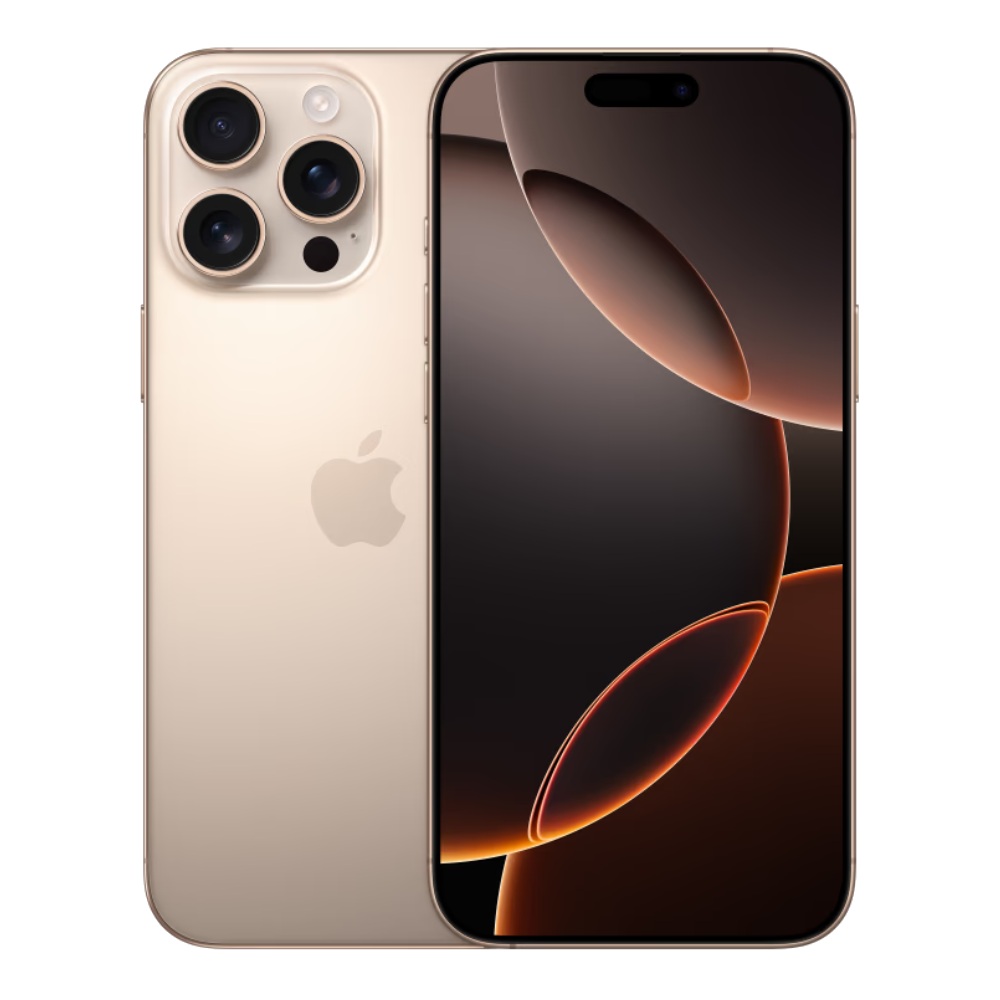
If you want fast charging on an iPhone 13, a 20W USB-C power adapter hits the performance ceiling for the standard and mini models, while the Pro and Pro Max variants can draw up to 23W and 27W respectively. Plugging a standard iPhone 13 into a massive 65W laptop brick won't fry the battery, but it won't supercharge it either. The device negotiates power draw dynamically via USB Power Delivery (USB-PD), taking only what its internal power management allows.
Understanding how much wattage you actually need saves you from overpaying for oversized charging bricks or wasting time with outdated 5W blocks. This guide breaks down exact charging speeds, cable requirements, safety myths, and practical ways to keep your battery healthy.
Official Charging Specs Across the iPhone 13 Lineup
Apple designs each model in the iPhone 13 family with different internal power ceilings. While they all use the Lightning port, their peak power consumption varies under fast-charging conditions.
- iPhone 13 mini: Caps out near 20W. Due to its smaller 2,406 mAh battery, it reaches full capacity quickly on a standard 20W brick.
- iPhone 13: Caps out at 20W. Reaches a 50 percent charge in roughly 30 minutes using a compatible USB-PD adapter.
- iPhone 13 Pro: Reaches up to 23W when paired with a 30W or higher charger.
- iPhone 13 Pro Max: Reaches up to 27W peak draw when paired with a 30W or higher charger, making higher-wattage bricks slightly more effective for the larger battery size.
Using a charger rated below these thresholds means slower power delivery. Using a charger rated above these thresholds means the phone simply ignores the extra capacity.
Comparing Charger Types: What Real-World Speeds Look Like
Not all charging blocks perform equally. Choosing the right accessory depends on whether you value raw speed, multi-device convenience, or keeping legacy gear out of a landfill.
- The Legacy 5W Cube: The old square brick from older iPhone generations delivers glacial speeds. It takes over three hours to top off a completely drained iPhone 13. It generates minimal heat, but it fails to meet modern convenience standards.
- The 12W iPad Adapter: A legacy step-up from the 5W block. It cuts down wait times compared to the base cube, but it lacks USB-PD communication protocols, meaning it misses true fast-charging triggers.
- The 20W USB-C PD Adapter: The baseline recommendation from Apple Support for modern iPhones. It delivers the maximum standard speed for the base iPhone 13 and mini, balancing cost and speed efficiently.
- The 30W+ Laptop Brick: Safe to use because modern smartphones regulate current intake. If you own a MacBook or a multi-port GaN charger, plugging your iPhone 13 into a 30W, 65W, or 100W port works without risk, giving Pro Max users a minor speed bump.
Do You Need a Special Cable?
A high-wattage wall adapter is useless without the proper wiring. To achieve fast charging speeds on any iPhone 13 model, you must use a USB-C to Lightning cable.
Older USB-A to Lightning cables cannot negotiate high-wattage power profiles. Even if you plug an old USB-A cable into a powerful multi-port station, the hardware throttles output back to legacy speeds. Look for cables that carry official MFi (Made for iPhone) certification to ensure stable data transfer and safe power handshakes.
Common Charging Mistakes That Degrade Battery Health
Many users adopt unverified habits based on internet myths, inadvertently hurting their device's long-term endurance.
- Using uncertified bargain-bin adapters: Cheap, unbranded charging bricks often lack proper circuit protection. Voltage spikes can damage the internal power management IC (integrated circuit), leading to permanent battery degradation or hardware failure.
- Charging in extreme heat: Heat is the primary enemy of lithium-ion batteries. Leaving your phone on a sunny car dashboard while fast charging triggers thermal throttling, which slows down power input and accelerates chemical aging.
- Believing higher wattage ruins batteries: Some think a 65W charger forces too much electricity into a phone. Because the phone dictates power draw, a larger brick does not push excess energy into the battery.
For official guidelines on hardware safety and accessories, refer to the Apple Support page on charging.
Frequently Asked Questions
Can I damage my iPhone 13 by using a 65W laptop charger?
No. Your iPhone 13 only pulls the exact amount of current it requires. A high-wattage laptop or tablet charger steps down its output safely to match what the phone requests.
Why does fast charging slow down after hitting 80 percent?
Lithium-ion batteries require careful management as they approach full capacity. To prevent overheating and chemical wear, the phone drops the charging wattage significantly during the final 20 percent of the cycle.
Is wireless charging as fast as wired charging?
No. Standard Qi wireless charging tops out around 7.5W, while MagSafe tops out at 15W for standard iPhone 13 models. Wired 20W charging remains significantly faster and wastes less energy as heat.
Do I need to buy an original Apple-branded charger?
You don't need an official Apple adapter, but you should buy from reputable third-party manufacturers that feature proper safety certifications like UL, ETL, or CE, alongside USB-PD compliance.



