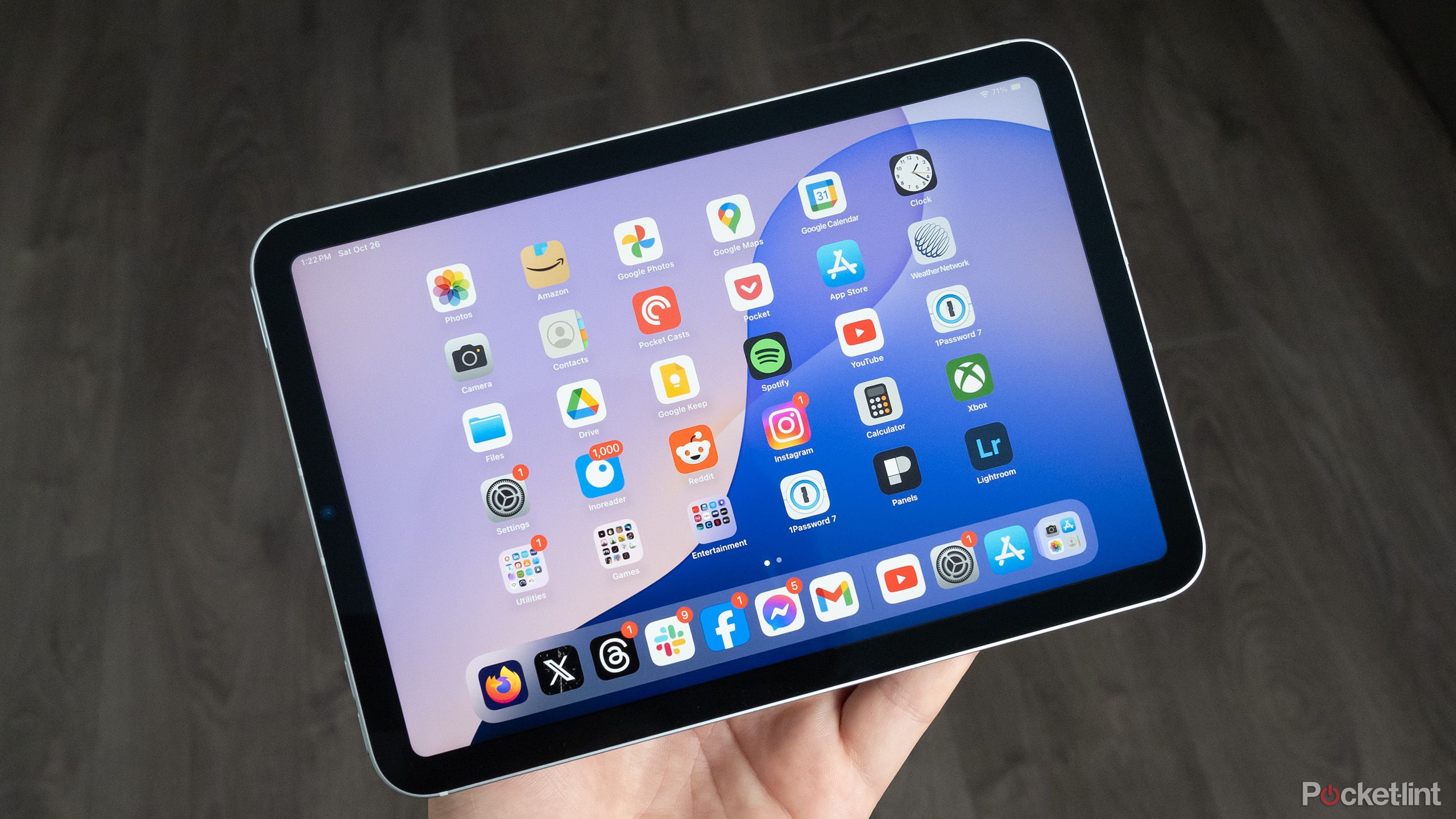
Choosing a portable device for illustration often comes down to a choice between Apple's mobile ecosystem and Microsoft's full desktop operating system. If you want to know whether an iPad or a Surface Pro wins for digital drawing, the short answer depends on your software needs. The iPad wins on pen latency, app fluidity, and battery longevity, while the Surface Pro wins if you require untruncated desktop software like full Adobe Photoshop or ZBrush without file conversions.
Evaluating these two creative tools requires looking past marketing claims to examine real drawing performance, ergonomics, file handling, and hardware limitations.
Hardware and Screen Performance
When you draw on a glass display, the gap between the pen tip and the pixels underneath matters immensely. Both Apple and Microsoft have reduced parallax significantly, but their display technologies differ in execution.
Apple's iPad Pro and iPad Air lines use fully laminated Liquid Retina or Tandem OLED displays. The glass sits flush against the sensor layer, making ink feel like it flows directly from the tip of the Apple Pencil. Color accuracy on modern iPads is exceptional out of the box, covering the P3 wide color gamut with high brightness levels that make working outdoors or in bright studios comfortable. For additional background on this development, detailed coverage can be read on The New York Times.
Microsoft's Surface Pro relies on PixelSense Flow displays with adjustable refresh rates up to 120Hz, matching the iPad's ProMotion technology. However, the screen aspect ratio is different. The Surface Pro uses a 3:2 aspect ratio, which feels closer to a traditional sheet of paper when oriented horizontally, whereas the iPad uses a 4:3 ratio.
- Parallax and Laminating: The iPad offers a slightly tighter connection between pen tip and digital ink, minimizing visual offset.
- Aspect Ratio: The Surface Pro's 3:2 layout gives landscape illustrators extra horizontal workspace for toolbars, while the iPad's 4:3 ratio suits vertical sketching.
- Surface Texture: Both screens feature smooth glass, meaning many artists prefer adding a matte paper-feel screen protector to create friction.
Stylus Precision and Ergonomics
The drawing experience is only as good as the stylus in your hand. The Apple Pencil (2nd Generation or USB-C) and the Microsoft Surface Slim Pen 2 take very different approaches to weight, charging, and feedback.
The Apple Pencil is weighted like a traditional wooden pencil. It charges magnetically on the side of the iPad and pairs instantly. It lacks physical buttons, relying instead on a double-tap gesture to switch tools or software-specific radial menus. Its tilt sensitivity and pressure curves are exceptionally smooth, and line initiation requires virtually zero activation force.
The Surface Slim Pen 2 has a flat, carpenter-pencil design that prevents it from rolling off a desk. It includes a built-in haptic motor that simulates the tactile sensation of pen friction on paper when used with compatible Windows apps. It also features a top eraser button and charges either inside a dedicated keyboard cover or via a separate USB-C charger cradle.
- Weight Balance: The Apple Pencil is lighter because it doesn't house internal haptic hardware or replaceable batteries.
- Haptic Feedback: The Surface Slim Pen 2 provides subtle vibrations to mimic paper texture, a feature Apple hardware lacks.
- Charging Reliability: Apple's magnetic charging strip is seamless, whereas the Surface setup depends on specific keyboard accessories or charging bases.
Software Ecosystem and Workflow
Your pipeline dictates your hardware. If you work primarily in raster illustration, concept art, and portable sketching, the iPad dominates because of Procreate. This app remains exclusive to iPadOS, offering an optimized engine capable of handling massive canvas sizes and hundreds of layers with zero stutter. Other apps like Adobe Fresco and Clip Studio Paint run on both platforms, but their mobile interfaces often feel more polished on iPadOS.
The Surface Pro runs Windows 11, meaning it executes desktop-class applications natively. You aren't using a mobile app adaptation; you are running the exact same version of Adobe Photoshop, Illustrator, Blender, or Corel Painter that you would use on a high-end desktop workstation.
- Procreate Advantage: iPad users gain access to Procreate's fluid gesture controls, time-lapse recording, and streamlined brush engine.
- Desktop Software Integrity: Surface Pro users avoid file export compromises, missing font errors, or limited plugin compatibility because standard desktop architecture runs locally.
- Multitasking: Windows allows true side-by-side window management, whereas iPadOS multitasking (Stage Manager) has a steeper learning curve for managing reference images and reference boards.
Battery Life and Thermal Performance
Portability means little if your hardware dies halfway through a commission. iPads benefit from Apple Silicon chips designed for mobile efficiency, routinely delivering 8 to 10 hours of continuous drawing time even under heavy app loads. They also operate silently without internal cooling fans.
The Surface Pro runs on x86 or ARM-based processors housed inside a thin chassis. Under heavy creative loads—such as rendering a complex 3D scene or running high-resolution brush strokes in desktop Photoshop—battery life drops significantly, often hovering around 4 to 5 hours. Models equipped with active cooling fans may also produce audible noise when pushed.
- Longevity: iPads provide predictable, all-day battery performance without needing a wall outlet.
- Heat Management: Surface devices can run warm under sustained creative pressure, impacting handheld comfort.
Common Mistakes to Avoid
Many artists buy the wrong device because they focus on raw specifications rather than daily workflow realities.
Don't assume a Surface Pro replaces a desktop workstation without upgrades. Base model Surface devices with insufficient RAM will choke on large multi-layered PSD files just like an entry-level tablet. Similarly, don't buy an iPad expecting to plug in legacy peripheral drivers or specialized third-party macro keypads without software limitations.
Another frequent error is ignoring storage constraints. Neither device allows internal storage upgrades after purchase. Buying a 128GB model for professional illustration will lead to storage management headaches within months. Always scale up your onboard capacity or plan for external cloud storage integration.
Frequently Asked Questions
Can I use an Apple Pencil on a Surface Pro?
No. Apple Pencils use proprietary communication protocols designed strictly for iPad displays and are physically and electronically incompatible with Microsoft hardware.
Does the Surface Pro support desktop Photoshop without lag?
Yes, but performance depends heavily on your specific Surface Pro configuration. Models with 16GB or 32GB of RAM handle complex Photoshop tasks smoothly, while base configurations struggle with heavy filter rendering and huge resolutions.
Is Procreate available on Windows?
No. Procreate is exclusive to iPadOS and iOS. Windows artists looking for alternatives often use Clip Studio Paint, Rebelle, or Adobe Fresco.
Which device is better for beginners?
The iPad is generally more approachable for beginners due to the intuitive nature of iPadOS and the low learning curve of apps like Procreate, whereas the Surface Pro requires managing a full desktop operating system.



