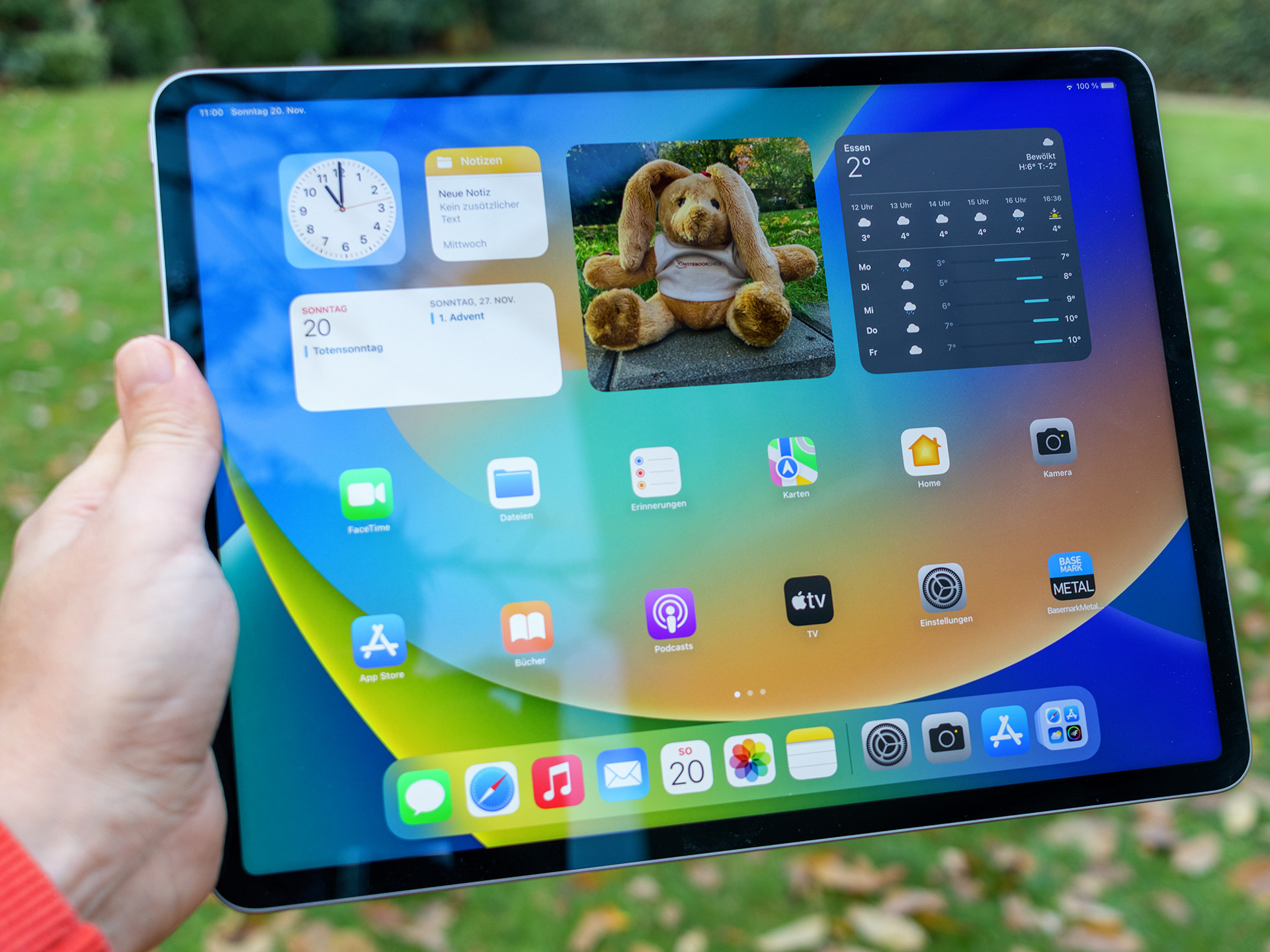
Using the 2018 11-inch iPad Pro with Procreate offers a surprisingly capable digital painting experience even years after its initial release. Powered by the A12X Bionic chip, this device handles complex canvas sizes and layered illustrations with steady efficiency. If you're wondering whether older hardware can still support professional illustration workflows, the short answer is yes. The combination of a 120Hz ProMotion display, low latency with the second-generation Apple Pencil, and solid processing power makes this specific model a favorite on the secondary market for artists on a budget.
However, choosing older hardware for digital art comes with specific constraints, particularly regarding RAM limitations and long-term iPadOS support. This guide examines how the 11-inch 2018 iPad Pro performs under heavy Procreate workloads, how layer limits are calculated based on RAM, and what you need to know to get the most out of this setup.
Hardware Foundations for Digital Artists
The 2018 iPad Pro marked a major design shift for Apple, introducing flat edges, an edge-to-edge Liquid Retina display, and the elimination of the home button. For illustration work, two hardware features stand out:
- The 120Hz Refresh Rate: ProMotion technology cuts down visual lag between the Apple Pencil tip and the digital ink appearing on screen. This creates a realistic pen-on-paper feel that makes sketching and line art precise.
- The A12X Bionic Chip: Equipped with an 8-core CPU and 7-core GPU, this processor delivers multi-core performance that still outpaces many mid-range modern tablets.
Understanding the RAM Bottleneck
While the processor handles heavy brushes easily, the 2018 model ships with different RAM configurations depending on the storage size you select:
- 64GB, 256GB, and 512GB Models: These units feature 4GB of RAM.
- 1TB Model: This configuration jumps to 6GB of RAM.
In Procreate, available RAM directly dictates your maximum canvas resolution and total layer count. If you use a standard 4K canvas (3840 x 2160 pixels) at 300 DPI, a 4GB RAM iPad Pro restricts your maximum layer count significantly compared to modern M-series iPads with 8GB or 16GB of RAM.
Optimizing Procreate Settings on 2018 Hardware
To keep your workflow smooth on a 4GB RAM device, you must manage your canvas specs proactively. Pushing canvas sizes past 4000 pixels square on an older machine often triggers Procreate's layer reduction warning.
Managing Canvas Dimensions and Layers
- Stick to sensible resolutions: For print work, aim for standard sizes like A4 or 8x10 inches at 300 DPI rather than massive multi-gigapixel canvases. For digital illustration destined for screens, 3000 x 2000 pixels provides ample clarity without straining system memory.
- Merge layers frequently: Flatten background elements or completed color flats into single layers to free up active memory.
- Limit heavy blending modes: Complex blending modes and clipping masks require extra processing power during rendering, which can cause minor stuttering during rapid zoom or pan gestures.
For more details on device specifications and Apple's historical hardware lineage, you can review the Apple Newsroom archive.
Practical Workflow Strategies for Complex Illustrations
Working efficiently on 2018 hardware requires discipline. Professional illustrators using this device rely on specific habits to avoid crashes or lag spikes.
- Use Group Folders Wisely: Grouping layers helps organize complex pieces, but nesting too many groups inside groups can add overhead. Keep your layer panel flat when possible.
- Rasterize Text and Adjustments Early: Live text layers and non-rasterized filter adjustments consume extra memory. Rasterize these elements once you finalize them.
- Keep Storage Clear: Ensure your iPad maintains at least 15% to 20% free storage space. iOS and iPadOS use available flash storage as virtual memory (swap space) when RAM limits approach saturation.
For general guidelines on optimizing device performance and storage, check official support resources like Apple Support.
Common Mistakes to Avoid
Artists transitioning to an older iPad Pro often run into avoidable pitfalls that degrade performance.
- Ignoring the RAM specification: Buying a 64GB base model expecting desktop-class layer counts for giant mural files will lead to frustration due to the 4GB RAM cap.
- Neglecting screen protector friction: Drawing directly on slick glass can feel fatiguing. Adding a textured matte screen protector improves grip and emulates traditional paper resistance, though it slightly impacts display crispness.
- Skipping regular backups: Older batteries hold less charge over time and sudden hardware retirement is a risk for devices of this age. Rely on cloud backups or external drives to protect your
.procreatesource files.
Frequently Asked Questions
Can the 2018 iPad Pro run the latest version of Procreate?
App compatibility depends on your current iPadOS version. While older versions of Procreate remain stable, running the absolute newest software updates can occasionally cause performance strain on 2018 hardware. Check the App Store requirements before updating your operating system.
How is the battery life on a 2018 iPad Pro used for drawing?
Drawing in Procreate is moderately power-intensive because the screen stays active at high brightness with a 120Hz refresh rate. A unit with an original battery will likely offer around 4 to 6 hours of continuous painting. Units with degraded battery health will require tethering to a power bank or wall charger during long studio sessions.
Is the Apple Pencil 2 compatible with the 2018 iPad Pro?
Yes. The 2018 iPad Pro was the first model to introduce magnetic charging on the side for the second-generation Apple Pencil. The pairing and charging mechanism works identically to newer iPad generations.
Does the 2018 iPad Pro support external monitors?
The shift to a USB-C port on the 2018 model allows you to mirror your display to external screens, though full extended desktop workspace features (like Stage Manager) require newer M-series processors. For Procreate, external display support generally mirrors your primary canvas view rather than providing a separate workspace.



