Navigating the legal system doesn't have to require a trip to the courthouse. Iowa Courts Online provides public access to case files, trial dockets, and judicial records directly from your browser. Whether you're tracking an active lawsuit, researching past litigation, or checking docket schedules, the platform acts as the digital front door to the state's judicial branch.
Public transparency matters. The official Iowa Judicial Branch portal gives citizens, litigants, and attorneys the ability to look up court records without filing formal paper requests. Understanding how to use the system saves you time and prevents common search errors.
Understanding Iowa Courts Online
The portal serves as the official repository for public court records across Iowa's district and appellate courts. When cases get filed, clerks enter details into the electronic docket management system. Most of this information becomes immediately accessible online, though certain records remain restricted by state law or court rule.
You don't need a paid subscription or special credentials to perform basic public searches. The system accommodates both casual lookups and complex legal research. However, knowing what kind of information lives on the platform helps set realistic expectations before you start typing names or case numbers.
Types of Cases Available
Public access covers a broad spectrum of legal proceedings handled by state courts. You can find records for:
- Civil lawsuits: Small claims, domestic disputes, contract disputes, and major tort claims.
- Criminal matters: Traffic infractions, serious misdemeanors, and felony charges filed in district court.
- Probate proceedings: Estate administrations, guardianships, and conservatorships.
- Appellate cases: Filings, briefs, and opinions from the Iowa Supreme Court and the Iowa Court of Appeals.
Juvenile cases, adoption records, and involuntary mental health commitments are generally shielded from public view to protect individual privacy. If you can't find a specific case, statutory privacy restrictions are usually the reason.
How to Perform a Case Search
Finding a specific file requires using the correct search criteria. The system allows you to search by case number, party name, or attorney. If you have the exact case number—formatted with the county code, case type, and sequence number—you'll reach the correct docket instantly.
When you don't have a case number, searching by party name is the next best option. Enter the individual's or business's full legal name.
Step-by-Step Search Process
- Navigate to the official search portal on the Iowa Courts Online website.
- Select your search criteria: choose between Case Number, Party Name, or Attorney.
- Enter the required details. If you're using a name, type the last name and first name carefully, noting that common names will return multiple results.
- Filter by county or court level if you know where the action took place. Statewide searches can yield overwhelming results if the name is common.
- Review the list of matching cases and click on the specific file number to open the docket history.
Once you open a case file, you'll see a chronological list of filings, scheduled hearings, judge assignments, and financial ledgers showing fees paid or owed.
Navigating Public Access Limits and Fees
While basic case dockets are free to view, certain advanced functions or document retrievals involve fees or specific rules. The state maintains rules regarding what personal identifiers, such as Social Security numbers or full dates of birth, get redacted from public view to prevent identity theft.
If you need certified copies of court documents, you usually can't just print them from the public web portal. Certified copies require contacting the specific clerk of court in the county where the case was filed. Fees apply for physical copies, certification stamps, and administrative processing.
Common User Mistakes
Many people struggle to find records because of simple formatting errors or unrealistic expectations about online availability. Watch out for these pitfalls:
- Spelling errors: Typos in party names will return zero results. Always double-check spellings, especially with hyphenated or uncommon surnames.
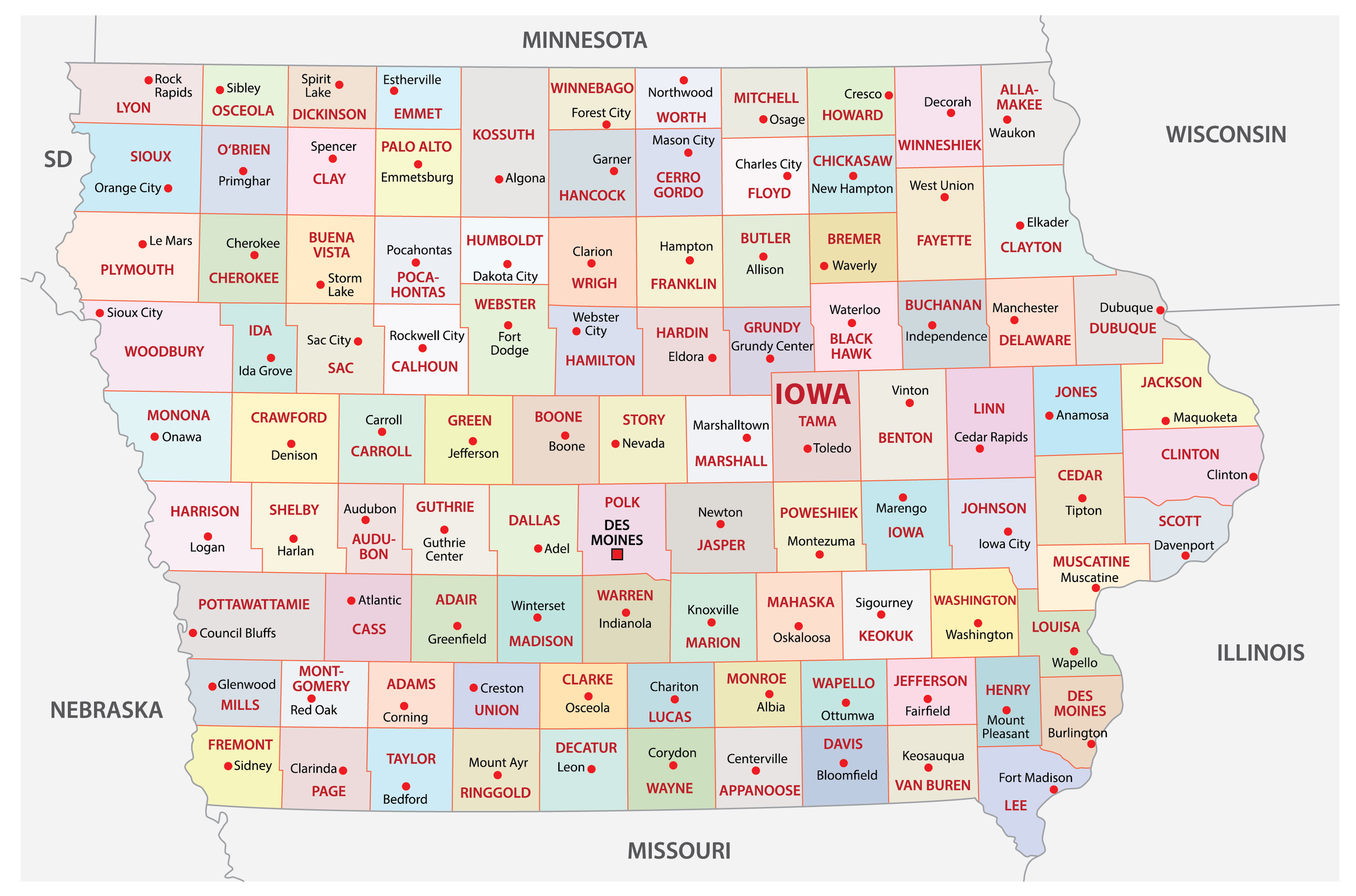
- Searching the wrong county: Iowa has 99 counties. If a case was filed in Polk County, searching in Story County won't bring it up unless it was transferred on appeal.
- Expecting complete documents: Not every single exhibit or transcript is scanned as a PDF for public viewing. Many older or voluminous documents require an in-person visit to the courthouse archive.
- Confusing federal and state courts: This state portal only covers Iowa state courts. Bankruptcy, federal criminal charges, and federal civil suits belong in the federal PACER system, not the state database.
Frequently Asked Questions
Can I look up criminal records for free on Iowa Courts Online?
Yes. Criminal case filings, charges, court dates, and final dispositions are generally public record and searchable by party name or case number without paying a fee.
Why can't I find a specific court case in the database?
The case might be confidential by law, such as a juvenile matter or domestic abuse proceeding with protective orders. Alternatively, the case might be filed in federal court rather than state court.
How do I pay court fines or fees online?
The state provides an online payment portal for eligible fines, surcharges, and court costs. You will need your case number and a valid credit or debit card to complete the transaction through the official judicial branch payment system.
Are historical court records available online?
Recent records and active dockets are fully searchable, but very old historical files may not be digitized. For records predating electronic case management systems, contact the clerk of court in the relevant county directly.



