Accessing Iowa court records doesn't require a trip to the courthouse or waiting weeks for mailed paperwork. The Iowa Judicial Branch operates a centralized digital system called Iowa Courts Online, which houses dockets, filings, and case histories for district, appellate, and supreme courts across all 99 counties. Whether you're researching a civil dispute, checking a criminal background, or tracking an ongoing lawsuit, understanding how the portal works saves time and cuts through legal red tape.
The portal serves as the primary gateway for looking up public court files in the state. However, navigating the database efficiently requires knowing how to format searches, which case types are restricted, and when you need to visit a local clerk of court instead.
Understanding Iowa Courts Online
Iowa Courts Online provides free public access to electronic case dockets and court information. Unlike third-party background check sites that charge subscription fees or display outdated data, this platform pulls records directly from the state's judicial database.
The system tracks several tiers of the state judiciary:
- Supreme Court: Handles appeals from lower courts and constitutional questions.
- Court of Appeals: Reviews intermediate appellate cases assigned by the Supreme Court.
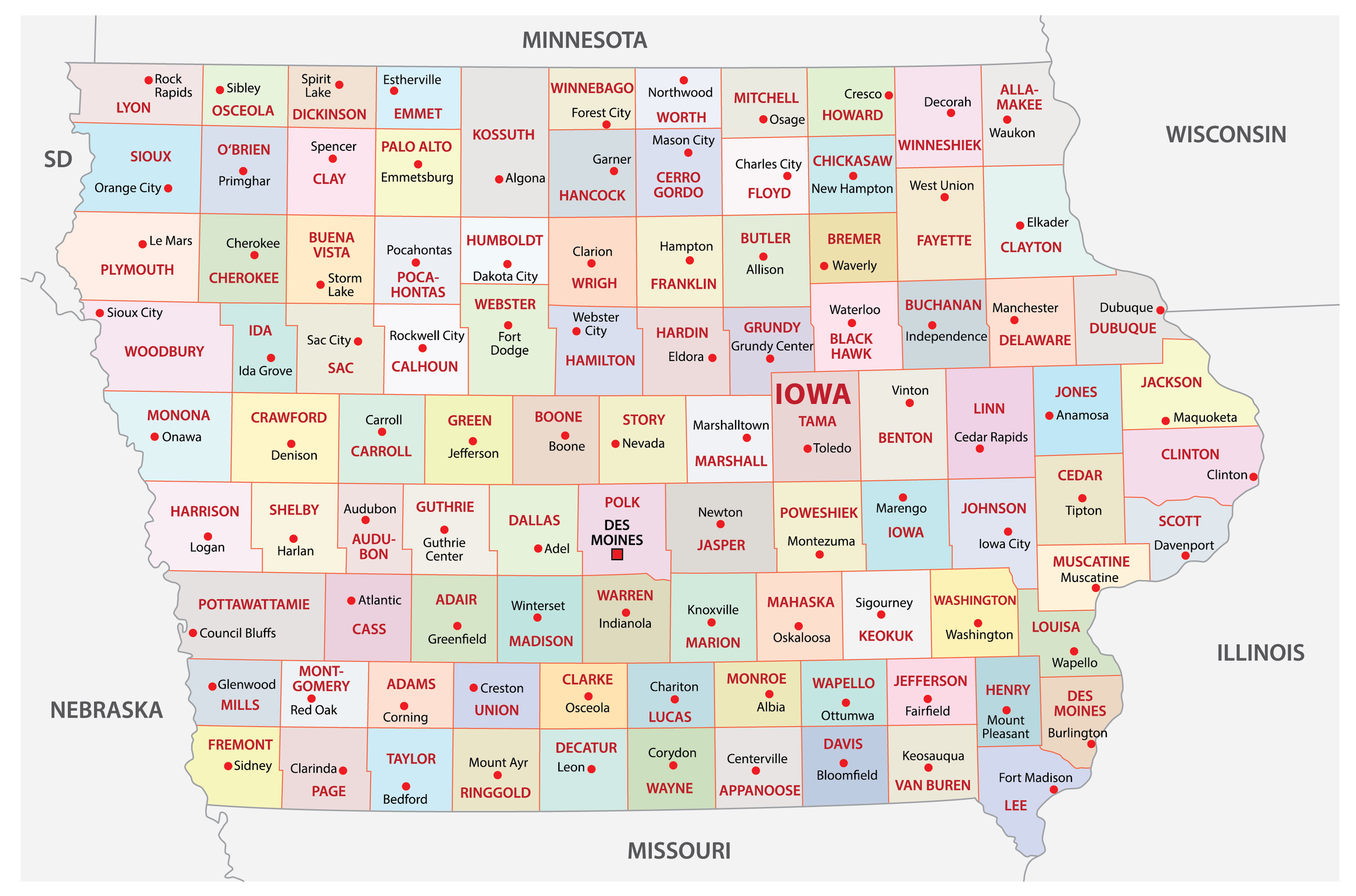
- District Courts: Divided into eight judicial districts across Iowa's 99 counties, handling felony and misdemeanor criminal cases, civil lawsuits exceeding small claims limits, family law matters like divorce and custody, and probate cases.
- Magistrate and Small Claims Courts: Handles minor offenses, traffic violations, ordinance infractions, and civil disputes involving claims up to $6,500.
How to Search Iowa Court Records Online
To search the database, navigate to the official Iowa Courts Online portal. You don't need an account or subscription for basic public record searches.
You can look up records using several search criteria:
- Case Number: The fastest and most accurate method if you already have the specific docket identifier (e.g., matching county code, case type, and sequence numbers).
- Party Name: Search by individual or business name. For individuals, entering both first and last names narrows down common names.
- Attorney Bar Number: Legal professionals frequently use this to pull up all active cases tied to a specific counselor.
- Hearing Schedule: Look up upcoming court dates by county, judge, or courtroom.
When looking up a person with a common name, you'll often encounter multiple results. Filter by county, filing year, or case type to identify the correct record. Clicking on an individual case opens the docket screen, where you can view a chronological list of filings, scheduled hearings, filed motions, and final dispositions.
What Records Are Available vs. Restricted?
While Iowa promotes judicial transparency, not all court documents are open to the public. Federal and state privacy laws, along with court rules, mandate that certain sensitive files remain confidential.
Publicly accessible records typically include:
- Civil case filings, complaints, and judgments.
- Criminal indictments, trial schedules, plea entries, and sentencing outcomes.
- Probate inventories and wills (unless specifically sealed).
- Small claims filings and judgments.
Restricted or confidential records include:
- Juvenile court records (delinquency and dependency proceedings).
- Adoption and termination of parental rights files.
- Mental health commitment proceedings.
- Classified or sealed search warrants and grand jury materials.
- Personal identifiers such as full Social Security numbers, minor children's names in sensitive cases, and financial account numbers.
If a document is restricted, the docket will usually show that a filing occurred, but clicking on it won't reveal the underlying text unless you are a party to the case or granted authorization by a judge.
Using Iowa's Electronic Document Management System (EDMS)
For attorneys, regular litigants, and advanced researchers, the Iowa Judicial Branch operates the Electronic Document Management System (EDMS). While Iowa Courts Online lets you view dockets and public case history, EDMS is where registered users file legal documents electronically and view full non-confidential PDF attachments.
To file documents or access detailed exhibits, users must create an EDMS account. Standard public users can view public documents through the search portal, but active litigation participants and attorneys use EDMS credentials to submit motions, pay filing fees online, and receive electronic service notifications. You can review guidelines and portal entry points via the Iowa Judicial Branch official site.
Common Mistakes to Avoid When Searching
Searching legal databases can lead to dead ends or confusion if you don't account for common procedural quirks:
- Assuming records are statewide instantly: While the electronic system is robust, minor municipal or traffic violations handled through local administrative channels can sometimes take days to populate in the central database.
- Confusing civil and criminal dockets: A person might share a name with someone involved in a civil contract dispute, leading to false assumptions about criminal history. Always verify date of birth identifiers or middle initials when available.
- Ignoring county jurisdictions: If you search within a specific county district and find nothing, remember that crimes or disputes occurring across county lines are filed in the respective local courthouse.
- Expecting free document downloads for everything: While viewing case dockets is free, obtaining certified copies of documents or pulling high-volume data extracts may require fees payable to the clerk of court.
Frequently Asked Questions
Can I look up criminal records for free in Iowa?
Yes. You can use the name search feature on Iowa Courts Online to view public criminal case histories, trial outcomes, and sentencing dockets without paying a fee.
How do I get a certified copy of an Iowa court document?
Certified copies cannot simply be printed from the free public web portal. You must contact the clerk of court in the specific county where the case was filed to request certified physical or digital copies, which typically involves a small statutory copying fee.
Are traffic ticket records available online?
Yes. Traffic infractions and simple misdemeanor citations handled by magistrate courts appear in the state's online database. You can search by citation number or defendant name to check payment status or hearing dates.
What should I do if a record contains an error?
If you spot a clerical or factual error in a court docket, you cannot edit it yourself. You must contact the clerk of court in the county handling the case to file a motion or request a correction through proper legal channels.


