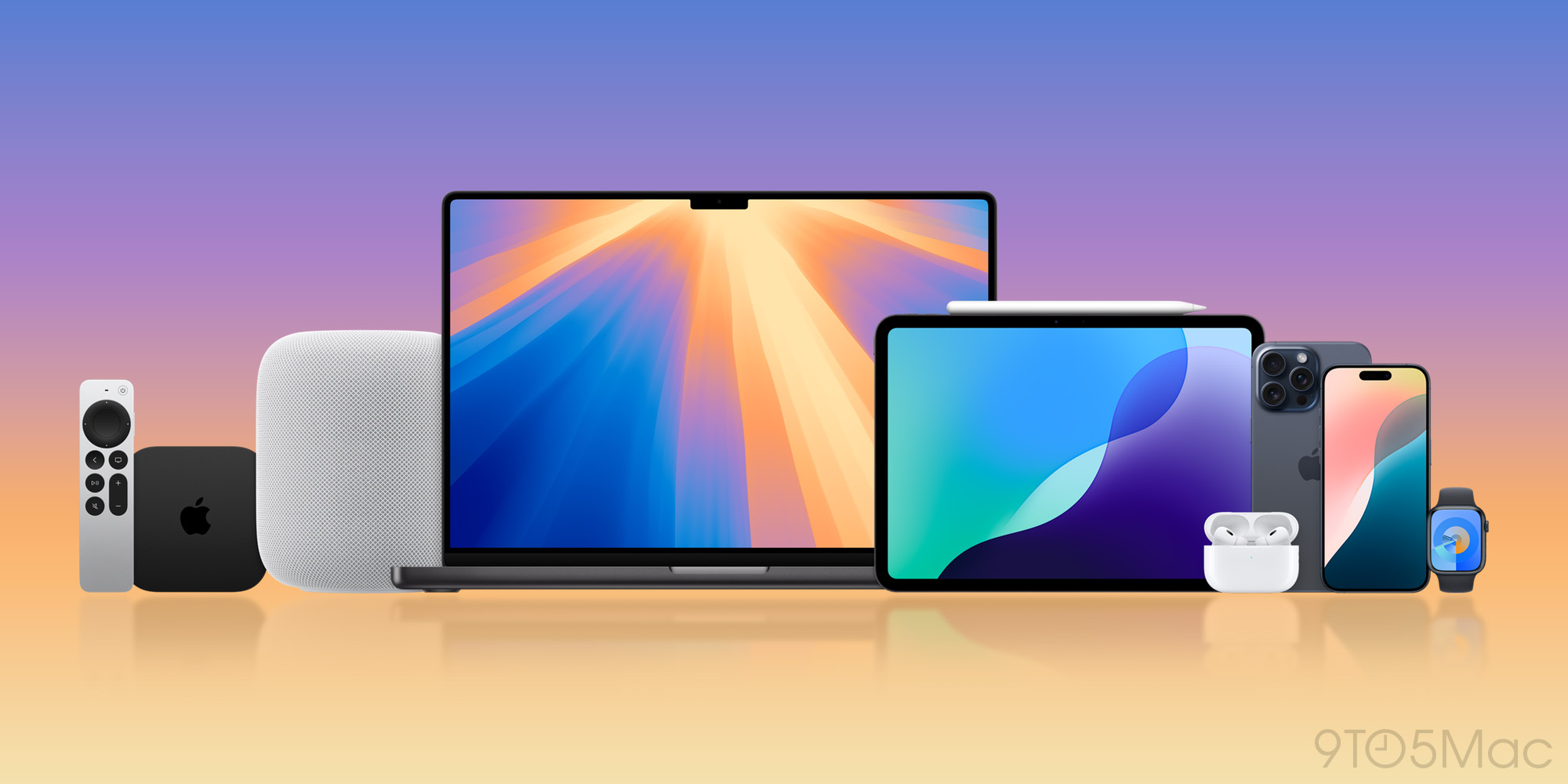
Apple's mobile operating system release introduced the most significant changes to the iPhone interface in years, centering on a fully redesigned Lock Screen, deeper Focus integration, and practical messaging tweaks. Rather than minor performance adjustments, the update fundamentally changes how users interact with notifications, personalize their devices, and share media across the Apple ecosystem.
If you are planning to update your device, understanding the hardware requirements, headline features, and potential software bugs is critical before hitting download. This overview covers the exact changes introduced in iOS 16, device compatibility, and answers common questions regarding its long-term stability and performance impact.
The Overhauled Lock Screen
The focal point of iOS 16 is a completely reimagined Lock Screen. For the first time, you can alter the typography, color palettes, and layout of the clock and date elements.
Widgets and Customization
You can now pin live widgets directly to your Lock Screen, similar to Apple Watch complications. At a glance, you can track fitness rings, view upcoming calendar events, check weather conditions, or monitor battery percentages for connected accessories without unlocking your phone.
Apple also introduced multi-lock-screen support. You can create distinct setups for different times of the day and link specific Lock Screens directly to Focus modes. When you switch from personal time to work mode, your phone automatically shifts its wallpaper and widget configurations to match your context.
Major Updates to Core Apps
Beyond aesthetic interface changes, several built-in applications received long-awaited functional upgrades that alter daily workflows.
Messages and Communication
The Messages app received three highly requested productivity tools:
- Editing: You can edit a sent iMessage within 15 minutes of sending it. Recipients can tap an edited tag to view prior revision history.
- Unsending: You can recall a message within 2 minutes of hitting send.
- Mark as Unread: You can flag active message threads as unread to ensure you return to them later.
Photos and Shared Libraries
Managing personal photo collections became more streamlined with built-in duplicate detection that automatically scans libraries to merge identical shots and save storage space. Additionally, the iCloud Shared Photo Library allows up to six family members to contribute, edit, and delete images within a separate, dedicated shared folder.
Maps and Navigation
Apple Maps introduced multi-stop routing, allowing drivers to add up to 15 intermediate destinations along a single route. You can also ask Siri to add stops mid-trip without manually touching the screen or interrupting navigation.
Device Compatibility and Performance
Updating your software requires checking hardware limits. Apple dropped support for several older devices with this release.
Supported iPhones
The operating system requires an A11 Bionic chip or newer. Officially supported hardware includes:
- iPhone 8 and 8 Plus
- iPhone X
- iPhone XR, XS, and XS Max
- iPhone 11 lineup and newer
- iPhone SE (2nd generation and later)
Older models, including the iPhone 6s, iPhone 7, and the original iPhone SE, cannot run the software. For more details on system architecture, visit the Apple Support page. To review broader technical documentation regarding historical releases, check out the Apple Wiki.
Frequently Asked Questions
Can I edit iMessages if the recipient uses an Android device?
No. Editing and unsending messages only function within the Apple ecosystem when communicating via iMessage with other Apple users. Standard SMS texts sent to non-Apple devices do not support these controls.
Does the new Lock Screen drain battery life faster?
Customizing your screen with live widgets, active weather animations, or continuous background updates can cause a minor increase in battery consumption, particularly on older devices with degraded battery health. Using standard static backgrounds preserves more power.
How do I remove subjects from photos in iOS 16?
You can press and hold down on the primary subject of any photo in your library to instantly lift it away from its background. Once isolated, you can drag and drop or copy the subject directly into notes, messaging apps, or email drafts.
Is it possible to revert to an older operating system if my phone runs slowly?
Apple stops signing older software versions shortly after a new release cycles through public updates, making official downgrades difficult or impossible once stability patches roll out. Ensuring your device meets recommended hardware specifications prevents most performance friction.


