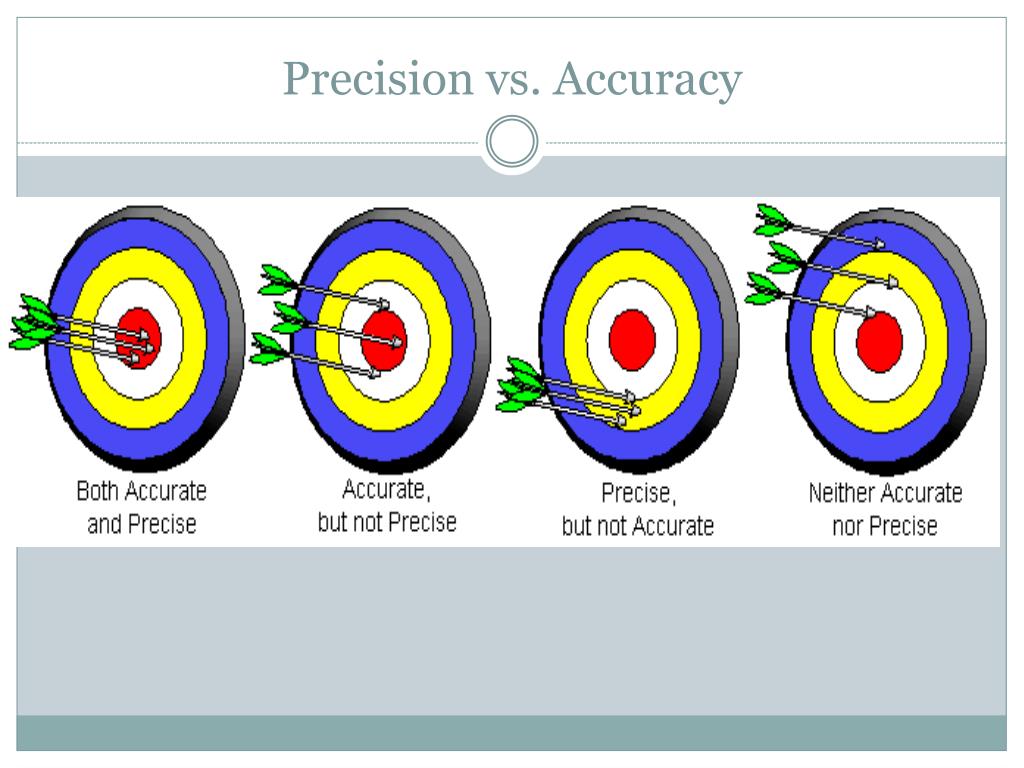
When you click "start" on an internet speed test, you expect an honest verdict on what you're paying your internet service provider to deliver. Yet, you might run three different tests back-to-back and get three wildly different numbers. Understanding why this happens requires looking past the flashy interface and examining the underlying mechanics of how these diagnostic tools evaluate your connection.
An internet speed test doesn't measure a universal constant. It measures the active data transfer rate between your local device and a specific remote server at one exact moment. Because your data crosses multiple networks, routers, and switching hubs to reach that server, your results depend heavily on hardware limits, local congestion, server distance, and protocol overhead. Knowing how these variables interact transforms how you interpret your network performance.
How Internet Speed Tests Actually Function
To evaluate your bandwidth, a speed test executes a sequence of calculated tasks designed to stress your connection in both directions.
First, the platform pings a nearby test server to measure latency, or ping time, which is the milliseconds it takes for a tiny data packet to make a round trip. Next comes the download phase. The testing tool opens multiple simultaneous TCP connections to the server and forces your browser or app to download large chunks of random data as fast as possible. By tracking how many megabits pass through in a given window, the tool calculates your download speed.
The upload test reverses this process. Your device pushes chunks of data from your local storage up to the test server. Because most residential connections are asynchronous—meaning download capacity far exceeds upload capacity—this phase measures your line's upstream ceiling. Advanced tests also track jitter (the variance in your ping over time) and packet loss (dropped data frames) to expose hidden micro-stutters that ruin video calls and online gaming.
Why Speed Tests Often Mislead You
Even though the underlying math of data transfer is sound, several external bottlenecks routinely skew your results. If you don't account for these factors, you might blame your provider for issues happening inside your own walls.
Wi-Fi Interference and Hardware Bottlenecks
Testing over wireless introduces immense volatility. Walls, structural metal, competing neighborhood networks, and microwave ovens all degrade signal integrity. Furthermore, your hardware dictates your ceiling. If you're testing on an older smartphone with an outdated Wi-Fi chip or using a budget laptop with a 100 Mbps Ethernet port, the test will max out at your device's physical limit rather than your internet plan's true capacity.
Server Distance and Network Routing
Speed tests rely on choosing a target server. If the selected server is hosted across the country or managed by a congested transit network, your data must traverse dozens of third-party routers. Each hop adds milliseconds of latency and potential throttling. This is why testing against a server hosted directly within your provider's local network often yields higher numbers than testing against a third-party server hundreds of miles away.
Background Applications and Protocol Overhead
If your cloud storage is syncing a large folder, your smart TV is buffering a 4K stream, or your operating system is downloading a background patch in the background, your speed test results will plummet. Furthermore, standard TCP/IP protocol overhead consumes roughly 5 to 8 percent of raw bandwidth for packet headers and acknowledgments. A gigabit connection will rarely show a full 1000 Mbps on a speed test because of this inherent protocol tax.
Steps for Running a Reliable Speed Test
To get data you can actually use when talking to customer support, you need to eliminate as many local variables as possible.
- Hardwire your connection: Plug a certified Cat5e or Cat6 Ethernet cable directly from your computer into your primary modem or router, bypassing Wi-Fi entirely.
- Quarantine your bandwidth: Close all active browser tabs, pause torrents, stop cloud backups, and ensure no other devices on your local network are streaming or downloading heavy files.
- Select the right server: Choose a testing server hosted by your ISP or a reputable third party located within 50 to 100 miles of your physical location.
- Test at varied intervals: Run tests during both off-peak morning hours and peak evening hours (7 PM to 11 PM) to establish a baseline of how neighborhood congestion impacts your throughput.
For more details on how network providers design these parameters, you can review the technical documentation provided by the Federal Communications Commission. To analyze your deeper connection stability including bufferbloat, specialized diagnostic tools like Waveform Bufferbloat Test provide granular insights beyond basic bandwidth meters.
Frequently Asked Questions
Why do different speed test websites give me different numbers?
Different testing platforms utilize different server hosting networks, distinct routing paths, and varying multi-stream algorithms. A test hosted on a content delivery network close to you might report higher speeds than a test routing through a heavily burdened third-party host.
Is my speed test affected by my web browser?
Yes. Modern web browsers handle JavaScript execution, network socket allocation, and rendering differently. Testing via a dedicated desktop application often bypasses browser extension interference and internal socket caps, yielding cleaner results on ultra-high-speed connections.
What is a good ping for gaming and video calls?
For competitive gaming and real-time communication, a ping under 20 milliseconds is exceptional, while anything under 50 milliseconds is completely smooth. Once latency climbs past 100 milliseconds, you will notice perceptible input lag in games and awkward audio delays in conversations.
Why is my download speed high while my upload speed is low?
Most consumer internet architectures—including cable and traditional DSL—are built asymmetrically. They allocate vastly more bandwidth to downloads because typical household usage involves consuming content rather than broadcasting it. Symmetrical speeds are generally reserved for fiber-optic and select business-class lines.



