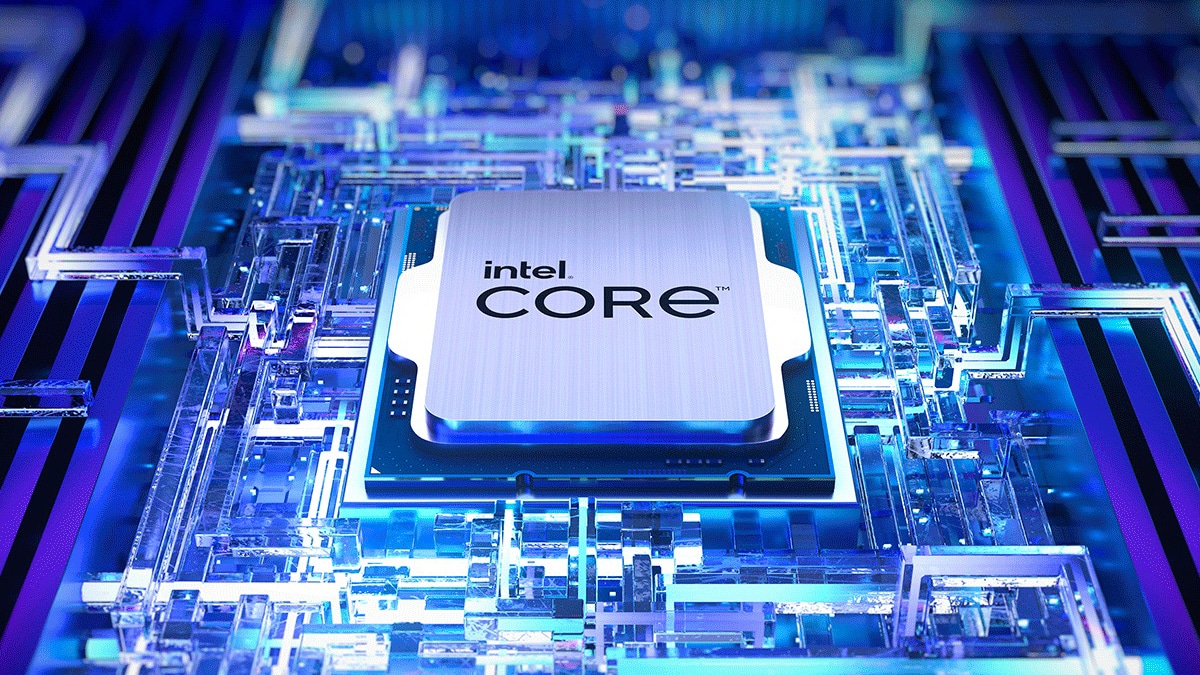
When you're shopping for a high-end desktop processor, choosing between the Intel Core i9 14900K and the i9 14900KF comes down to one single hardware difference: integrated graphics. Both chips share the exact same 24-core architecture, identical 6.0 GHz boost clocks, and the same thermal requirements. If you're building a system with a dedicated graphics card, you might wonder why the standard K model even exists or if paying a few extra dollars matters.
The short answer is that performance in games and heavy applications is virtually identical. The i9 14900K features built-in Intel UHD Graphics 770, while the i9 14900KF drops this integrated GPU to save a little manufacturing overhead—and usually a tiny bit of cash at checkout. If you want to dive deeper into how these chips operate under load, you can check the official specifications on the Intel Ark database or review technical documentation via Tom's Hardware.
Core Architecture and Raw Performance
Under the hood, both processors belong to the Raptor Lake Refresh family. They pack 8 performance cores (P-cores) and 16 efficient cores (E-cores), totaling 24 cores and 32 threads. Cache sizes are identical, offering 36MB of L3 cache and 32MB of L2 cache.
When you run multi-threaded workloads like Blender rendering, video encoding in Premiere Pro, or heavy code compilation, both CPUs perform within margin of error of each other. Geekbench and Cinebench scores fluctuate by less than one percent between the two variants. Because the silicon die originates from the exact same manufacturing lines, Intel disables the integrated graphics block on chips that fail specific iGPU validation tests, branding them as the "F" variant. The processing cores themselves run at the exact same speeds and handle instructions identically.
The Integrated Graphics Factor
The letter "F" in Intel's naming convention means the processor lacks onboard graphics. If you buy the standard i9 14900K, your processor includes the Intel UHD Graphics 770.
- Display Outputs: The standard 14900K lets you plug your monitor directly into your motherboard's HDMI or DisplayPort, provided your motherboard supports it.
- Troubleshooting: If your dedicated graphics card fails or you're troubleshooting a boot issue, an integrated GPU lets you access your desktop immediately without needing a spare GPU.
- Quick Sync: Content creators utilizing software that leverages Intel Quick Sync Video for hardware-accelerated video editing and streaming will benefit from the standard K model.
- The KF Alternative: The 14900KF requires a discrete graphics card at all times. If your GPU isn't installed or working, you won't get a display signal, because the motherboard video ports are inactive without an iGPU on the CPU.
Power Consumption and Thermal Realities
Pushing 24 cores up to 6.0 GHz requires immense power. Both chips share a base power rating of 125W, but under maximum turbo boost (PL2), they can draw up to 253 watts.
In daily use, you won't notice any difference in power efficiency. Neither chip runs cooler than the other simply due to the missing graphics block. Both processors regularly touch 100°C under heavy multi-core loads unless you pair them with a robust 360mm or 420mm liquid cooling setup. Proper thermal paste application and contact frames are essential for keeping temperatures under control, regardless of which suffix you choose.
Pricing and Value Considerations
Market pricing fluctuates, but the i9 14900KF typically retails for a slightly lower price than the standard K variant. If the price difference is negligible—say, five to ten dollars—buying the standard 14900K is usually safer for the insurance policy of having built-in graphics. However, if the KF version offers a more substantial discount in your region, grab it without hesitation, provided you already own a dedicated graphics card.
Frequently Asked Questions
Can I overclock the Intel Core i9 14900KF?
Yes. Both the 14900K and 14900KF are fully unlocked multipliers designed for overclocking. You'll need a motherboard with a Z-series chipset (such as a Z790) to take full advantage of CPU and memory overclocking features.
Do I need a cooler included in the box?
No. Neither the 14900K nor the 14900KF includes a thermal solution in the retail packaging. You must purchase a high-performance liquid cooler separately to manage their thermal output.
Will games run faster on the standard 14900K?
No. Gaming performance is identical. When you play games, your system utilizes your dedicated graphics card. The processor's integrated graphics remain idle and do not affect frame rates.
What happens if my graphics card breaks?
If you use the 14900K, you can unplug your broken GPU, plug your monitor into the motherboard, and still use your PC for basic tasks. If you use the 14900KF, your screen will remain black until you install a working graphics card.



