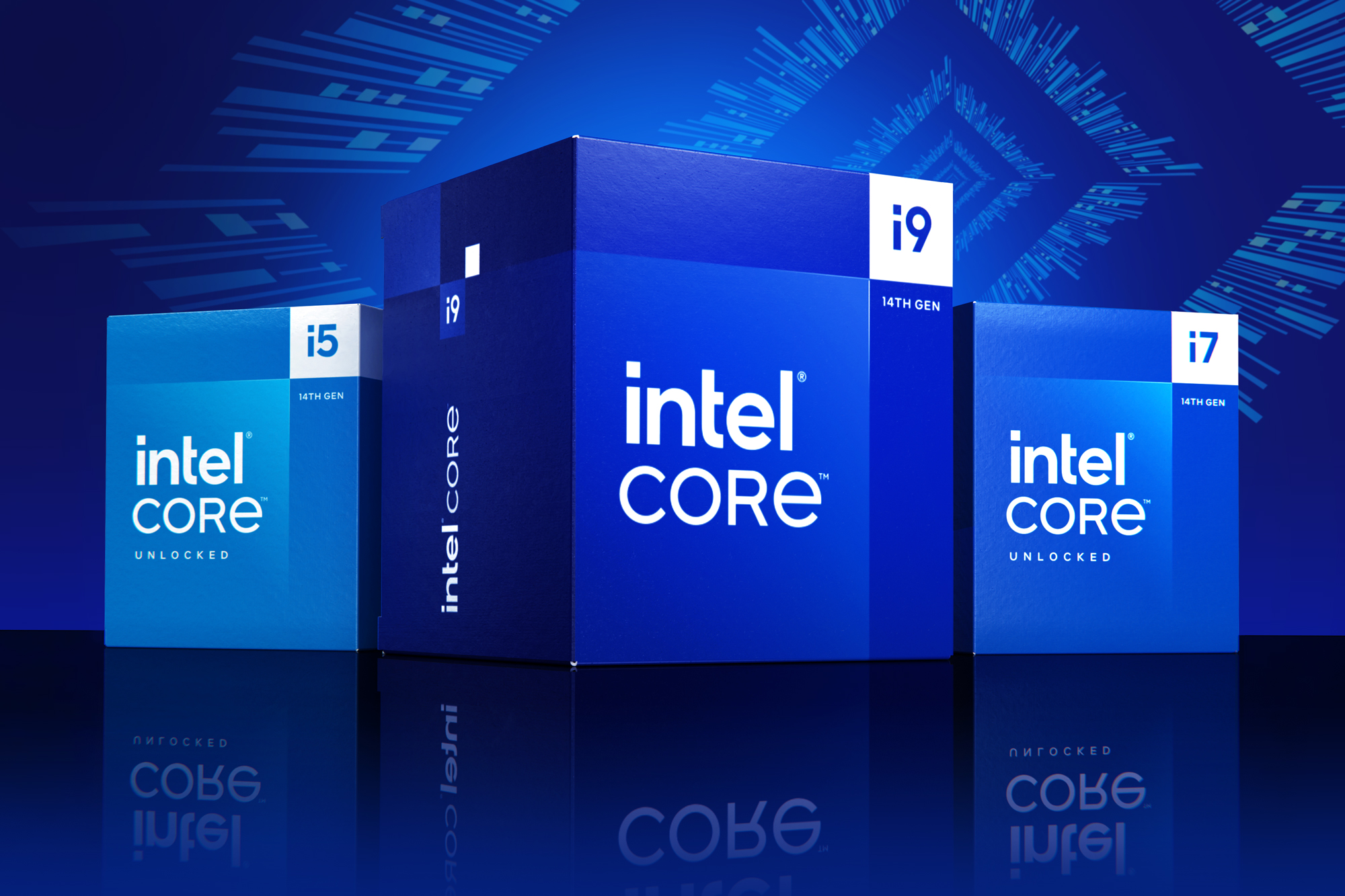
When you're shopping for a processor upgrade or building a new desktop, generational leaps often blur the lines between tier names. You might look at an older flagship chip and wonder if it still holds its ground against a newer mid-to-high-tier processor. Specifically, comparing an older enthusiast-class chip like the Intel Core i9-12900K against a newer enthusiast tier from a later family, such as the Intel Core i7-14700K, reveals a fascinating shift in architecture and value.
The short answer is that the newer Intel i7 14th gen chip outperforms the older Intel i9 12th gen processor in almost every measurable category—including multi-threaded production tasks, single-core speeds, and gaming frame rates—while running on the same LGA1700 socket. Generational architectural refinement matters more than a badge designation, meaning a newer i7 easily outclasses a two-generation-old i9.
Architecture and Core Configuration Differences
To understand why the performance gap exists, look under the hood. The Core i9-12900K launched on Intel's Alder Lake architecture, featuring 16 total cores split into 8 performance cores (P-cores) and 8 efficient cores (E-cores), totaling 24 threads.
By contrast, the Core i7-14700K arrived on the Raptor Lake Refresh architecture with a major layout bump. It features 20 total cores—8 P-cores and 12 E-cores—pushing the thread count to 28.
- P-Core Count: Both feature 8 performance cores, but the 14th gen variant benefits from higher instructions per clock (IPC) and significantly higher clock speeds out of the box.
- E-Core Count: The i7-14700K adds four extra efficient cores, which directly translates to massive multi-threaded gains in rendering, video encoding, and background multitasking.
- Cache Scaling: L3 cache jumps from 30MB on the 12th gen i9 up to 33MB on the 14th gen i7, helping reduce latency during heavy gaming sessions.
Because both processors share the LGA1700 socket, they can often use the same motherboard ecosystem (though older 600-series boards will require a BIOS update to support 14th-gen chips properly).
Productivity and Multi-Threaded Benchmarks
If your daily workflow involves heavy rendering, software compilation, or 4K video editing, core counts and architecture dictate your timeline. Synthetic and real-world suites show a clear victory for the newer i7 architecture.
In multi-threaded tests like Cinebench and PassMark CPU Mark, the Core i7-14700K outperforms the Core i9-12900K by roughly 25% to 28%. Those four extra E-cores absorb heavy background loads without choking the primary P-cores. For example, when exporting a complex timeline in Adobe Premiere or rendering a 3D scene in Blender, the newer processor finishes significantly faster.
Single-core performance tells a similar story. Thanks to higher clock frequencies—boosting up to 5.6 GHz on the i7-14700K compared to 5.2 GHz on the i9-12900K—single-threaded responsiveness feels snappier. Applications that rely heavily on primary core speed, such as older game engines or CAD software, benefit directly from this architectural bump.
Gaming Performance Realities
Gamers often debate whether an i9 badge is necessary for high refresh rate setups. When matching these two specific chips, the generational gap overrides the naming convention.
Across modern title benchmarks at 1080p and 1440p resolutions, the Core i7-14700K delivers noticeably higher average and 1% low frame rates. In esports titles like Valorant or CS2, or demanding open-world games like Cyberpunk 2077, the IPC improvements and expanded cache of the Raptor Lake Refresh chip prevent micro-stutters.
You can check detailed technical specifications and generational layouts directly via the Intel ARK Database to compare official power profiles and thermal limits.
Power Consumption and Thermal Management
Raw performance requires energy, and both of these enthusiast-class processors pull substantial wattage under full load.
- Thermal Design Power (TDP): Both chips list a base 125W TDP rating, but their turbo power consumption spikes well past 250W when unlocked in the BIOS.
- Cooling Requirements: Do not attempt to run either of these CPUs on a budget air cooler. You will need a robust 240mm or 360mm liquid cooling loop, or a massive dual-tower air cooler, to keep thermal throttling at bay during extended workloads.
- Efficiency Scaling: While both chips run hot, the 14th-gen i7 yields better performance-per-watt metrics in multi-core workloads due to its refined 10nm (Intel 7) manufacturing node optimizations.
Common Mistakes When Choosing Between These CPUs
Buyers often fall into predictable traps when evaluating older flagships versus newer mid-tier components. Avoid these pitfalls:
- Assuming an "i9" always beats an "i7": Never judge a CPU purely by its tier name across different generations. Architectural milestones make a newer i7 vastly superior to an older i9.
- Ignoring motherboard BIOS requirements: If you drop a 14th-gen chip into an older Z690 motherboard, your system may fail to boot until you flash the BIOS using an older CPU or a USB flashback feature.
- Underestimating power supplies: Pairing either of these power-hungry chips with an aging 500W power supply will cause sudden system shutdowns during gaming spikes. Aim for a high-quality 750W or 850W unit.
For broader industry context on hardware trends and power standards, look over resources provided by PCMag.
Frequently Asked Questions
Can I use my existing DDR4 RAM with both processors?
Yes. The LGA1700 platform supports both DDR4 and DDR5 memory configurations, depending entirely on the specific motherboard model you buy. If you are migrating from an older system, keeping your DDR4 kit can save money, though DDR5 unlocks higher bandwidth for memory-heavy tasks.
Is the i7-14700K worth buying new over a used i9-12900K?
If you find a heavily discounted used i9-12900K on the secondary market, it remains a capable chip for budget-conscious builds. However, for a brand-new build, the i7-14700K provides a longer upgrade lifespan, stronger warranty, and noticeably faster multi-threaded processing.
Do I need to upgrade my power supply when moving to these chips?
If your current power supply is rated at 650 watts or lower, upgrading is strongly recommended. Both processors demand high current delivery during turbo boosts, especially when paired with a modern dedicated graphics card.



