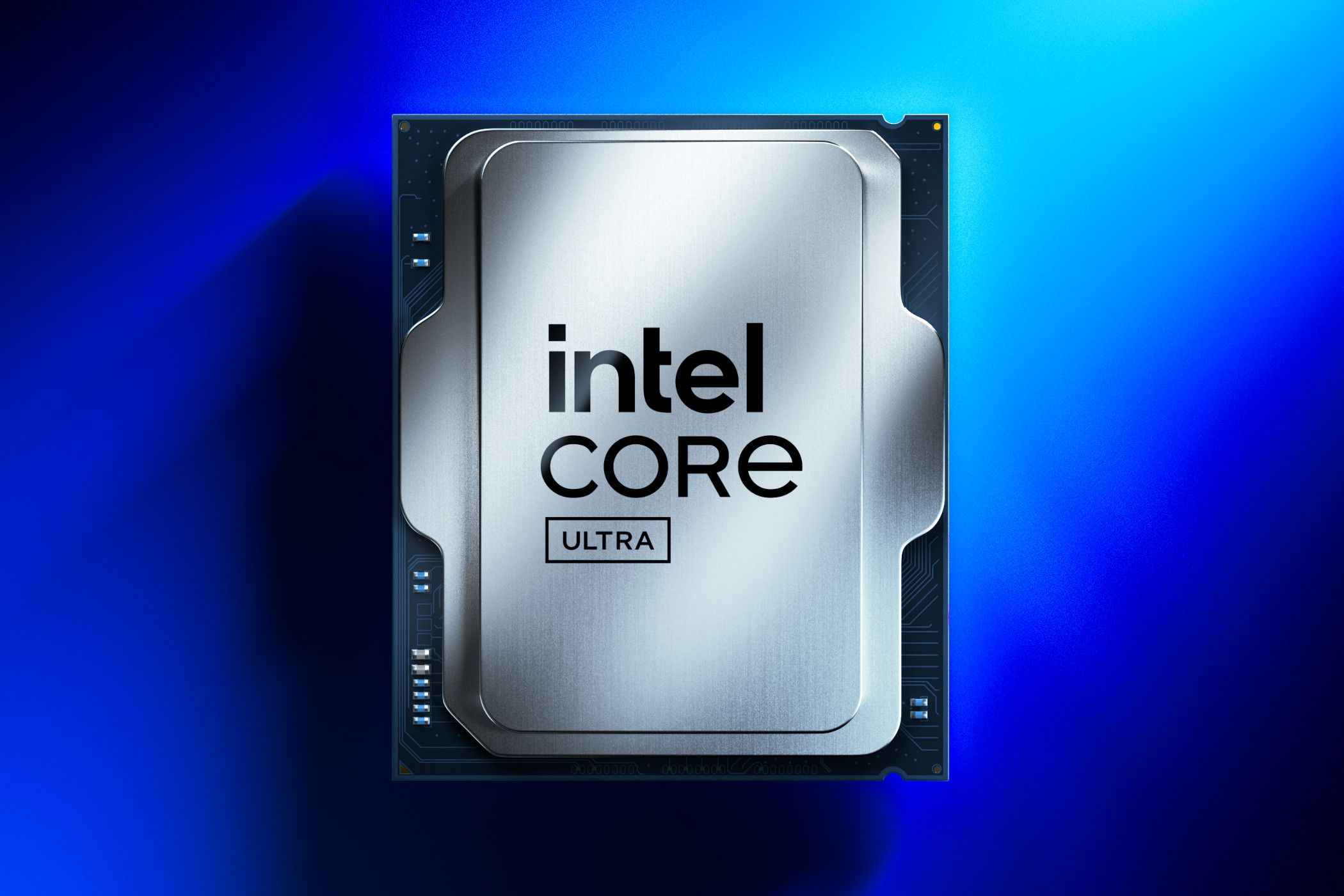
When Intel launched the Coffee Lake architecture in 2018, mobile workstations and gaming laptops underwent a structural shift. The Intel Core i7-8750H broke a long-standing performance ceiling by packing six physical cores and twelve threads into a 45W mobile envelope. Before this processor arrived, quad-core configurations dominated high-end laptops, leaving heavy multitasking, video rendering, and competitive gaming constrained by thermal and structural bottlenecks.
This piece examines the technical makeup, real-world execution, thermal quirks, and enduring relevance of a processor that shaped portable high-performance computing. We'll look past the marketing hype to understand how this six-core chip handles modern productivity workloads and what to watch out for if you're evaluating a used or secondary-market machine powered by it.
Architectural Makeup and Specifications
The core architecture behind the Intel Core i7-8750H relies on Intel's refined 14nm++ manufacturing process. Shifting from four cores to six marked a 50 percent increase in raw core count over the preceding seventh-generation mobile chips, a necessary response to rising competition in the multi-threaded computing space.
- Cores and Threads: 6 physical cores and 12 threads via Hyper-Threading technology.
- Clock Speeds: 2.2 GHz base frequency, with a single-core Turbo Boost ceiling reaching up to 4.1 GHz.
- Cache: 9 MB of Intel Smart Cache.
- Memory Support: Dual-channel DDR4-2666 and LPDDR3-2133 up to 64 GB.
- Thermal Design Power: Rated at 45W nominal TDP, though real-world power draws under sustained multi-core loads routinely spike higher.
- Integrated Graphics: Intel UHD Graphics 630 operating at a 350 MHz base frequency with a 1.1 GHz dynamic maximum.
The addition of two extra cores altered how thermal management systems inside laptops had to be designed. Manufacturers had to engineer beefier copper heat pipes and denser fin stacks to keep the silicon from hitting thermal throttling limits during extended rendering jobs or gaming sessions. You can verify detailed baseline parameters directly through the Intel ARK Database.
Real-World Productivity and Workstation Output
Because of its six-core layout, this processor quickly became a favorite for video editors, software developers, and 3D artists who needed workstation capabilities in a portable form factor.
In everyday office environments, web browsing, and multi-app multitasking involving heavy spreadsheet work or communication suites, the chip breezes through tasks without stuttering. The 12 threads manage background processes efficiently, allowing developers to spin up local testing environments or run lightweight virtual machines without choking system resources.
When moving into heavier multimedia workflows, performance depends heavily on the accompanying storage and cooling setup. Exporting 1080p and 4K footage in tools like DaVinci Resolve remains viable, though render times are naturally longer than what newer generations deliver. Compiling large codebases in environments like Visual Studio or rendering architectural drafts in Blender demonstrates that the six cores handle parallelized tasks capably, even if single-core speed lags behind modern microarchitectures.
Gaming Capabilities and Hardware Pairing
Paired with a capable discrete graphics card—such as an NVIDIA GeForce GTX 1060, GTX 1070, or a mobile RTX series GPU—the processor serves as an adequate engine for 1080p gaming.
In fast-paced esports titles like Counter-Strike 2 or Dota 2, the CPU maintains frame rates well above 144 Hz, provided thermal throttling is kept under control. For demanding AAA titles, the processor feeds enough frames to prevent major GPU bottlenecks at medium-to-high settings, though modern CPU-heavy titles will push utilization close to its limits.
[Base 2.2 GHz] ---> (Thermal Headroom Available) ---> [Turbo Boost 4.1 GHz]
[Sustained Load] --> (Thermal Saturation Reached)   --> [Core Frequency Stabilization]
The diagram above illustrates how the processor behaves under load. When a workload starts, it leaps to its maximum turbo frequency. Once the cooling assembly reaches thermal saturation, frequencies step down to a sustainable baseline to protect the silicon.
Thermal Management and Common Pitfalls
The most frequent hurdle associated with machines running this processor is heat management. A 45W nominal rating is deceptive; under sustained multi-threaded loads, package power often scales past 70W temporarily, driving temperatures upward rapidly.
- Thermal Paste Degradation: Laptops built in 2018 have aged thermal paste. Dried compound leads to immediate thermal throttling.
- Dust Accumulation: Intake fans and heatsink fins clog easily over years of use, reducing airflow drastically.
- Voltage Offset Tuning: Many users resort to undervolting via utilities like ThrottleStop to shave off unnecessary heat without sacrificing clock speed.
If you're inspecting a secondary-market laptop featuring this chip, monitoring temperatures under a stress test like Cinebench is essential. High idle temperatures or immediate spikes to 100°C indicate that a thorough cleaning and repasting job is overdue.
Frequently Asked Questions
Can a laptop with this processor handle modern software?
Yes, for standard productivity, web development, coding, and moderate media editing, it remains entirely functional. However, heavy modern AAA games or enterprise-grade 3D rendering will expose its age.
Is undervolting safe for this CPU?
Applying a mild negative voltage offset is a common practice for this generation of chips. It reduces power consumption and lowers operating temperatures without impacting stability, provided you test increments carefully.
How does it compare to modern budget mobile processors?
Modern entry-level mobile chips (such as newer quad-core or entry-level hex-core Ryzen and Intel processors) often match or beat it in single-threaded efficiency and power management due to smaller manufacturing nodes, though multi-threaded output remains roughly comparable to lower-tier modern silicon.
What should I check when buying a used machine with this processor?
Check battery health, inspect fan noise levels under load, verify that the discrete graphics card drivers install cleanly, and plan to replace the thermal paste immediately to restore optimal thermal performance.



