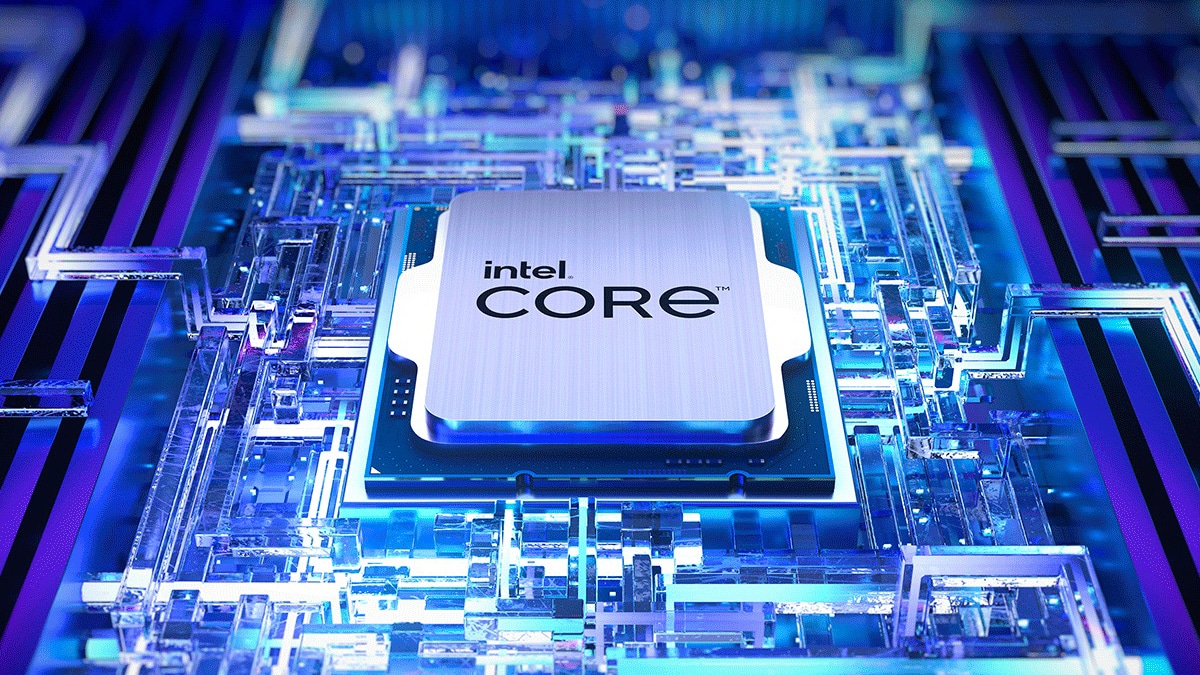
Launched in mid-2014, the Intel Core i5-4590 arrived quietly during an era when desktop computing felt stable, predictable, and remarkably long-lasting. Built on the 22nm Haswell architecture, this quad-core, four-thread processor wasn't designed to break enthusiast records or push cooling to extremes. Instead, it became the quintessential office workhorse and budget gaming foundation of the 2010s. Millions of pre-built office towers, school labs, and entry-level gaming rigs relied on its 3.3 GHz base and 3.7 GHz boost clock to deliver dependable daily performance. Looking back across a decade of rapid architectural evolution, examining why this specific chip anchored so many desks reveals a fascinating chapter in hardware longevity.
Consumer hardware cycles often force constant upgrades, yet the Core i5-4590 defied this trend through sheer saturation and balanced engineering. It struck a rare sweet spot between power consumption and thermal output, avoiding the thermal throttling issues that plagued some contemporary setups. While modern multi-core processors make quick work of heavy rendering loads, older quad-core processors like the i5-4590 formed the backbone of standard web browsing, office multitasking, and light productivity for years past their prime.
The Architectural Foundation: Haswell and LGA1150
Understanding the staying power of the i5-4590 requires looking closely at the Intel Haswell microarchitecture. Succeeding the Ivy Bridge generation, Haswell refined power management and introduced support for AVX2 instructions, which accelerated vector math and specific calculation-heavy tasks.
The chip operated on the LGA1150 socket, paired primarily with chipset variants like the H81, B85, H97, and Z97. This ecosystem supported standard DDR3 memory, typically clocked at 1600 MHz, creating an affordable entry point for system builders. With 6 MB of shared L3 cache and an 84W thermal design power (TDP), the processor balanced electrical efficiency with steady sustained frequencies.
Integrated Graphics and Office Deployment
Beyond raw processing power, the inclusion of Intel HD Graphics 4600 made the i5-4590 an attractive option for enterprise deployment. Businesses didn't need to purchase dedicated graphics cards for standard administrative workstations. The integrated GPU handled multi-monitor setups, high-definition video playback, and basic display outputs effortlessly. This drove massive bulk purchases by corporate IT departments, flooding the secondary market with cheap off-lease hardware years later.
Real-World Performance and Budget Gaming Legacy
By the late 2010s, secondary market buyers discovered that retired office PCs equipped with an i5-4590 could easily transform into capable budget gaming machines. Pairing the processor with an affordable graphics card like the NVIDIA GeForce GTX 1050 Ti or GTX 1060 created a machine capable of running esports titles and moderate mainstream games at 1080p.
Performance bottlenecks eventually emerged as game engines shifted toward requiring six or eight threads, but the chip's robust single-core execution kept it viable longer than expected. Users didn't experience sudden obsolescence; rather, the processor gracefully transitioned from a mid-range gaming CPU to an entry-level machine for casual gaming, media streaming, and student homework stations.
The DDR3 Memory Bottleneck
As the computing landscape progressed toward DDR4 and eventually DDR5 RAM, the reliance on DDR3 dual-channel memory became the primary performance ceiling for Haswell systems. Memory bandwidth limits constrained multitasking heavy workloads and caused stutter in modern open-world games. Despite this limitation, upgrading a secondary rig to a solid-state drive paired with an i5-4590 provided an astonishingly snappy desktop experience for everyday tasks.
Why the i5-4590 Outlasted Its Successors
Processor generations often experience marginal gains, and the i5-4590 faced immediate competition from minor refreshes like the i5-4690, alongside the transition to Skylake and DDR4 memory in subsequent years. Yet, rapid price-to-performance shifts meant that upgrading from Haswell offered minimal practical return for casual users.
- Plateauing Single-Core Gains: For several years following Haswell, generational IPC (instructions per cycle) improvements remained modest, meaning older quad-core chips still felt responsive.
- Overbuilding Office Fleets: Corporations purchased millions of these units, ensuring an endless supply of cheap replacement parts, motherboards, and cooling assemblies.
- Stable Software Ecosystem: Operating systems and web browsers optimized well for quad-core configurations without immediate multi-threading requirements.
Practical Considerations for Legacy Systems Today
Running a system built around a decade-old processor requires practical management, especially regarding operating system support and security updates. Microsoft officially dropped support for older CPUs in modern Windows iterations, pushing legacy hardware toward alternative operating systems or specialized lightweight environments.
- Operating System Transition: Many users repurpose these stable machines by installing lightweight Linux distributions, breathing new life into old hardware for local file storage or web browsing.
- Thermal Maintenance: Replacing the old thermal paste between the IHS and CPU cooler prevents thermal throttling after years of dust accumulation and compound drying.
- Storage Upgrades: Swapping a mechanical hard drive for a SATA solid-state drive eliminates the most common bottleneck in older desktop systems.
Official platform lifecycles and documentation are archived through manufacturer channels like the Intel Product Specification Page, offering precise historical data on discontinued silicon.
Frequently Asked Questions
Can an Intel Core i5-4590 run modern Windows operating systems?
While the chip lacks official support for newer Windows versions due to strict generational security requirements, it handles older Windows builds and various Linux distributions efficiently.
Is the i5-4590 still usable for gaming?
It handles older titles, esports games like League of Legends or CS:GO, and lightweight indie games well when paired with a modest dedicated graphics card. Modern AAA titles requiring six or more threads will experience severe stuttering.
What is the maximum RAM supported by this processor?
The memory controller officially supports up to 32 GB of DDR3 memory running in dual-channel configuration, though most consumer motherboards of the era featured two to four DIMM slots capped at 16 GB or 32 GB total.
How does the i5-4590 differ from the i5-4570?
The i5-4590 features a 100 MHz bump in both base and boost clock speeds compared to the older i5-4570, offering an almost identical architectural layout with negligible real-world performance differences.



