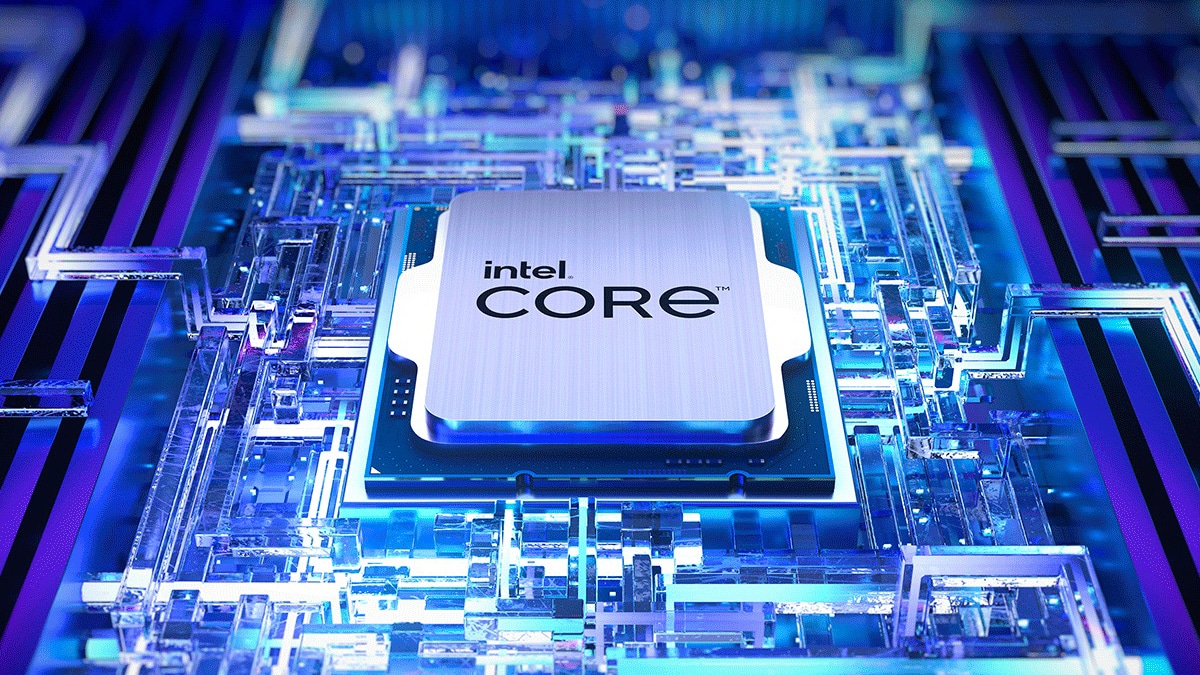
Released in April 2012, the Intel Core i5 3550 is a quad-core desktop processor built on the 22nm Ivy Bridge architecture. Operating at a base frequency of 3.3 GHz with a turbo boost up to 3.7 GHz, it became a staple choice for mainstream productivity rigs and budget gaming setups. While modern computing demands multi-threaded execution and advanced instruction sets that leave this chip behind, understanding its technical footprint sheds light on a major milestone in mainstream processor design.
We'll look at the technical specifications, real-world performance metrics, limitations, and ongoing utility of this classic hardware.
Architectural Foundation and Specifications
The Ivy Bridge generation succeeded the Sandy Bridge line, bringing a transition from 32nm to 22nm manufacturing nodes. This shift allowed Intel to pack transistors more densely, improving energy efficiency while maintaining compatibility with the LGA 1155 socket.
- Cores and Threads: 4 physical cores and 4 threads, lacking hyper-threading capability.
- Clock Speeds: 3.3 GHz base clock, scaling up to 3.7 GHz via Intel Turbo Boost Technology.
- Cache: 6 MB of L3 cache alongside 1 MB of L2 cache.
- Thermal Design Power (TDP): Rated at 77W, making it easy to cool with stock or basic aftermarket air coolers.
- Memory Support: Dual-channel DDR3 memory controller supporting speeds up to 1600 MHz.
- Graphics: Integrated Intel HD Graphics 2500, operating at a base frequency of 650 MHz up to 1150 MHz max dynamic frequency.
Unlike its overclocking-friendly sibling, the i5 3570K, the i5 3550 features a locked multiplier. Users couldn't easily push core multipliers past factory limits, though limited bus speed adjustments were occasionally possible depending on the motherboard chipset, such as Z68, Z75, or Z77.
Real-World Performance and Use Cases
When paired with discrete graphics cards of its era, this processor handled heavy workloads like Microsoft Office suites, web browsing with numerous tabs, and 1080p video playback without stuttering.
For gaming, it paired well with mid-range graphics cards like the NVIDIA GTX 660 or later entry-level cards like the GTX 1050 Ti. It delivered stable frame rates in titles from the early 2010s. However, modern games relying heavily on more than four threads or AVX instruction sets experience severe bottlenecks.
Office Productivity and Retro Builds
Today, systems running this chip serve adequately as basic desktop stations for web browsing, word processing, and media streaming. Because many enterprise motherboards from that era remain functional, they often find new life in home laboratories, lightweight file servers, or retro Windows 7/10 gaming stations.
For official details on legacy architectures, you can check the Intel Product Specification Page.
Common Limitations and Bottlenecks
Running legacy hardware involves navigating distinct bottlenecks that restrict modern utility.
- No Official Windows 11 Support: Microsoft's security requirements omit third-generation Core processors from the official supported list, restricting systems to Windows 10 or alternative lightweight operating systems like Linux.
- Instruction Set Limits: The lack of modern instruction extensions means specific contemporary applications and security software won't execute efficiently or at all.
- Memory Bandwidth Restrictions: DDR3 architecture limits data transfer rates compared to modern DDR4 and DDR5 standards, slowing down memory-intensive tasks.
- PCI Express 3.0 Limits: While it introduced PCIe 3.0 support, lane limitations mean high-end modern graphics cards operate with restricted bandwidth.
Frequently Asked Questions
Can the Intel Core i5 3550 run modern video games?
It struggles with modern triple-A titles due to its quad-core, four-thread design and older architecture. It handles older games released before 2018, esports titles like League of Legends on lower settings, and lighter indie games.
What is the best motherboard chipset for this processor?
Motherboards featuring the Intel Z77, Z75, H77, or B75 chipsets offer native support without requiring a BIOS update. Older 6-series boards (Z68, H61) also work, but check manufacturer BIOS notes to ensure Ivy Bridge compatibility.
Is it worth upgrading an existing i5 3550 system?
Major performance upgrades aren't viable because the LGA 1155 socket reached its dead end years ago. Swapping a mechanical hard drive for a SATA SSD and upgrading RAM to 16GB provides the only noticeable performance boost for everyday tasks.
How does it compare to the i5 3570K?
The i5 3550 runs 100 MHz slower on both base and boost clocks and features a locked multiplier, preventing the easy overclocking achievable on the 3570K when paired with a Z-series motherboard.



