Accessing your tax records, viewing your balance, or tracking a refund on the Internal Revenue Service portal requires logging in through a secure credential service provider. The agency partners with ID.me to verify taxpayer identities and protect sensitive financial data. Setting up or accessing your profile shouldn't feel like navigating a maze, yet millions of users hit roadblocks during the document upload and selfie verification stages.
This guide walks you through the exact process of completing your ID.me verification for the IRS, bypassing common technical errors, and locking down your account security.
What You Need Before You Start
Rushing into the ID.me registration process without your documents ready leads to session timeouts and upload rejections. Gather these items beforehand:
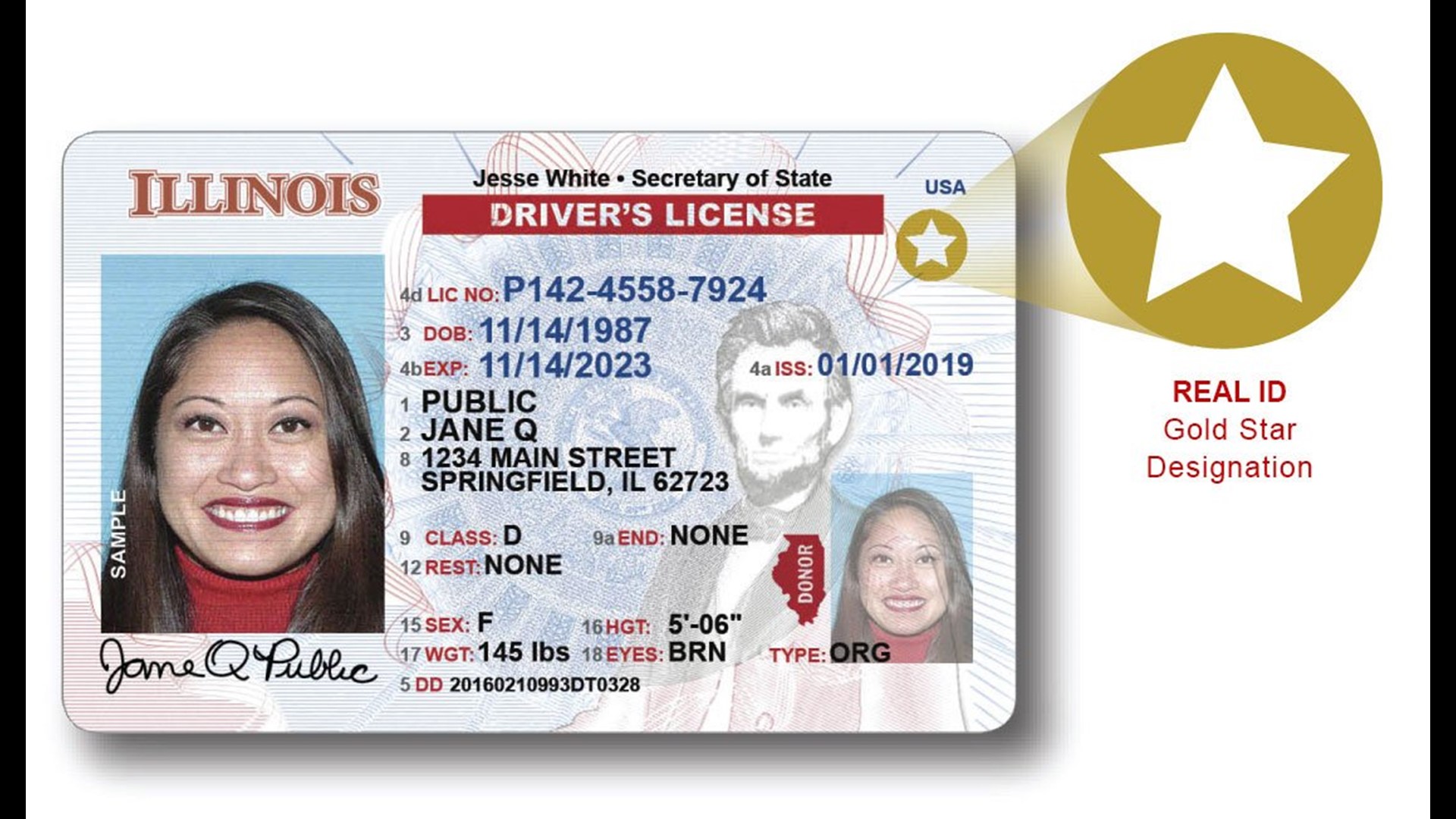
- Government-Issued Photo ID: A valid U.S. driver's license, state-issued identification card, U.S. passport, or passport card. Expired or heavily damaged documents won't pass automated checks.
- Social Security Number (SSN) or ITIN: You'll need to input your SSN or Individual Taxpayer Identification Number to link your financial identity to the profile.
- Smartphone or Computer with a Webcam: A mobile phone with a working camera is ideal for taking clean photos of your ID and completing the facial recognition selfie scan.
- Active Phone Number: A mobile phone number tied to your name for receiving multi-factor authentication (MFA) security codes.
Step-by-Step ID.me and IRS Login Process
Setting up your digital wallet and linking it to your tax profile takes about ten minutes if you follow the sequence correctly.
1. Initiate the Login on IRS.gov
Navigate to the specific tool you need on the IRS Account Portal, such as your online account or tax transcript service. Click the button to sign in and select the ID.me option. If you don't have an existing wallet, you'll be prompted to create one.
2. Create Your Credentials
Enter a secure email address and create a robust password. ID.me will send a confirmation link to your inbox. Click that link to verify your email address, then set up your multi-factor authentication method. Using an authenticator app or a text message code adds an essential layer of defense against account takeover attempts.
3. Choose Your Identity Verification Method
You will encounter two primary choices for verifying your identity:
- Self-Service: The faster option. You upload document photos and complete a short selfie scan using your phone or webcam.
- Video Call: If automated systems fail or you lack a compatible smartphone, you can upload documents and join a live video chat with a trained referee to confirm your identity.
4. Upload Your Identity Documents
If you select self-service, choose the document type you're submitting. You can either take live photos through your browser or have a secure link texted to your smartphone.
Take clear photos in a well-lit room without glare. Prop your ID against a dark, solid background. Ensure every corner of the card is visible and the barcode is unblemished. Blurry images or cut-off edges trigger immediate verification failures.
5. Complete the Biometric Selfie Check
The system will prompt you to capture a facial scan or selfie using your device's camera. Look directly into the lens, remove hats or glasses, and follow any on-screen movement prompts. This step ensures the person logging in matches the photo on the uploaded identification document.
6. Consent and Connect to the IRS
Once your documents and biometric data pass verification, ID.me will display a consent screen outlining what specific information will be shared with the IRS. Review these details, grant consent, and you'll be redirected straight back into your official tax portal dashboard.
Upgrading an Existing ID.me Wallet
Many taxpayers already use ID.me for other services like the Social Security Administration or the Department of Veterans Affairs. However, accessing IRS applications for the first time often requires an ID.me Wallet upgrade.
If you already have a basic profile, visiting the IRS login page will prompt you to sign in normally. The system will then ask you to provide your Social Security number and complete a selfie or document check to satisfy stricter IRS security mandates. You don't need to create a second account; simply upgrade your current digital wallet.
Common Verification Pitfalls and How to Avoid Them
Even careful users run into snags during identity proofing. Keep these troubleshooting pointers in mind:
- Name Mismatches: If you recently married or changed your legal name, your driver's license might not match your IRS tax records. Update your name with the Social Security Administration first, or use a passport that reflects your current legal documentation.
- Cell Phone Ownership: The mobile phone number used for MFA must be registered under your name. Prepaid burner phones or phone numbers tied to corporate plans under someone else's name often fail automated carrier checks, forcing you onto a video call.
- Lighting and Glare: Flash reflections on laminated driver's licenses obscure text and barcodes. Turn off your camera flash and rely on indirect ambient light to capture clean photos.
Frequently Asked Questions
Is ID.me safe to use for sensitive tax data?
Yes. ID.me uses federal-grade encryption and complies with National Institute of Standards and Technology (NIST) guidelines. Your biometric data and documents are heavily encrypted and never sold to third parties.
What if my selfie verification fails multiple times?
If the automated system rejects your selfie or document photos repeatedly, don't keep retrying endlessly. The system will automatically route you to a secure video call option where a live agent reviews your physical documents.
Can I use Login.gov instead of ID.me?
The IRS supports both Login.gov and ID.me. If you experience persistent technical errors with one provider, you can create an account with the alternative service provider to access your tax portal.
Do I need to verify my identity every time I log in?
No. Once your identity is verified and your wallet is linked, subsequent logins only require your email, password, and your multi-factor authentication code.



