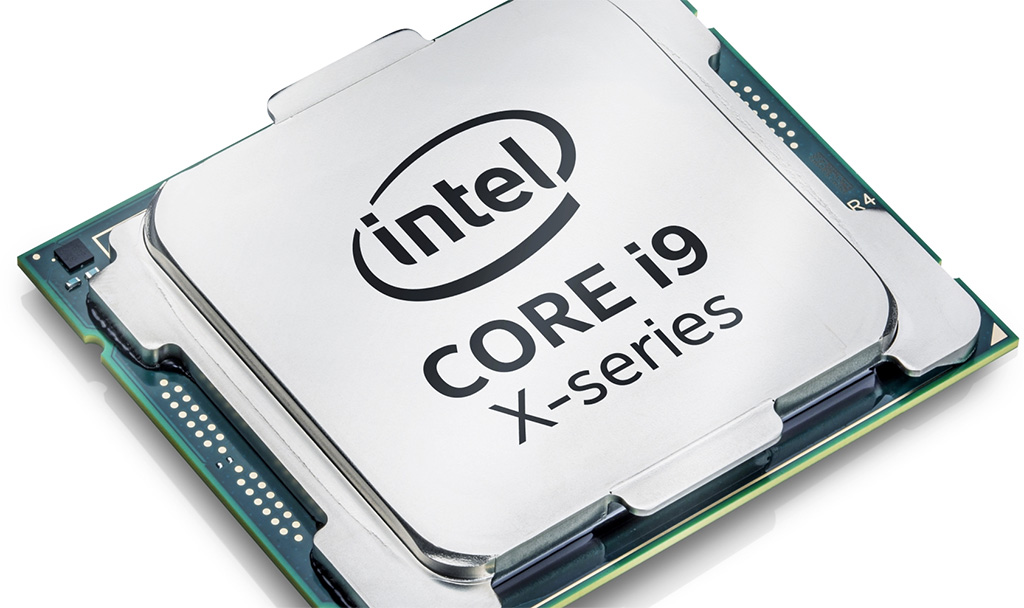
When Intel and Apple released their flagship architectures for mobile and compact desktop workstations, they targeted two fundamentally different philosophies of high-end computing. The Intel Core i9-12900HK represents the pinnacle of x86 mobile power, pushing raw clock speeds and thermal limits to squeeze every ounce of performance out of a laptop chassis. Conversely, the Apple M1 Ultra fuses two M1 Max chips using UltraFusion interconnect technology, targeting heavy desktop workloads with massive unified memory bandwidth and incredible energy efficiency. Choosing between these platforms depends on whether you prioritize raw x86 compatibility and turbo clocks or unified memory overhead and sustained low-wattage rendering.
The primary difference lies in their target form factors and thermal envelopes. The i9-12900HK is built for high-performance Windows laptops, operating at a base power of 45 watts but capable of consuming over 115 watts under sustained turbo loads. The M1 Ultra, found exclusively in the Apple Mac Studio desktop, scales up to 20 CPU cores and 64 graphics cores while maintaining a fraction of that power draw under heavy multi-threaded compute tasks. If you're building a mobile setup that needs to plug into a discrete Nvidia or AMD GPU while running Windows, Intel holds the form factor advantage. If you want a silent, highly efficient desktop appliance with massive unified memory pools, Apple's architecture wins cleanly.
Architectural Foundations and Core Layouts
To understand how these chips stack up, we have to look under the hood at their physical silicon designs. Intel's Alder Lake architecture relies on a hybrid design consisting of performance cores (P-cores) and efficient cores (E-cores). The i9-12900HK packs 6 P-cores with hyper-threading and 8 E-cores without it, totaling 14 cores and 20 threads. This hybrid layout allows the operating system to dynamically assign background tasks to low-power E-cores while heavy workloads hit the high-frequency P-cores, which can turbo up to 5.0 GHz.
Apple takes a monolithic approach with the M1 Ultra, though it is physically constructed by bridging two M1 Max dies together via a custom packaging architecture. It features 16 performance cores and 4 efficiency cores, bringing the total to 20 CPU cores alongside a massive integrated GPU scaling up to 64 cores. Unlike traditional x86 setups where the CPU and GPU maintain separate pools of VRAM and system memory, the M1 Ultra utilizes a unified memory architecture. This allows the CPU and GPU to access the same memory pool directly, eliminating slow data transfers over PCIe lanes and enabling up to 128GB of unified memory bandwidth peaking at 800 GB/s.
Raw Processing Power and Benchmark Comparisons
When running single-threaded productivity apps, the i9-12900HK punches above its weight due to aggressive clock scaling. In single-core Geekbench and Cinebench evaluations, Intel's high-frequency P-cores edge out Apple's design by hitting higher peak gigahertz. This translates to snappy application launches and responsive single-threaded performance in legacy applications that don't take advantage of massive core parallelism.
When you shift to multi-threaded workloads like 3D rendering, video encoding, and physics simulations, the narrative shifts based on sustained cooling. For a brief window, the i9-12900HK matches or exceeds many mobile multi-core scores, but it requires a hefty laptop cooling pad and loud fans to avoid thermal throttling. The M1 Ultra shines in sustained multi-core scenarios because it maintains its performance metrics without wildly spiking power consumption or generating excessive heat. Rendering a complex scene in Blender or exporting an 8K timeline reveals that the M1 Ultra sustains high throughput consistently, whereas the Intel chip relies on short, aggressive burst periods that taper off as temperatures climb toward 100 degrees Celsius.
- Single-Core Speed: Intel's 5.0 GHz turbo clocks deliver faster individual thread execution for older software.
- Multi-Core Sustained Load: Apple's 20-core layout maintains high throughput without thermal throttling in a desktop chassis.
- Memory Bandwidth: Apple's unified memory obliterates traditional laptop RAM bottlenecks for large datasets.
Graphics, Video Editing, and Real-World Workloads
Content creators evaluate these systems based on how they handle professional applications like Adobe Premiere Pro, DaVinci Resolve, and Cinema 4D. The i9-12900HK is almost always paired with discrete mobile graphics cards from Nvidia, such as the RTX 3080 Ti. This gives Windows users access to CUDA cores, hardware ray tracing, and robust driver support for DirectX 12 gaming. If your workflow depends heavily on native Windows plugins or specific CAD software that lacks ARM optimization, the Intel platform provides friction-free compatibility.
On the other side, the M1 Ultra's integrated GPU acts as a powerhouse for native macOS applications. Hardware-accelerated media engines built directly into Apple's silicon allow it to playback and transcode multiple streams of 8K ProRes video with ease, often outperforming dedicated mobile GPUs while drawing a fraction of the electricity. However, compatibility remains a hurdle for certain edge-case workflows. Software that requires x86 instruction translation through Rosetta 2 or lacks native ARM ports can suffer from minor performance overhead, even if the raw silicon power compensates for it.
Power Efficiency and Thermal Management
Power efficiency represents the starkest divergence between these two systems. The Intel i9-12900HK is an aggressive consumer of electrical current. In a portable chassis, pushing 115W+ to maintain peak turbo frequencies drains laptop batteries in under an hour under heavy load and requires large power bricks. It generates significant heat, meaning fans run at high RPMs during rendering sessions.
Apple's M1 Ultra operates on a different thermodynamic scale. Because it is designed for desktop efficiency, it delivers high performance per watt, allowing the Mac Studio to run remarkably quiet under sustained workloads. You won't experience sudden battery drops because the chip simply doesn't require massive wattage spikes to achieve competitive processing scores. This efficiency translates directly to lower ambient heat in a workspace and zero thermal fan noise during standard audio and video editing tasks.
Common Mistakes When Choosing Between These Platforms
Buyers frequently misjudge their software requirements when comparing x86 mobile chips to Apple Silicon. One common mistake is assuming raw benchmark scores dictate real-world video editing speed. In practice, Apple's dedicated hardware media decoders make Final Cut Pro and DaVinci Resolve run with exceptional fluidity, outclassing synthetic CPU charts.
Another error involves ignoring the upgrade path. Neither system offers post-purchase hardware upgrades; both the i9 laptop and the M1 Ultra Mac Studio feature soldered RAM and storage. Buyers must configure their memory and storage ceilings at checkout. If you need more than 64GB or 128GB of RAM down the road, neither machine allows you to swap out memory sticks. For further reading on processor design milestones, you can check architectural breakdowns on Intel and Apple.
Frequently Asked Questions
Can the i9-12900HK run macOS natively?
No. The i9-12900HK is an x86 architecture chip built for Windows and Linux distributions. While historical "Hackintosh" builds existed for older Intel desktop chips, modern mobile variants lack stable driver support for macOS.
Why is the M1 Ultra only available in a desktop?
The M1 Ultra relies on a large physical die footprint and a high-density packaging technique called UltraFusion. Integrating this much silicon along with massive memory interfaces into a battery-powered laptop chassis creates insurmountable thermal and power constraints, which is why Apple reserves the Ultra tier for the Mac Studio.
Is emulation a major issue on Apple Silicon?
For most mainstream productivity, office, and creative apps, Rosetta 2 translates x86 instructions transparently with minimal performance loss. However, specialized legacy enterprise software, obscure drivers, or older plugins that require direct hardware-level access can fail or run inefficiently without native ARM updates.
Which system is better for gaming?
The Intel i9-12900HK paired with a discrete Nvidia GPU offers vastly superior gaming compatibility, wider game library access through Windows, and advanced rendering features like ray tracing. Apple Silicon supports a growing catalog of native ports, but PC gaming remains an x86 stronghold.



