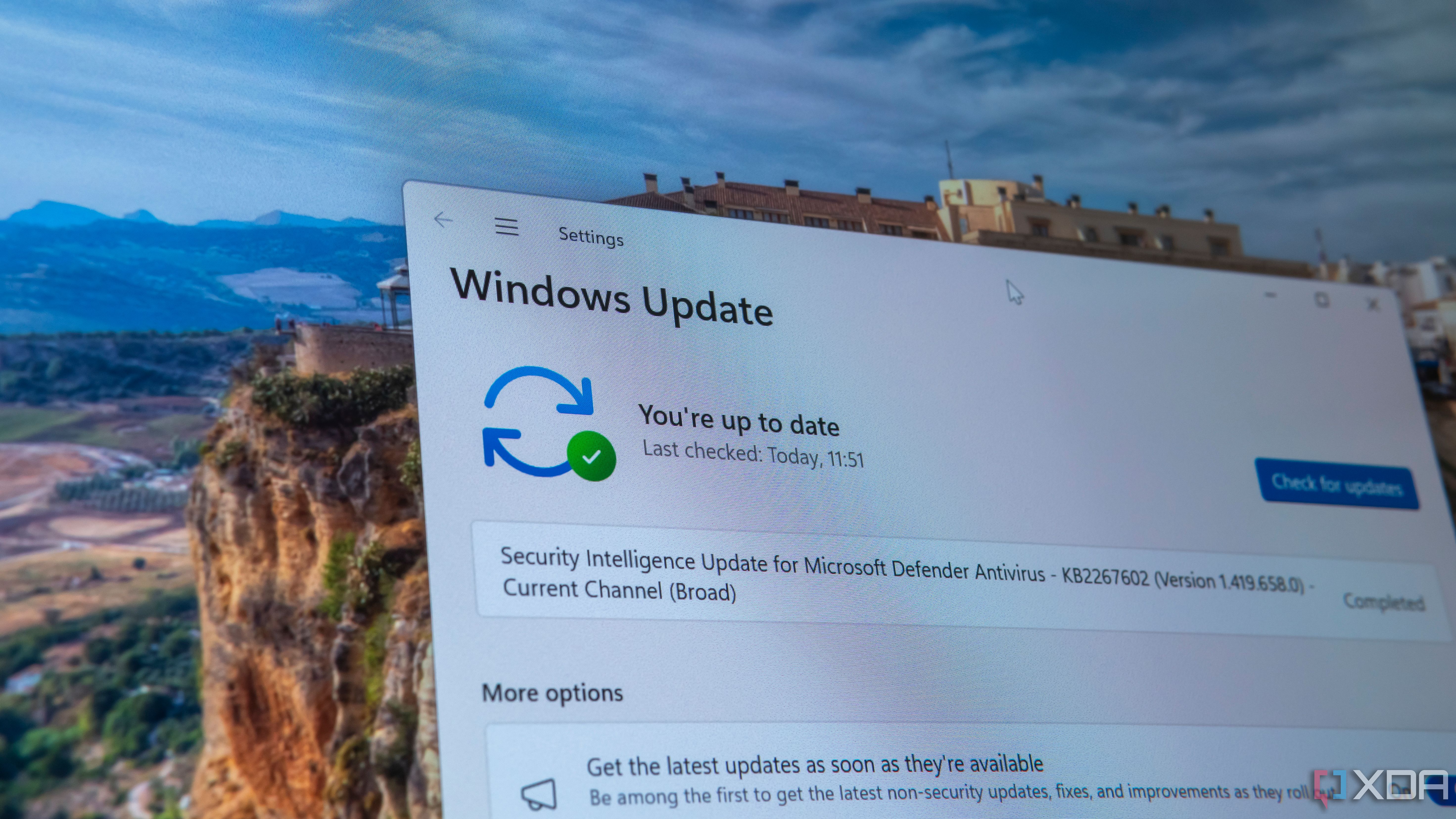
Updating software and digital systems shouldn't feel like defusing a bomb. If you're tired of mysterious downtime, broken dependencies, and weekend fire drills, you need a predictable execution framework. This manual strips away the corporate jargon and gives you a field-tested blueprint for safe deployments.
Let's look at why standard updates fail so often. Most teams skip environment baselines, rush through testing, or lack a clean rollback plan. When things break at 2 AM, it's rarely due to bad code alone; it's almost always a failure of process. By building strict verification checkpoints into your workflow, you'll eliminate guesswork and keep your systems stable.
Assessing Your Current Environment
Before touching a single config file or clicking an install button, you need a complete picture of what you're running. Blindly updating an application without mapping its dependencies is an invitation for disaster. Start by creating a precise inventory of your active software versions, third-party integrations, and hardware constraints.
- List every service, plugin, and library connected to the target application.
- Check current patch levels and note any known CVEs or active security advisories from CISA or the software vendor.
- Verify that automated backups are functional, encrypted, and actually restorable.
Skipping this discovery phase creates blind spots. Take time to read official vendor changelogs rather than trusting automated update prompts. Knowing what changed in the new release helps you anticipate specific breaking changes before they hit your users.
Designing a Bulletproof Update Strategy
Once you've mapped your environment, you need a concrete execution plan. Randomly updating systems whenever a notification pops up doesn't work at scale. You'll want to schedule changes during low-traffic maintenance windows, but timing is only part of the equation.
- Define a clear scope of work and list every team member involved.
- Establish precise success metrics, such as expected response times and error rates.
- Build a documented rollback procedure with specific triggers for aborting the update.
If an update starts throwing critical database errors, you shouldn't waste time improvising a fix. Your plan must state at what minute you pull the plug, restore from backup, and revert to the previous stable version.
Testing in a Staging Sandbox
Production environments are unforgiving. That's why every single update must run through a staging sandbox that mirrors your live architecture down to the operating system version and database schema.
Run through these specific validation checks in your staging environment:
- Functional checks: Verify core user journeys, logins, and API calls work as intended.
- Load testing: Simulate peak traffic to catch performance regressions or memory leaks early.
- Integration validation: Test webhook deliveries, payment gateways, and third-party syncs.
If your staging environment reveals a broken dependency, you've saved your production users from a costly outage. Fix the issue in staging, re-test, and only then move forward.
Executing the Deployment
When deployment day arrives, discipline matters more than speed. Turn off unnecessary distractions and follow your step-by-step checklist without cutting corners.
Use automated deployment scripts or configuration management tools to ensure consistency across servers. Apply patches sequentially rather than pushing updates to every node simultaneously. If you're managing web apps, rolling updates allow you to cycle instances one by one while keeping traffic flowing through healthy nodes. Maintain a live terminal window to monitor error logs in real time as the rollout progresses.
Post-Update Verification and Monitoring
Reaching the end of your install script doesn't mean the job is finished. You need to actively verify that the system behaves correctly under real conditions.
- Run automated health checks and smoke tests against public endpoints.
- Monitor CPU, memory usage, and database query latency for unusual spikes.
- Review application logs for hidden deprecation warnings or silent failures.
Keep a close eye on error tracking dashboards for at least forty-eight hours post-deployment. Some bugs only surface after real users interact with updated user interfaces or trigger edge-case workflows.
Frequently Asked Questions
What should I do if an update fails midway?
Halt the deployment immediately, consult your predefined rollback triggers, and revert to the last known good backup. Never attempt to patch a broken live deployment on the fly.
How often should I update core dependencies?
Review security patches weekly and apply them immediately for critical vulnerabilities. Feature updates and minor version bumps are best handled on a monthly or quarterly maintenance schedule.
Is staging really necessary for small updates?
Yes. Even minor patch releases can alter internal APIs or break CSS styles. A quick test in a local container or staging instance takes minutes and prevents hours of embarrassing downtime.
How do I communicate updates to non-technical stakeholders?
Focus on business impact rather than technical details. Explain what new security features are added, how long downtime will last, and what users can expect when they return.



