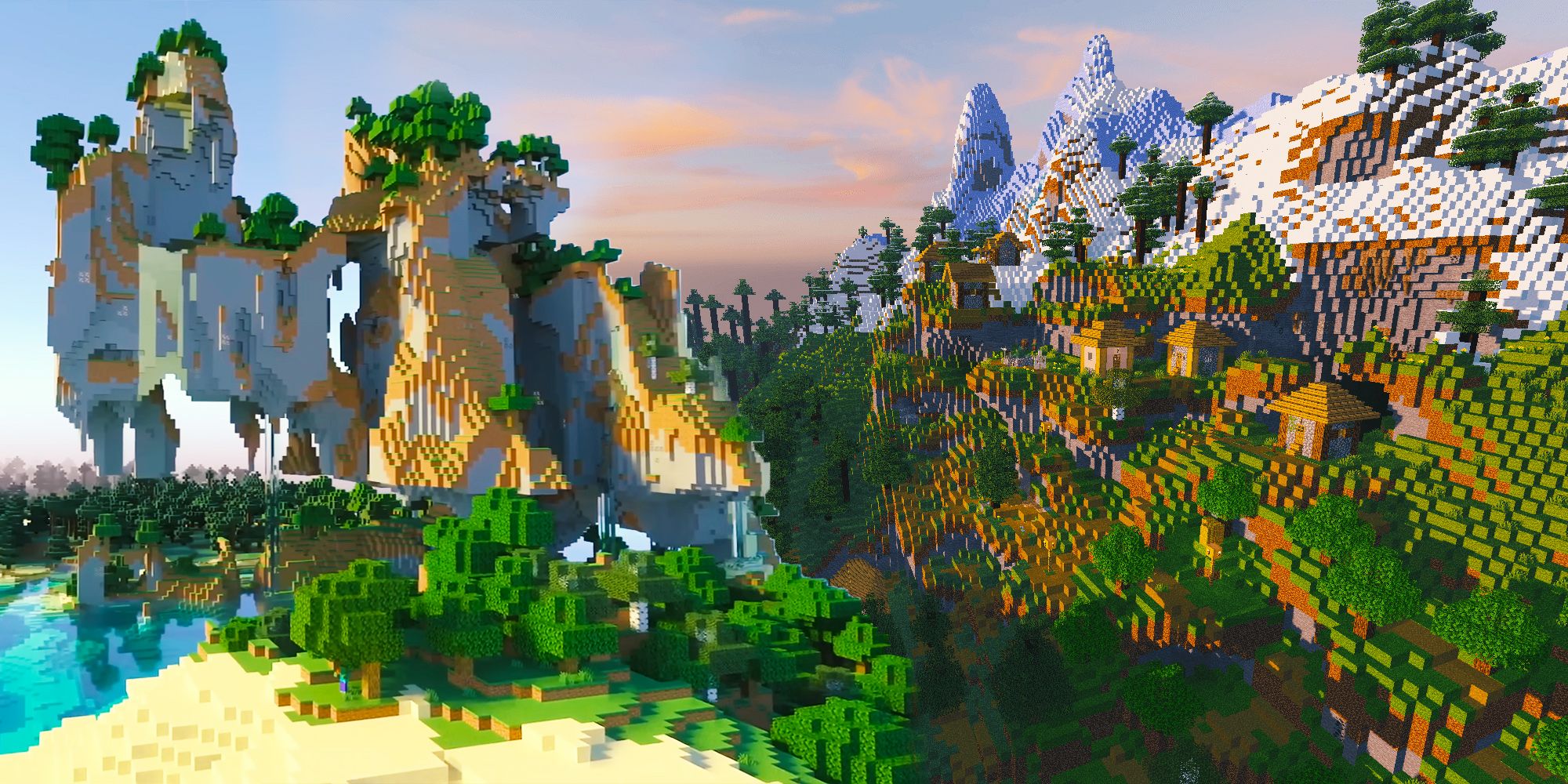
Learning how to destroy a block in Minecraft with commands changes how you manage large builds, clear land, or set up custom adventure maps. Instead of swinging a pickaxe for hours, you can target exact coordinates to wipe out single blocks or entire regions instantly. Minecraft uses specialized syntax handles to either delete blocks silently or break them with item drops.
Two core commands handle block destruction: /setblock and /fill. Knowing when to use each one saves you from accidental world corruption or lost inventory drops. This guide covers syntax requirements, coordinate positioning, and troubleshooting steps to master server and single-player block manipulation.
Understanding the Two Main Destruction Commands
Minecraft doesn't feature a single dedicated /destroy command for general block breaking on standard Java or Bedrock editions. Instead, you leverage world-editing commands by replacing target blocks with air or triggering block-breaking parameters.
The Setblock Command
The /setblock command targets a single specific coordinate. Adding the destroy modifier at the end forces the target block to drop its items and play a breaking sound, exactly as if a player mined it.
The Fill Command
When you need to clear a volume of space rather than a solitary block, the /fill command handles bulk changes. By defining two opposite corners with coordinates, you can wipe out large structures in a single tick.
Step-by-Step: Destroying a Single Block
To remove or break an individual block using coordinates, open your chat window or command block and structure your input carefully.
- Enable Cheats: Ensure cheats are active in your world settings, or you have operator (OP) status on a multiplayer server.
- Find Your Coordinates: Press F3 on Java Edition or check your settings menu on Bedrock Edition to view your exact X, Y, and Z coordinates.
- Draft the Command: Decide whether you want the block to drop items.
- Execute the Input: Type the syntax and press enter.
For a clean deletion without item drops, use the basic replacement method:
/setblock 12 64 -35 air
For a natural break that drops items and triggers particle effects, append the destroy parameter:
/setblock 12 64 -35 minecraft:air destroy
Step-by-Step: Clearing Large Areas with Fill
Clearing massive underground tunnels or clearing terrain for a mega-build requires the /fill command. You must define the start corner and the end corner.
- Identify the starting corner coordinates (e.g.,
0 60 0). - Identify the opposite ending corner coordinates (e.g.,
10 70 10). - Enter the fill syntax using
airor thedestroymodifier.
Example command for bulk deletion:
/fill 0 60 0 10 70 10 air
If you want every destroyed block within that cube to drop its resources on the ground, add the modifier:
/fill 0 60 0 10 70 10 air destroy
Warning: Filling or destroying thousands of blocks at once can lag a server or crash your game client if your hardware cannot handle the sudden entity update load. Scale your coordinates conservatively when testing new command structures.
Using Relative Coordinates (Tildes)
Typing exact numbers every time slows down your workflow. Minecraft allows relative positioning using the tilde symbol ($\sim$), which references your player's current location.
~ ~ ~represents the exact block space where your feet currently stand.~0 ~-1 ~0targets the block directly beneath you.~5 ~ ~targets a block five meters to your east.
To break the block right in front of your face without looking up coordinates, you can use relative spacing combined with the setblock syntax. Always double-check your numbers so you don't accidentally erase your own floor or trap yourself inside a solid wall. For official updates on command syntax changes across different game versions, check the Minecraft Wiki.
Common Mistakes and Troubleshooting
Commands often fail due to minor syntax errors or world boundary limits. Review these frequent hurdles if your command line returns an error message.
Out of Bounds Errors
If the chat box reads that you cannot place blocks outside the world, your target coordinates exceed the build height limits (such as below Y=-64 or above Y=320 in modern versions) or point to an unrendered chunk. Move closer to load the area or adjust your coordinates.
Missing Data Tags or Syntax Nuances
Java Edition and Bedrock Edition handle namespace IDs differently. While Java often requires minecraft:air, Bedrock accepts shorthand variants. Make sure you include spaces between coordinate integers and spell parameters accurately. If a command block locks up your world due to an infinite loop, disable command execution globally via game rules. To learn more about map editing best practices, visit the Minecraft Creator Documentation.
Frequently Asked Questions
Can I destroy unbreakable blocks like bedrock with commands?
No. Standard commands like /setblock and /fill fail when attempting to override indestructible blocks such as bedrock or end portal frames unless you modify game files or use specialized editor tools outside standard gameplay.
Do items dropped by the destroy command go into my inventory?
No. Using the destroy parameter causes blocks to shatter as if mined with appropriate tools, scattering the physical item drops across the ground around the target coordinate for manual pickup.
Why is my fill command saying too many blocks changed?
The game enforces a hard cap on how many blocks a single /fill command can alter in one tick to prevent server crashes. If you are clearing a massive area, break your selection down into smaller subsections of a few hundred blocks each.
Can command blocks execute these destruction commands automatically?
Yes. Placing a command block on "Repeat" and "Always Active" mode allows you to continuously clear zones or wipe out incoming griefing blocks on custom multiplayer servers.



