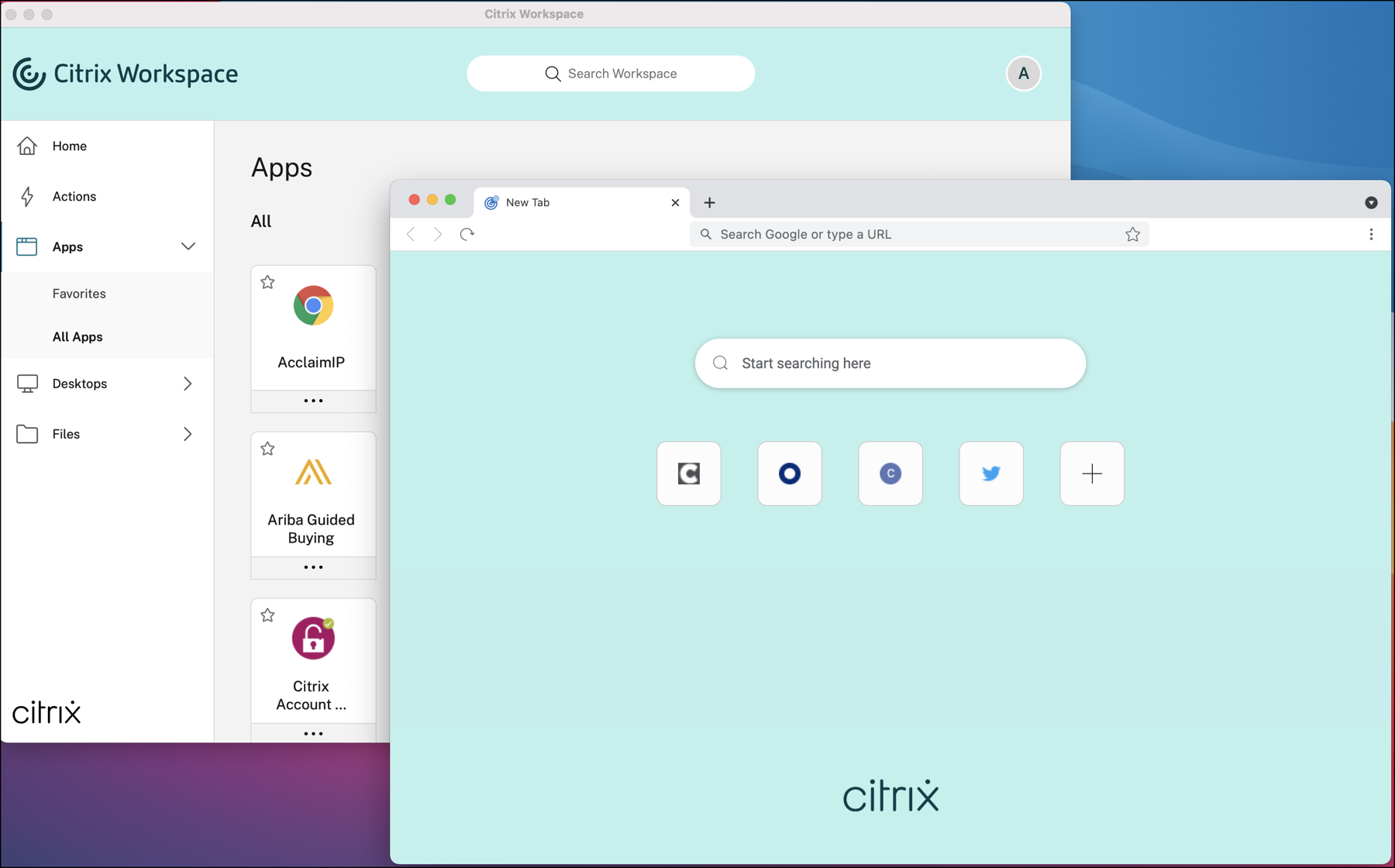
Higher education institutions face a complex operational balancing act. They must protect sensitive research data and institutional systems against persistent cyber threats while delivering high-performance access for thousands of students, faculty members, and clinicians across sprawling campuses. Traditional perimeter-based security models fail to meet these demands, often introducing frustrating latency and administrative bottlenecks that hinder academic productivity.
Modern digital transformation in higher education requires a unified infrastructure blueprint that treats security and performance as cooperative components rather than opposing forces. By centralizing application delivery and implementing context-aware access controls, universities can modernize their IT environments without sacrificing user experience. This blueprint examines how leading institutions architect secure, high-performance digital workspaces to support complex academic and research communities.
The Higher Education Security Dilemma
Higher education networks present unique architectural challenges that corporate enterprise environments rarely encounter. Campuses are inherently decentralized, open, and transient. Every academic term brings thousands of new student users with unmanaged personal devices, visiting scholars who require temporary network access, and clinicians managing patient records across affiliated medical centers.
The traditional reliance on legacy Virtual Private Networks (VPNs) creates severe vulnerabilities. When an external user authenticates through a traditional VPN, they are often granted broad network-layer access, expanding the lateral attack surface if a single credential is compromised. Furthermore, backhauling heavy academic traffic—such as specialized engineering software suites, statistical analysis tools, and electronic health records—through central campus data centers introduces severe bandwidth constraints and latency.
The Cost of Architectural Friction
When IT security measures are bolted on after the fact, they create operational friction that directly impacts the academic mission. Consider common pain points reported across large universities:
- Authentication Fatigue: Faculty and students frequently juggle multiple credentials and multi-factor authentication (MFA) prompts to move between the learning management system, library databases, and specialized lab software.
- Endpoint Incompatibility: Requiring students to install heavy native software clients on personal laptops leads to version mismatches, operating system conflicts, and extensive support ticket queues for campus help desks.
- Data Leakage Risks: Allowing sensitive research datasets or proprietary intellectual property to sync onto unmanaged student devices increases the risk of accidental exposure or data exfiltration.
Blueprint for Secure High-Performance Digital Workspaces
Solving these challenges requires moving away from device-centric security toward a context-aware architecture. Centralized application delivery platforms, such as those built on modern desktop-as-a-service (DaaS) and secure workspace frameworks, provide the structural foundation for this transition.
Centralized Application Delivery
Instead of installing resource-intensive software locally on thousands of campus endpoints, institutions host applications within secure data centers or cloud environments. Only the encrypted display stream—rendered as pixels—travels across the network to the user's endpoint.
This approach decouples application performance from hardware capability. A student running an entry-level Chromebook can access high-end CAD, GIS, or statistical modeling software with the same performance as someone sitting at an expensive workstation in a departmental computer lab.
Identity-Centric and Context-Aware Access
Modern institutional architecture replaces implicit trust with continuous verification. Access policies evaluate multiple contextual factors before granting entry to sensitive resources:
- User Identity: Integrated with institutional single sign-on (SSO) and robust MFA mechanisms.
- Device Posture: Verifying whether the connecting device is university-owned and managed, or an unmanaged personal laptop.
- Geographic and Network Location: Adjusting session permissions dynamically based on whether the user is on the secure campus network or connecting from an unsecured public network.
Policies can dynamically restrict high-risk actions. For instance, an authenticated user connecting from an unmanaged off-campus laptop might be granted read-only access to a resource with local downloading, printing, and clipboard copying disabled, while the same user connecting from a secure library terminal retains full functionality.
Implementing the Architecture: Step-by-Step
Transitioning an entire university ecosystem to a unified digital workspace requires a phased, methodical deployment strategy.
- Audit and Inventory Application Dependencies: Catalog every critical academic, administrative, and clinical application. Categorize them by user load, resource intensity, data sensitivity class, and licensing structures.
- Establish Single Sign-On and Identity Federation: Unify identity management across disparate campus departments. Integrate enterprise directory services with modern identity providers to streamline authentication.
- Deploy Core Virtualization and Secure Access Gateways: Set up the centralized delivery plane and configure secure workspace access boundaries to eliminate reliance on broad-access VPNs.
- Define Granular Contextual Policies: Establish baseline security policies based on user roles (students, faculty, staff, researchers) and device posture states.
- Pilot with High-Demand User Groups: Roll out the environment to a specific department—such as an engineering school requiring heavy software virtualization or a medical center needing rapid electronic health record access—to measure latency, login times, and user satisfaction.
- Scale and Optimize: Expand organization-wide based on pilot telemetry, continuously monitoring connection metrics and adjusting resource allocation pools to match seasonal academic demand spikes.
Common Pitfalls and How to Avoid Them
Digital transformation initiatives in higher education frequently stall due to predictable execution errors. Recognizing these traps helps project teams stay on track.
- Neglecting User Experience Testing: If remote application launch times exceed a few seconds, academic staff and students will seek unauthorized shadow IT workarounds. Performance optimization must be measured from the user's seat, not just inside the data center.
- Over-Engineering Access Controls: Implementing rigid, blanket security restrictions across low-sensitivity public resources generates unnecessary friction. Apply strict controls proportionally based on data classification levels.
- Underestimating Change Management: Faculty members are often resistant to sudden workflow changes. Clear documentation, faculty training workshops, and proactive communication are just as vital as the underlying server architecture.
To explore broader enterprise IT strategies, review the National Institute of Standards and Technology (NIST) guidelines on secure frameworks, or examine educational technology insights provided by EDUCAUSE.
Frequently Asked Questions
How does centralized application delivery protect sensitive institutional research?
Centralized delivery ensures that sensitive research files and datasets never reside on local student or faculty endpoints. Because computation happens entirely within secure server environments and only encrypted display data is transmitted, the risk of data loss from a lost or stolen laptop is virtually eliminated.
Can students access specialized software using their own laptops?
Yes. By utilizing browser-based access or lightweight client software, students can run resource-intensive applications—such as engineering, design, or statistical packages—on personal devices without local installation or high-end hardware specifications.
How do modern access architectures differ from traditional campus VPNs?
Traditional VPNs typically grant trusted access to the entire internal network once authenticated, exposing institutions to lateral threat movement if a single account is breached. Context-aware secure workspaces provide application-specific, VPN-less access, connecting users only to the specific tools they are authorized to use based on real-time security posture checks.
What impact does this architecture have on IT support overhead?
By standardizing software delivery and removing the need to troubleshoot local installation errors across thousands of disparate student and faculty machines, institutional help desks experience a dramatic reduction in environment-specific support tickets.



