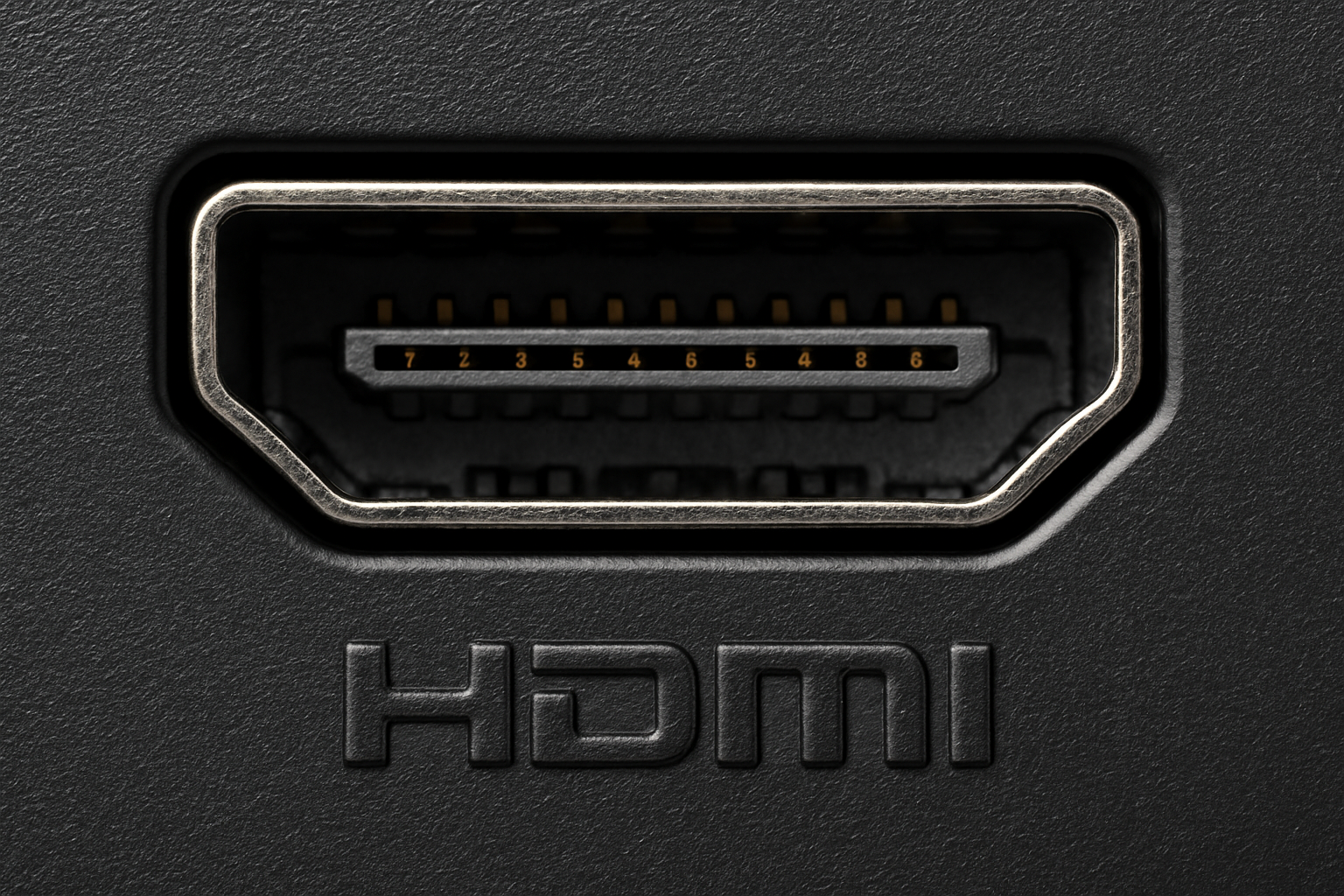
When you're setting up a modern video surveillance system, choosing the right physical interface between cameras, recorders, and display screens dictates your overall video quality and operator experience. While network protocols and coaxial cables handle long-distance transmission, HDMI in CCTV plays a critical role at the monitoring and recording end of the pipeline. It bridges high-definition security feeds directly to display monitors without compression artifacts.
Understanding where HDMI fits within a security architecture helps you avoid common installation pitfalls like excessive cable attenuation or improper display configurations. Let's break down how high-definition multimedia interfaces function in surveillance deployments, why they matter for evidence collection, and how to configure them effectively.
The Technical Mechanics of HDMI in CCTV
At its core, HDMI transmits uncompressed digital video and multi-channel audio over a single cable. Unlike legacy analog standards such as composite or VGA—which suffer from signal degradation and analog-to-digital conversion loss—HDMI keeps video packets purely digital from the recording unit to the display.
Modern security recorders, including network video recorders (NVRs) and digital video recorders (DVRs), feature dedicated HDMI output ports capable of driving 4K and 8K monitors. This means security personnel view native camera feeds at their exact recorded pixel resolution, preserving vital details like license plate numbers or facial features during live monitoring.
Bandwidth and Resolution Support
Security camera resolutions have shifted rapidly from 720p to 4K and beyond. HDMI versions dictate how much data the interface can push per second:
- HDMI 1.4: Supports up to 4K resolution at 30Hz, suitable for standard multi-split screen layouts on single monitors.
- HDMI 2.0: Handles 4K resolution at 60Hz, providing fluid motion tracking for fast-paced areas like entry gates or retail floors.
- HDMI 2.1: Extends capability up to 8K and high frame-rate 4K, designed for massive enterprise control rooms monitoring hundreds of high-definition channels simultaneously.
Operational Benefits in Control Rooms
Integrating HDMI connectivity into security monitoring stations transforms how operators interact with live feeds. By consolidating video and audio signals into one cable, installation technicians reduce cord clutter behind control desks and minimize points of failure.
Universal display compatibility stands out as another major advantage. Because HDMI is a consumer and commercial display standard, security teams don't need proprietary, expensive monitors. You can plug commercial NVR outputs directly into standard LED displays, smart TVs, or projector systems. This flexibility allows facility managers to set up secondary public-view monitors in lobbies or executive boardrooms easily.
Limitations and Practical Constraints
Despite its pristine image clarity, HDMI was originally engineered for home entertainment setups rather than industrial security networks. Recognizing its physical limitations saves you from frustrating signal dropouts.
Distance Restrictions
Standard copper HDMI cables degrade rapidly over distances exceeding 15 meters (approx. 50 feet). If your monitoring console sits far away from your equipment rack, unamplified HDMI cables result in a blank screen or intermittent flickering.
To overcome this constraint in larger facilities, installers rely on active fiber-optic HDMI cables or HDMI over Ethernet (HDBaseT) extenders. These extenders convert the HDMI signal to run over standard Cat6 network cabling, letting you transmit uncompressed 4K video up to 100 meters without quality loss.
Lack of Power Delivery
Unlike PoE (Power over Ethernet) technology used for IP cameras, standard HDMI lines do not supply electrical power to connected hardware. Your display monitors and video recorders require independent power sources, meaning cable planning must account for wall outlets near every screen.
Optimizing HDMI Layouts in Your Security Setup
Designing a clean, reliable monitoring station requires attention to physical hardware placement and signal routing. Follow these practical steps when incorporating HDMI outputs into your security infrastructure:
- Map Out Monitor Distances: Measure the exact cable run from your NVR or video matrix switcher to each display. If the run exceeds 15 meters, budget for active extenders or fiber cables immediately.
- Match Resolution Capabilities: Ensure your NVR's output resolution settings match the native resolution of your display monitor. Forcing a 4K output onto a 1080p display causes scaling latency or handshake failures.
- Secure Connection Points: Use locking HDMI cables or cable retention brackets on rack-mounted NVRs. Constant vibrations from server fans can loosen loose-fitting connectors over time.
- Incorporate HDMI Matrix Switchers: If you manage multiple recording units and want to display different camera grids across various lobby and security office screens, use an HDMI matrix switch to route any input to any output seamlessly.
For deeper technical specifications on display connectivity standards, you can consult the HDMI Licensing Administrator guidelines.
Common Mistakes to Avoid
Even experienced technicians occasionally mismanage HDMI components in commercial security builds. Watch out for these frequent errors:
- Using Low-Category Cables for 4K Feeds: Cheap, uncertified cables advertised as high-speed often fail when pushing dense 4K security streams over longer distances. Always verify HDMI certification labels.
- Neglecting HDCP Handshake Issues: When routing signals through splitters or switchers to multiple screens, HDCP (High-bandwidth Digital Content Protection) handshakes can fail, resulting in black screens. Commercial-grade equipment with EDID management solves this.
- Ignoring Cable Bend Radius: Tightly bending thick HDMI cables behind tight rack mounts breaks internal copper traces, causing intermittent signal loss that's difficult to troubleshoot.
Frequently Asked Questions
Can I run HDMI cables outdoors for security cameras?
Standard HDMI cables are not weather-rated, and running them outdoors exposes them to moisture, UV degradation, and EMI interference. Instead, use weatherproof IP cameras connected via outdoor-rated Ethernet cables to your NVR, and keep HDMI strictly indoors for your display monitors.
Why does my security monitor show a "No Signal" message when switching inputs?
This usually stems from an HDCP handshake failure or a resolution mismatch between your NVR and the display. Try lowering the NVR output resolution in its settings menu, or power cycle both devices in sequence.
How can I split one NVR feed onto multiple TVs?
You'll need an HDMI splitter or an HDMI distribution amplifier. Ensure the splitter supports the correct HDMI version and resolution (such as 4K at 60Hz) so it doesn't bottleneck your video quality down to the lowest common denominator screen.
Does HDMI audio recording matter for CCTV?
While many jurisdictions regulate audio surveillance due to privacy laws, having the option to capture audio via HDMI channels alongside video provides critical context in high-risk zones like cash registers or reception desks. Check local regulations before enabling audio recording features.



