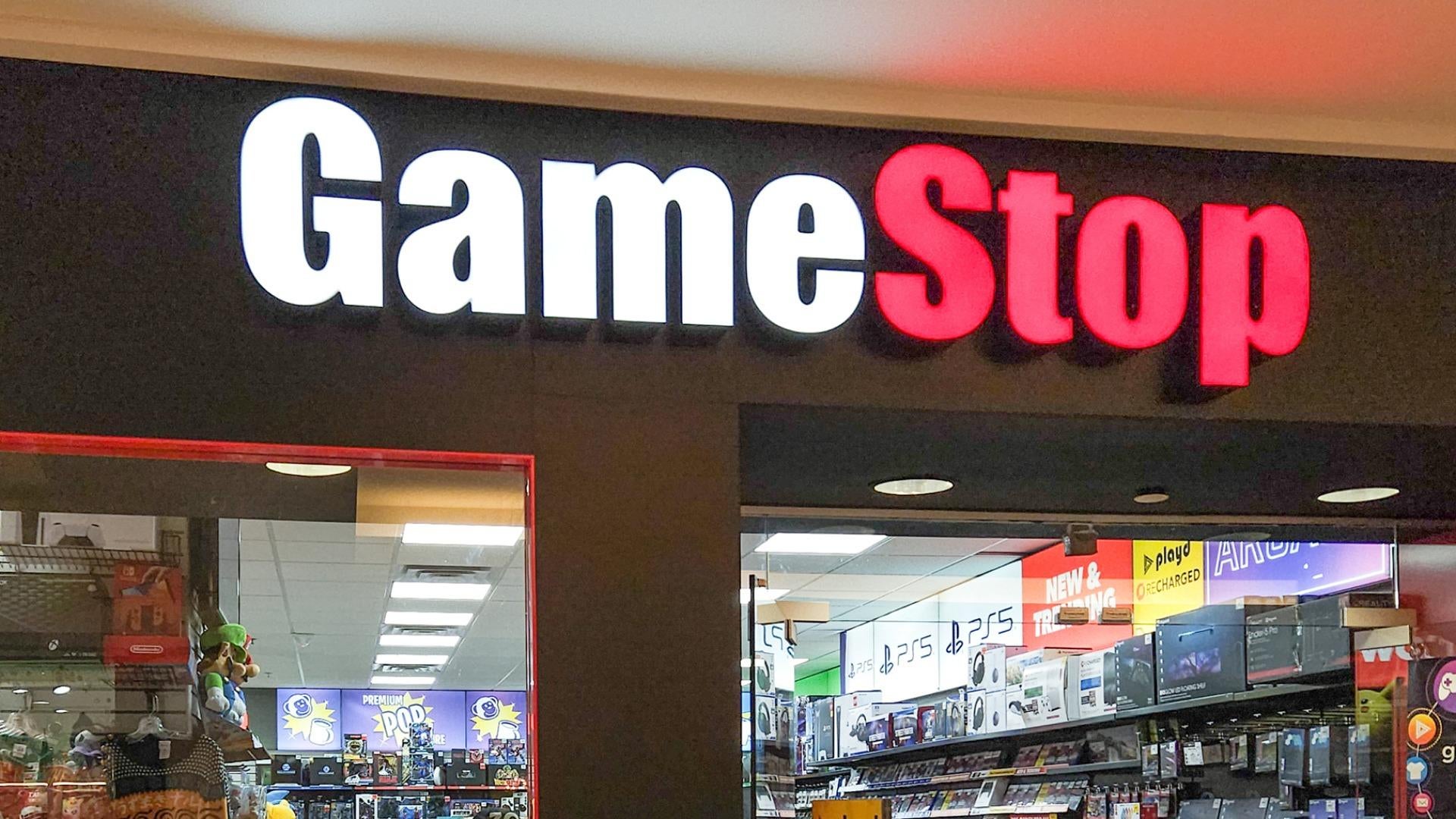
Trading in your original hardware before hardware transitions requires careful timing and preparation to protect your wallet. If you're eyeing a hardware upgrade, walking into a storefront without knowing the actual terms or baseline values leaves money on the table. Retailers structure their trade-in programs to balance instant store credit against resale margins, meaning you trade absolute top-dollar returns for immediate convenience.
Understanding how valuation tiers operate, what accessories you must include, and how store membership perks change the math will help you squeeze every dollar out of your old hardware. Let's break down everything you need to know before handing your console across the counter.
Current GameStop Trade-In Valuation Tiers
Retail trade-in values fluctuate based on market demand, incoming hardware generation shifts, and inventory levels. However, historical data and current store trackers establish clear baselines for what each model commands in store credit versus direct cash payouts.
Store credit almost always outpaces cash offers by roughly twenty to thirty percent, making it the preferred route if you plan to purchase new equipment immediately.
- Switch OLED Model: Typically yields the highest return, ranging from $120 to $160 in store credit depending on seasonal promotions and promotional trade bumps.
- Switch V2 (Improved Battery Model): Usually commands between $90 and $130 in store credit.
- Switch V1 (Launch Edition): Generally valued between $70 and $100, as older hardware faces heavier depreciation.
- Switch Lite: Sits at the lower end, netting roughly $50 to $80 in store credit.
Keep in mind that cash values drop significantly below these figures. If you want cash to spend anywhere, private sales on platforms like Facebook Marketplace yield much stronger returns for well-maintained hardware.
The Pro Membership Multiplier and Bonus Credits
If you trade hardware at GameStop frequently, ignoring membership structures costs you money. Pro members routinely receive an extra ten percent bonus on trade-in values.
For an OLED model trading near the top of its bracket, that small percentage bump adds tangible value to your total credit balance. Always verify whether active promotional events overlap with your trade. Retailers frequently run targeted trade boosts when major hardware launches approach, bumping old console valuations to incentivize immediate ecosystem retention. Check active promotions directly on the GameStop Trade Portal before heading out.
Essential Accessories You Cannot Forget
One of the most common reasons gamers walk away from the counter with a lower quote than expected is missing hardware components. Employees inspect trade-ins against strict corporate checklists. If an item is missing, mandatory deductions apply.
To secure the maximum quoted price, ensure your trade-in bundle includes:
- The Console Body: Free of deep screen scratches or cracked housing.
- Both Joy-Cons: Left and right controllers, matching or original to the unit, with fully functional thumbsticks free of drift.
- The Dock: The official charging and television output dock (for standard and OLED models).
- Power Adapter: The original Nintendo AC wall brick and USB-C cable.
- HDMI Cable: A standard high-speed HDMI cable compatible with the setup.
Missing docks or power adapters typically incur automatic deductions ranging from $15 to $25 per missing piece. If you cannot find the original cables, sourcing cheap replacements online before trading in often costs less than the store's internal missing-accessory fee.
How to Prepare Your Console Before You Go
Handing over a console loaded with personal data creates unnecessary security risks. Before you step foot in a store, you need to wipe the hardware clean and transfer or back up your save data.
1. Back Up Your Save Data
If you subscribe to Nintendo Switch Online, your save data automatically backs up to the cloud for most titles. If you don't use the cloud service, use the system settings menu to locally transfer your user profile and saves to another console or a temporary storage medium.
2. De-Register Your Primary Console
A single Nintendo Account can have multiple consoles linked, but only one can be designated as the primary console for offline play access. Navigate to the Nintendo eShop on your console, select your profile icon in the top right corner, scroll down to the primary console registration section, and deregister the device. Skipping this step locks your digital game library to hardware you no longer own.
3. Perform a Full Factory Reset
Go to System Settings, select System, scroll to Formatting Options, and choose Initialize Console. This wipes all personal data, saved photos, Wi-Fi passwords, and user profiles, returning the operating system to its out-of-the-box state.
4. Clean the Hardware
Employees test every button, port, and screen on the spot. Wipe down the screen microfiber cloth, clean dust out of the fan vents, and ensure the cartridge slot is clean. Clean hardware moves through the inspection queue faster and reduces the risk of a technician lowering your grade due to grime or excessive cosmetic wear.
Common Mistakes That Kill Trade-In Value
Avoid these frequent pitfalls to ensure your transaction goes smoothly:
- Assuming game bundles increase trade value: Retailers generally value physical game cartridges separately or offer flat promotional bundles. Trading in ten old games alongside your console rarely yields a massive payout compared to selling them individually.
- Ignoring battery health: If a console fails to hold a charge or shuts down unexpectedly during testing, it will be marked as defective, slashing your trade value to a fraction of the working estimate.
- Failing to check joystick drift: Testers will open the controller calibration menu. If the analog sticks register ghost inputs, expect an immediate repair deduction.
Frequently Asked Questions
Does GameStop accept consoles with cosmetic scratches?
Yes, minor surface scuffs on the back plastic or dock are usually acceptable. However, deep scratches directly across the LCD or OLED screen will trigger a refurbished fee or result in a rejected trade.
Can I trade in a banned or modified console?
No. Systems that have been banned from Nintendo's online servers due to unauthorized modifications or policy violations fail inspection immediately and carry zero trade-in value.
Is store credit issued immediately?
Yes. Store credit is loaded onto a trade card or your account profile the moment the store associate finishes testing and verifying the hardware, allowing you to apply it toward purchases right away.
Should I trade in or sell privately?
If you have an older V1 console or a Switch Lite, the convenience of an instant trade-in often outweighs the hassle of listing it online. For newer OLED models or extensive game bundles, selling privately usually nets you significantly more cash.



