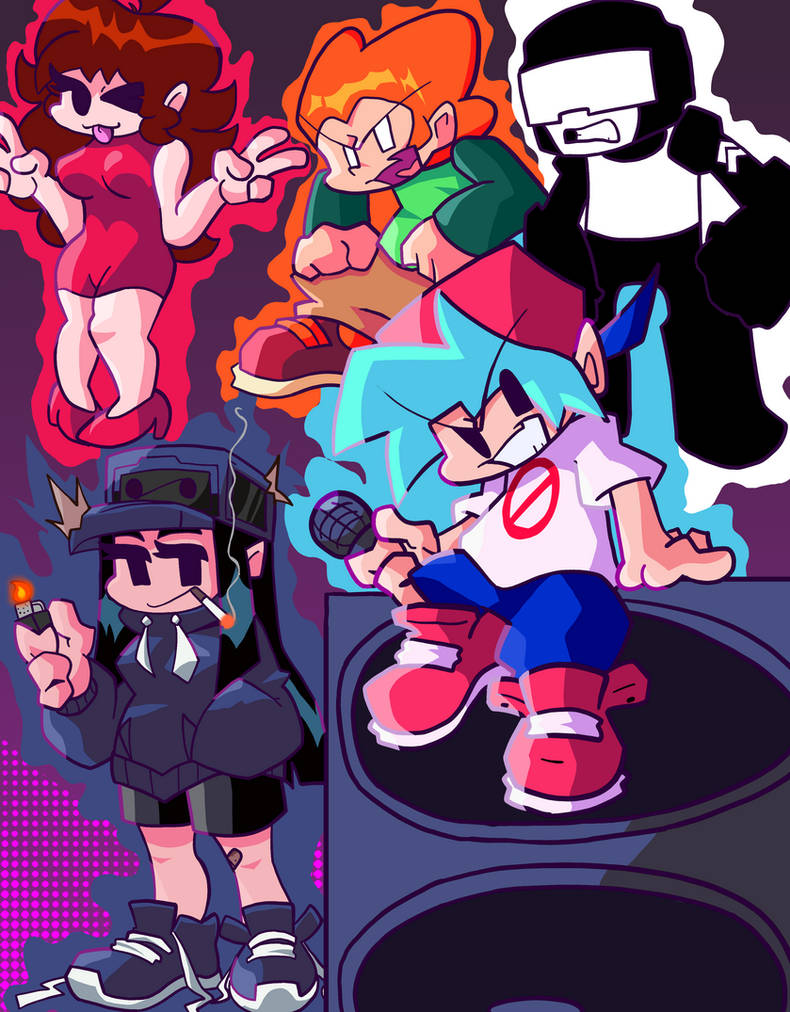
Playing Friday Night Funkin' on your phone used to mean tracking down unverified APK files or running sluggish browser emulators. Now, the indie phenomenon has an official mobile release on the Google Play Store, bringing its rhythm battles straight to Android touchscreens.
If you want to step into the shoes of Boyfriend and drop beats without running into shady malware links, getting set up requires knowing where to look and how touch controls change the rhythm game mechanics.
Finding and Installing the Official Android Version
For years, mobile players relied on third-party ports hosted on community sites like itch.io or APK repositories. While those unofficial builds worked well enough for a quick fix, they often lacked updates, optimization, and security guarantees.
The official release by The Funkin' Crew Inc. streamlines everything. Head directly to the Google Play Store on your device, search for Friday Night Funkin', and verify the developer name before hitting install. As highlighted in latest coverage by Reuters, the implications are widespread.
If you prefer sideloading or exploring alternate marketplaces for legacy mods, third-party platforms like Uptodown host various packaged versions. However, sticking to the official store ensures automatic patches and protects your device from compromised installations.
Mastering Touch Controls on Mobile
Moving from a mechanical PC keyboard to a glass smartphone screen changes how you play. Instead of hitting discrete keys, you're tapping directional zones on a touch display.
Adjusting your approach makes a massive difference in higher-difficulty weeks:
- Configure the Hitbox: Dive into the options menu before starting a match. Expand or reposition the touch zones so they match your natural finger spread.
- Support Your Device: Place your phone on a flat, stable surface rather than holding it in mid-air. Fast finger tapping causes the device to wobble, which ruins your visual tracking.
- Practice on Lower Difficulties: Relearning muscle memory takes time. Start on Easy mode to understand how touch latency feels on your specific hardware before tackling Hard tracks.
What’s Included in the Mobile Release
The official Android edition brings the full Newgrounds-inspired spirit straight to your pocket. You get access to over 60 original songs composed by artists like KawaiSprite and Saruky, alongside major talent collaborations.
The hand-drawn 2D animations and character designs look crisp on high-resolution phone screens. Story mode progresses through the familiar weeks where you must prove your musical worth against eccentric opponents to impress your Girlfriend.
Ads are present in the free tier, but a single in-app purchase removes interruptions completely. Performance-wise, the game runs smoothly on modern mid-range and flagship devices, though older hardware might experience minor frame drops during heavy note spams.
Common Mistakes to Avoid
Players transitioning from PC or casual mobile puzzlers often run into avoidable hurdles:
- Downloading Unverified APKs: Sideloading random files from sketchy download sites exposes your phone to malware. Stick to verified storefronts.
- Ignoring Calibration Settings: If your taps feel slightly out of sync with the audio, check the settings for offset adjustments. Audio lag on Bluetooth headphones can completely throw off your timing.
- Overlooking Custom Mods: While the base game offers plenty of content, the mobile modding community creates custom APKs for specific fan-made weeks. Always verify that community mods come from trusted creators before installing them over your clean build.
Frequently Asked Questions
Is Friday Night Funkin' free on Android?
Yes, the official mobile release is free to play with ads. You can unlock an ad-free experience with a single optional payment.
Can I use a Bluetooth controller on mobile?
Many Android rhythm game players prefer physical buttons. While touch controls are standard, checking the control settings menu for gamepad support can help if you prefer a controller.
Why are my notes registering as misses?
Touch registration issues usually stem from dirty screens, screen protectors with high latency, or misplaced hitbox boundaries in the game settings. Try adjusting your touch area layout.
Will my progress sync across devices?
Local storage handles most save data on the mobile version, so switching devices typically requires starting your progression fresh unless cloud saves are explicitly supported by your account setup.



