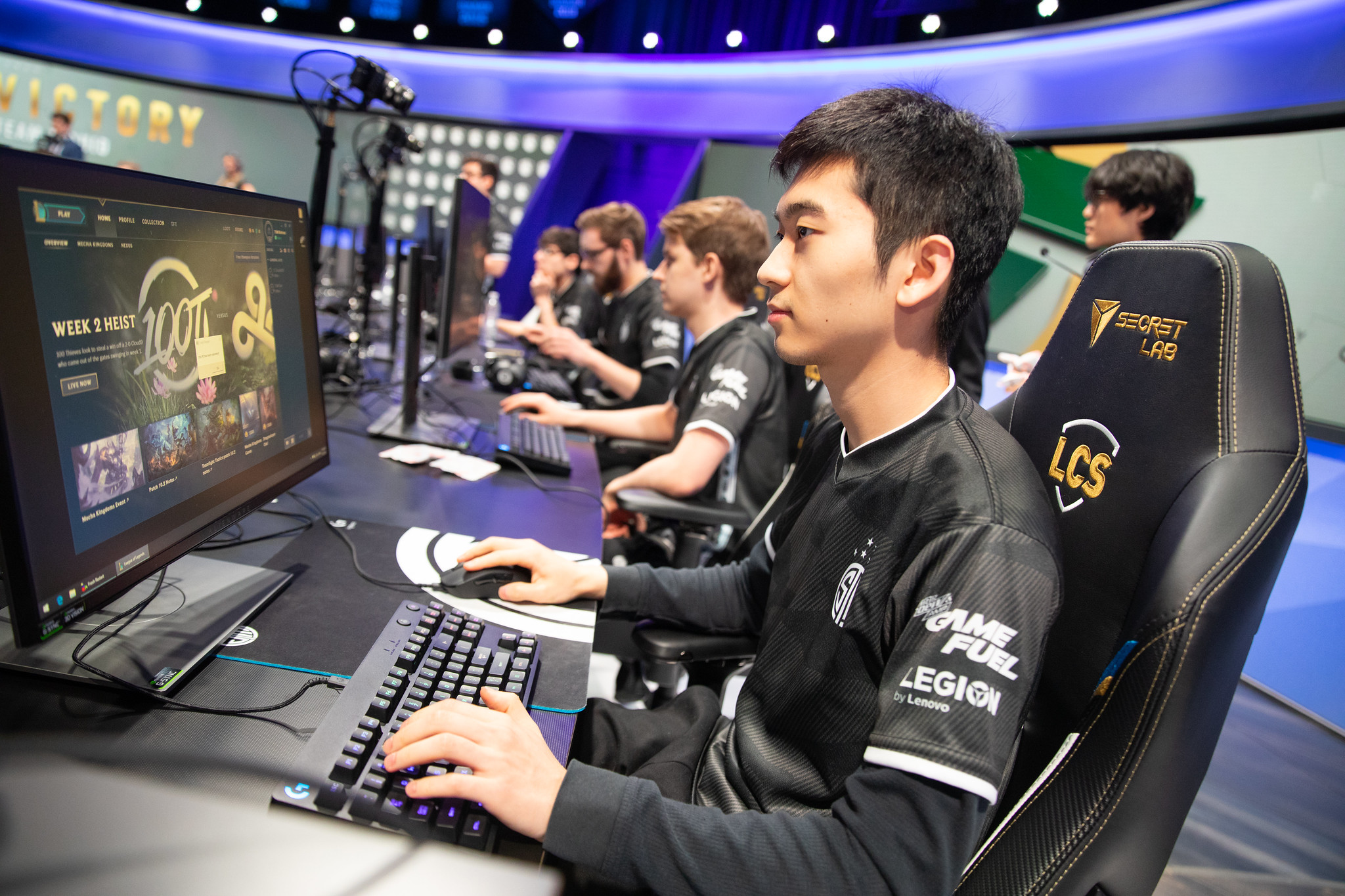
Competitive gaming demands lightning-fast reflexes, intense mental focus, and hours of daily practice. Yet, treating your body like an unbreakable machine while grinding ranked matches leads straight to physical burnout. Esports injuries like carpal tunnel syndrome, tendonitis, and chronic lower back strain routinely sideline amateur and professional competitors alike.
Preventing these physical roadblocks doesn't require quitting your favorite title. Instead, it demands treating your body with the same strategic precision you apply to your in-game loadouts. By optimizing your setup, scheduling active rests, and targeting vulnerable muscle groups, you'll protect your long-term health and sustain peak performance.
Understanding Common Esports Injuries
Hours of repetitive micro-movements and static postures place immense localized stress on your tendons, nerves, and joints. Unlike contact sports with acute trauma, gaming injuries develop silently over months of micro-strain.
Repetitive Strain Injuries of the Hand and Wrist
Your hands execute hundreds of actions per minute, whether flicking a mouse or hammering a mechanical keyboard. This constant demand strains the median nerve and surrounding tendons, resulting in carpal tunnel syndrome or de Quervain's tenosynovitis. Numbness, tingling fingers, and dull aches in the forearm are early warning signs that shouldn't be ignored.
Postural and Spinal Strain
Slumping toward a monitor forces your cervical spine to support the forward weight of your head for hours. This poor alignment triggers upper cross syndrome, tight chest muscles, and debilitating lower back pain. Over time, chronic postural imbalances degrade your physical stamina and reaction times.
Elbow and Shoulder Pathologies
Gripping mice too tightly or anchoring your elbows against hard desk edges compresses the ulnar nerve. This can lead to cubital tunnel syndrome, often called gamer's elbow. Meanwhile, unsupported shoulders fatigue rapidly, pulling your upper body out of alignment.
Ergonomic Blueprint for Your Battlestation
Your physical environment dictates how your body absorbs stress during long sessions. Upgrading your desk layout reduces unnecessary joint strain.
- Monitor Placement: Position your top monitor bezel at or slightly below eye level. This keeps your neck in a neutral position, preventing the constant upward or downward tilt that strains cervical vertebrae.
- Arm and Elbow Alignment: Adjust your chair height so your elbows bend at a comfortable 90-to-100-degree angle. Your forearms should rest parallel to the floor, supported by armrests that match your desk height.
- Keyboard and Mouse Positioning: Keep your input devices close together to avoid overreaching. Flat keyboards prevent extreme wrist extension, while lightweight mice reduce the muscular effort needed to glide across your pad.
For clinical recommendations on workplace and desk ergonomics, visit the Occupational Safety and Health Administration.
Movement and Pacing Strategies
Grinding ladder matches for six hours straight without standing up is a recipe for physical degradation. Pacing your play sessions preserves both physical health and cognitive sharpness.
The 50-10 Rule
Set a timer for every 50 minutes of gameplay. Use the remaining 10 minutes of the hour to step away from the screen entirely. Walk around your room, hydrate, and let your eyes focus on distant objects to relax your ciliary muscles.
Active Stretching Protocols
Incorporate targeted stretches into your break routine to counteract static tension. Extend your arm straight out with your palm facing forward, and gently pull your fingers back toward your body for fifteen seconds. Switch hands and repeat. Next, interlace your fingers behind your back and open your chest to relieve shoulder hunching.
Grip Adjustments
Many players white-knuckle their mice or controllers during intense clutch moments. Practice maintaining a loose, relaxed grip. Lower the vibration settings on your controllers to minimize repetitive shock absorption through your palms and fingers.
Targeted Physical Conditioning
Gaming is a sedentary activity, but competitive players benefit immensely from physical cross-training. Building foundational strength protects your joints from the repetitive loads of modern titles.
- Core and Back Strengthening: Planks, rows, and bodyweight squats reinforce the muscles responsible for upright posture. A strong core supports your spine, preventing slouching during extended matches.
- Forearm and Hand Exercises: Use light resistance bands or finger-extension exercises to balance out the constant gripping motion of gaming. Strengthening your extensors prevents muscular imbalances in your forearms.
- Cardiovascular Endurance: Regular aerobic activity improves blood circulation, delivering fresh oxygen to fatigued muscles and speeding up recovery times after intense sessions.
To explore evidence-based physical activity guidelines, check the World Health Organization.
Frequently Asked Questions
Can gaming really cause permanent physical damage?
Yes. Chronic nerve compression, severe tendonitis, and permanent spinal alignment issues can develop if overuse injuries go untreated for years. Early intervention prevents permanent damage.
How do I know if my wrist pain is serious?
Occasional muscle fatigue after a long tournament is normal. However, sharp pain, persistent numbness, or a weak grip that drops items signals nerve or tendon inflammation requiring a break and medical evaluation.
Should I use a wrist rest while playing?
Wrist rests should be used primarily during pauses or typing, not while actively gaming with a mouse. Planting your wrist firmly on a rest while moving your hand restricts movement and increases contact pressure on the carpal tunnel.
How does screen time affect eye strain during gaming?
Staring at high-contrast displays without blinking reduces tear production and strains eye muscles. Follow the 20-20-20 rule: every 20 minutes, look at something 20 feet away for 20 seconds.



