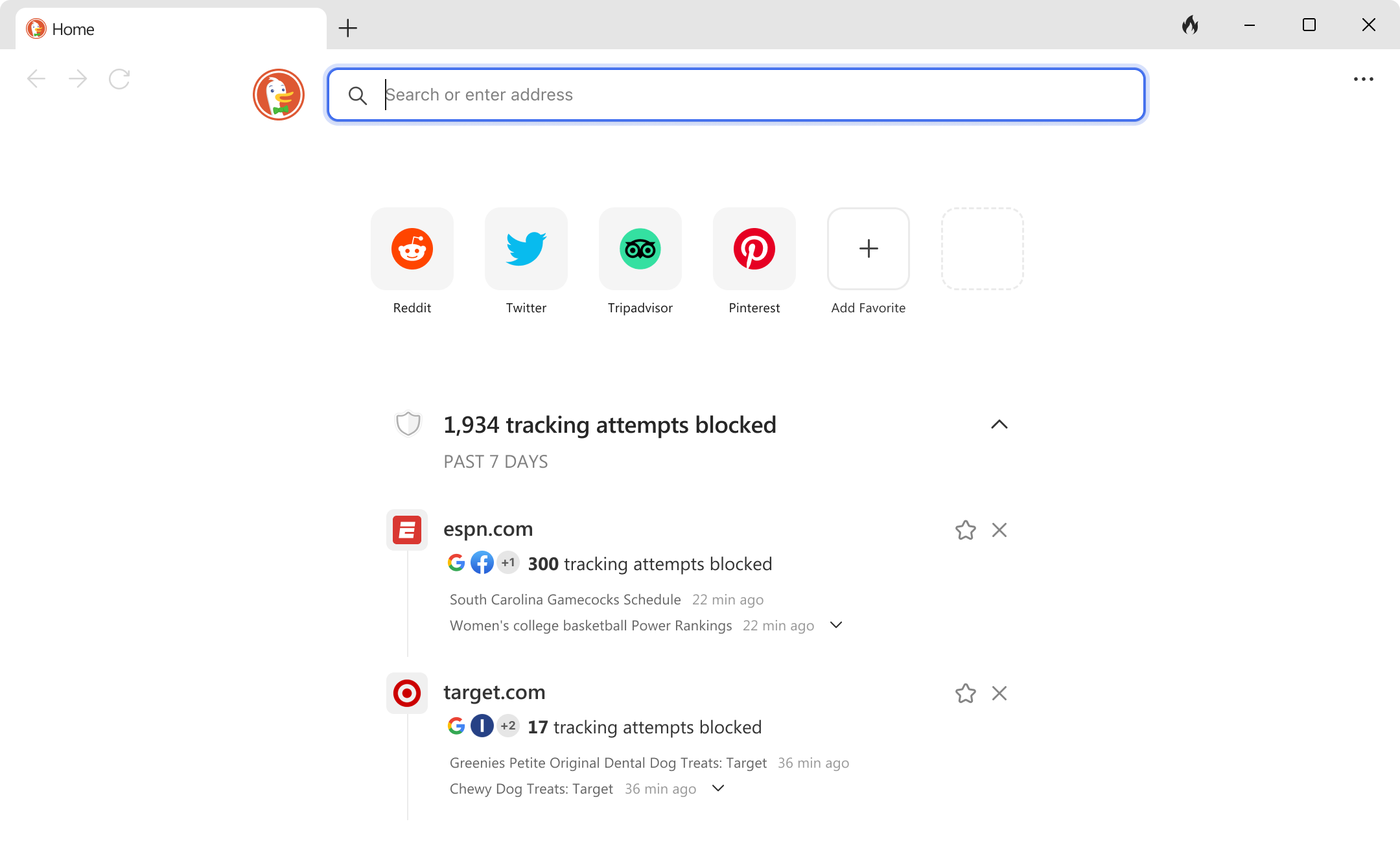
The DuckDuckGo browser is completely free to download and use across Windows, Mac, iOS, and Android. It doesn't charge users for core privacy tools, tracker blocking, or its built-in search engine. But in a digital landscape where tech companies harvest personal data to sell targeted ads, many users wonder what the catch is. If you aren't paying with money, are you paying with your data?
The short answer is no. DuckDuckGo operates on a sustainable business model that relies on contextual advertising and optional paid subscriptions rather than behavioral profiling. This guide breaks down how the browser stays free, how it funds its operations, and what limitations come with its zero-cost model.
How DuckDuckGo Makes Money Without Charging Users
Most big tech ecosystems provide free tools by tracking your every move, building an extensive profile of your habits, and selling advertiser access to that profile. DuckDuckGo bypasses this entirely. Its revenue comes from two primary sources:
- Private Search Ads: When you type a query into DuckDuckGo, you may see advertisements at the top of the results page. Unlike Google or Bing, these ads are entirely contextual. If you search for running shoes, you see an ad for running shoes. DuckDuckGo doesn't track your identity, build a historical profile, or follow you across the internet to serve those ads.
- Privacy Pro Subscriptions: For users wanting advanced infrastructure, DuckDuckGo offers an optional paid tier called Privacy Pro. This subscription bundles a virtual private network (VPN), a personal information removal service, and identity theft restoration. Core browser features remain untouched and free.
Because search advertising generates stable revenue, the company doesn't need to sell user data to stay profitable. You can verify their financial transparency and corporate structure directly through DuckDuckGo's official company overview.
Core Privacy Features Included in the Free Version
Unlike browsers that lock basic security behind paywalls or require complex extensions, the free DuckDuckGo app comes equipped with robust protections out of the box.
- Tracker Loading Protection: Hidden scripts from third-party networks like Google and Facebook are blocked before they can load on the pages you visit.
- Smarter Encryption: The browser automatically forces websites to use secure HTTPS connections whenever available, protecting your data from local eavesdroppers.
- Email Protection: A built-in forwarding service strips hidden trackers out of your incoming emails before they reach your primary inbox.
- The Fire Button: A single tap wipes your recent browsing history, open tabs, and cookies instantly without requiring you to dig through nested settings menus.
Hidden Costs and Trade-offs of a Free Browser
While the software costs zero dollars, choosing a minimal privacy browser involves practical trade-offs. Understanding these limitations helps determine if the platform suits your daily workflow.
Lack of Advanced Customization
Power users who rely heavily on niche browser extensions or deep UI customizability often find DuckDuckGo restrictive. The desktop version supports basic functionality, but it doesn't match the vast extension libraries found in ecosystems like Mozilla Firefox. You can explore open-source alternatives via the Mozilla Foundation if deep customization is your primary goal.
Reliance on Upstream Search Engines
DuckDuckGo doesn't crawl the entire web independently from scratch. It aggregates public search indices from partners like Bing alongside its own crawler, DuckDuckBot. While results satisfy most everyday informational needs, deep technical queries or localized indexing can occasionally lag behind market leaders.
Data Handling During Ad Clicks
While viewing search ads is completely anonymous, clicking an ad routes through partner networks like Microsoft Advertising. Microsoft has agreements in place not to associate ad-click behavior with personal user profiles, but privacy purists prefer to avoid ad networks entirely by using ad blockers or skipping sponsored links.
Common Misconceptions About Free Privacy Tools
A recurring myth is that free software must secretly harvest telemetry or analytics to stay afloat. DuckDuckGo maintains a strict no-logs policy regarding search histories. Queries are decoupled from IP addresses immediately, meaning the company cannot tie a search phrase back to an individual user even if subpoenaed.
Another misconception is that "private browsing" modes in mainstream browsers offer the same protection. Standard incognito modes only stop local device logging; internet service providers, school networks, and website trackers can still monitor your activity. DuckDuckGo tackles tracking at the network and script level across all active tabs.
Frequently Asked Questions
Does DuckDuckGo sell my browsing history to third parties?
No. DuckDuckGo's business model explicitly prohibits selling personal data. Because they don't collect or store your browsing history in the first place, they have no data to sell.
Do I need to create an account to use the browser?
No account is required to download, install, or use the DuckDuckGo browser or search engine. Core privacy features function instantly without registration.
How is DuckDuckGo different from a VPN?
A standard browser blocks trackers and secures web traffic at the application level. A virtual private network encrypts all internet traffic leaving your device and masks your IP address. DuckDuckGo offers a VPN, but it is locked behind their optional paid Privacy Pro subscription.
Can websites still track me while using DuckDuckGo?
The browser blocks the vast majority of third-party trackers, but first-party trackers operated directly by the website you are visiting can still log your interactions on that specific site.



