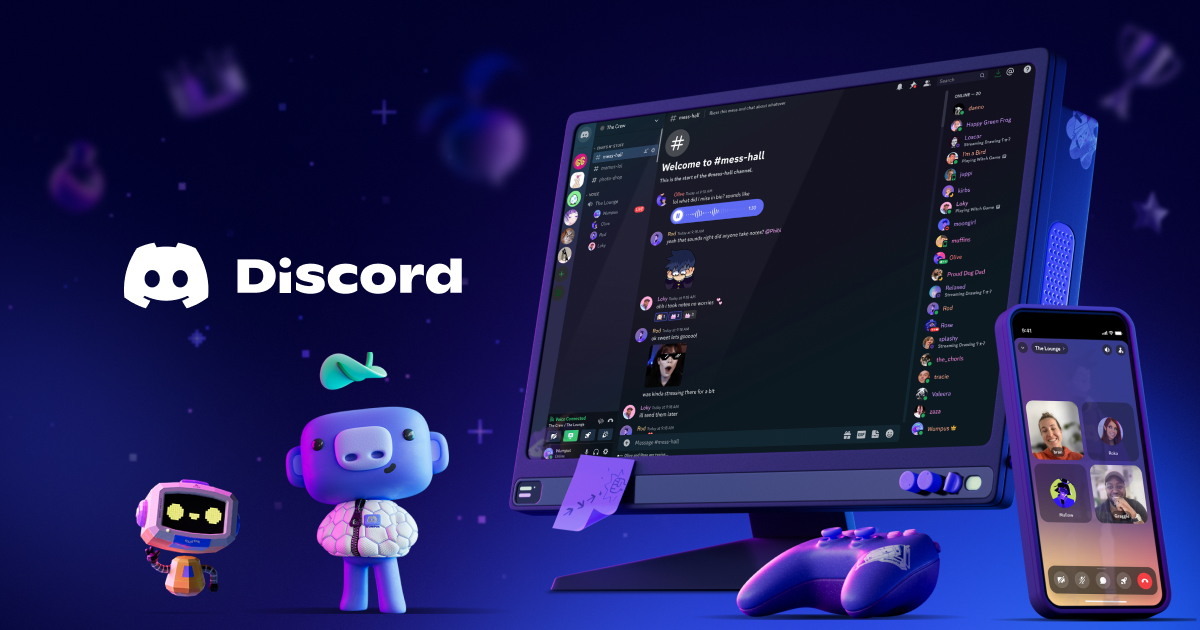
Choosing between the Discord desktop application and the web browser version comes down to how much you value system performance versus deep hardware integration. The desktop app provides reliable global keybinds, lower audio input latency, and dedicated system hooks, whereas the web version runs inside a browser sandbox without requiring installations or background bloat.
Under the hood, both clients share a similar technical foundation because the desktop version runs on the Electron framework, which bundles Chromium and Node.js. Even with this shared lineage, their everyday behavior, resource footprints, and feature sets diverge in ways that impact your workflow.
Core Architectural Differences
The desktop client operates as a standalone program packaged with its own browser engine instance. It launches directly from your operating system's application menu and maintains persistent background processes to check for messages, sync server lists, and handle incoming voice data.
The web client runs inside whatever modern browser you use, such as Google Chrome, Mozilla Firefox, or Microsoft Edge. It relies entirely on browser tab memory management and security policies. If your browser crashes or runs low on resources, it can throttle background tabs, which occasionally delays notification sounds or slows down media rendering inside busy channels.
Performance and Resource Consumption
Resource management is often the deciding factor for users with mid-range or aging hardware.
The desktop app can consume anywhere from 300MB to over 1GB of RAM during standard voice calls and screen-sharing sessions. Under heavy use or memory leaks, it has been known to spike significantly higher if left running for days. To mitigate this, Discord regularly updates its client architecture and tests features like automatic restarts when memory thresholds are crossed.
Running Discord in a browser tab shifts memory management to that browser. If you already keep dozens of tabs open, adding Discord to the mix pools memory usage together. However, if you close your browser entirely when finishing a work session, you won't have a stray background application continuing to consume system resources.
Feature Parity and System Integration
While the interface layouts look nearly identical, the desktop application holds a distinct advantage in hardware-level capabilities:
- Global Keybinds: The desktop app lets you mute your mic, deafen, or toggle overlays while playing fullscreen games using custom keyboard shortcuts. The web version cannot reliably capture global hotkeys when your focus is locked inside a game window.
- Audio Processing: The desktop client includes advanced audio subsystems with granular noise suppression powered by Krisp, audio codecs, and specialized subsystem settings that handle directional sound processing more reliably than standard browser audio pipelines.
- Screen Sharing: Sharing specific application windows or system audio with high framerates is generally smoother and less restricted on the desktop app, as browsers enforce strict permission boundaries on screen capture streams.
Security and Privacy Considerations
The web version runs inside a strict browser sandbox. It cannot inspect your local filesystem, read your system registry, or interact with local files beyond standard browser download and cache parameters. For public computers, work laptops, or temporary workstations, the web version eliminates privacy risks because you simply close the tab and clear your session data.
The desktop app installs files into local directories like AppData on Windows. While safe when downloaded from the official Discord site, installing executable clients on restricted corporate hardware is often blocked by IT policies, making the web version the only viable choice in professional environments.
When to Choose the Web Version
- You are using a borrowed, public, or employer-provided computer where installation rights are restricted.
- You want to minimize permanent background applications running on startup.
- Your browser is already your primary digital workspace, and you prefer keeping all communication centralized in one window.
When to Choose the Desktop App
- You rely heavily on push-to-talk or mute hotkeys that must work while you play fullscreen games.
- You experience microphone clipping, input delay, or audio routing bugs that frequently happen inside browser tabs.
- You want native desktop notifications that appear independently of browser window states.
Frequently Asked Questions
Does the web version support voice and video calls?
Yes. The web version fully supports private voice calls, group calls, server voice channels, and video streaming, though screen sharing options can occasionally be more limited depending on browser compatibility.
Why does the desktop app use so much RAM?
Because the desktop app is built on Electron, it runs a dedicated instance of Chromium alongside the application logic. Caching chat histories, active media, and voice connections in memory helps the app respond instantly, but it creates a larger memory footprint.
Can I use both the web version and desktop app at the same time?
Yes. You can log into the same account simultaneously across the desktop app, the web browser, and mobile devices. Messages and read states sync instantly across all active clients.
Does the web version receive updates slower than the app?
No. The web version updates instantly on the server side whenever Discord pushes a patch. The desktop app occasionally requires a brief client restart to apply updates, though it handles minor patches automatically in the background.



