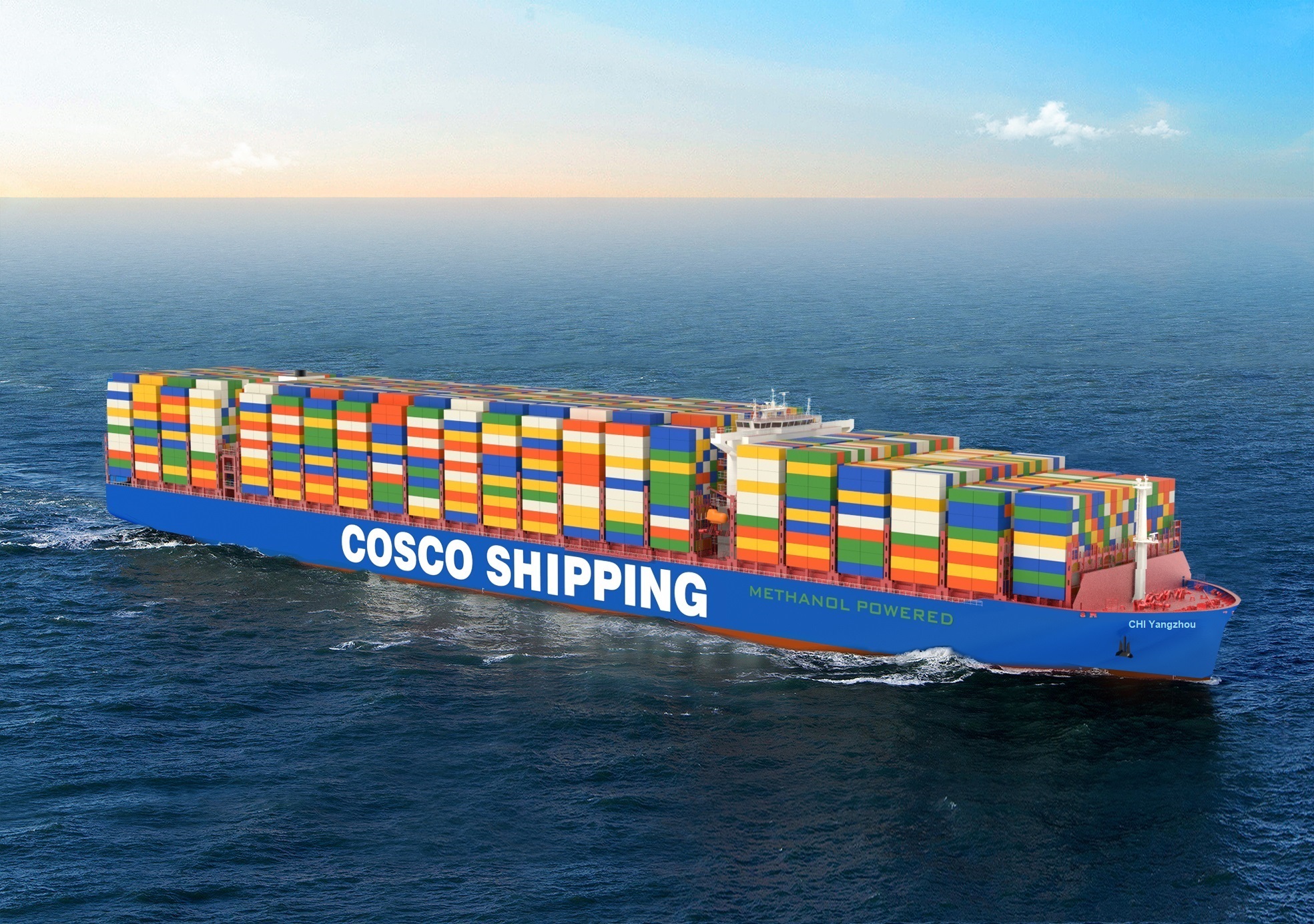
Managing international cargo movements requires precise route planning to avoid costly demurrage fees and terminal bottlenecks. COSCO Shipping provides digital point to point schedule tools designed to streamline route selection by matching origin and destination city pairs, vessel names, or specific service loops. These tools allow supply chain managers to evaluate transit durations, vessel capacity windows, and transshipment points before locking in bookings.
Accessing these schedules through the official COSCO Shipping eBusiness portal cuts down the time spent cross-referencing multi-leg carrier options. By inputting specific port pairs and operational date ranges, logistics teams can filter available sailings, review estimated arrival times, and map out cargo handoffs. This guide breaks down how to use these schedule features efficiently, optimize route parameters, and troubleshoot common visibility gaps during transit.
Accessing and Navigating COSCO Schedule Tools
Finding the right sailing requires knowing which search parameters yield the most accurate terminal-to-terminal data. COSCO organizes its schedules into three primary lookup methods to accommodate different planning workflows:
- City Pairs Lookup: Enter the origin city or port and the destination city or port to view all direct and transshipment sailings within a defined date window.
- Service Loop Search: Filter by specific trade lane service codes if you already know the designated vessel loop operating on your desired corridor.
- Vessel Tracking Lookup: Search by individual vessel name or voyage number to check exact port call rotations and schedule adjustments.
When querying by city pairs, pay close attention to the container yard (CY) and door haulage options. Selecting the correct service terms ensures that the resulting schedule reflects terminal availability accurately without hiding inland ramp connections.
Key Features Within Point to Point Schedule Results
Once your search parameters execute, the portal outputs a structured list of prospective sailings. Evaluating these results effectively means looking beyond basic departure dates to analyze operational risks.
Transit Time Versus Transshipment Count
Direct sailings minimize handling risks, but multi-leg journeys involving transshipment hubs often offer higher frequency. The schedule view outlines intermediate port calls and estimated layover windows at transshipment nodes. Reviewing these stops helps anticipate where container rolls are most likely to occur during peak shipping seasons.
Cut-off Time Transparency
Missing a cargo or documentation cut-off results in an automatic roll to the next vessel. COSCO schedule interfaces link directly to local terminal receiving windows, showing container yard (CY) opening and closing dates for the port of loading. Monitoring these cut-offs during schedule comparison prevents costly yard storage penalties.
Step-by-Step Workflow for Schedule Optimization
Integrating COSCO's schedule lookup into your weekly booking routine keeps freight planning aligned with actual vessel availability. Follow this sequence to secure optimal routing:
- Log into the digital portal and navigate to the sailing schedule search module.
- Input your exact origin and destination locations, specifying whether you need port-to-port or intermodal coverage.
- Set your preferred departure date range, keeping a buffer of three to five days to catch alternative loops if the primary vessel is over-allocated.
- Compare competing sailings based on estimated time of arrival (ETA) and total transit days rather than just departure timing.
- Cross-reference the chosen sailing against the COSCO Cargo Tracking portal once booked to confirm container gate-in milestones.
Common Pitfalls in Schedule Management
Relying entirely on estimated schedules without building contingency buffers leads to downstream supply chain disruptions. Several operational traps catch frequent shippers off guard:
- Ignoring Schedule Reliability Trends: Published ETAs represent ideal conditions. Port congestion, weather delays, and terminal labor bottlenecks frequently push actual arrival dates back by several days.
- Confusing Estimated and Actual Cut-Offs: Terminal operating hours change during holidays. Always verify local receiving schedules rather than assuming standard weekday rules apply.
- Overlooking Equipment Restrictions: A schedule might look perfect on screen, but if the origin depot lacks specific container types—such as 40-foot high cubes or specialized reefers—your booking will stall before reaching the vessel.
Pairing digital schedule tools with real-time visibility platforms like SeaVantage Cargo Insight or alternative carrier aggregators helps bridge the gap between static timetable projections and live ocean positioning.
Frequently Asked Questions
Can I filter COSCO schedules by environmental metrics or vessel efficiency?
Standard carrier search portals prioritize transit time and routing. For detailed emissions data or carbon footprint comparisons across different vessel classes, shippers often use specialized maritime logistics platforms alongside COSCO's native tools.
What should I do if my shipment misses the scheduled vessel?
If your cargo fails to meet the container yard cut-off, contact your local booking office immediately to roll the documentation over to the next available voyage listed in the schedule system. Watch out for potential amendment fees associated with late roll requests.
Are COSCO point to point schedules updated in real time?
Timetables reflect current operational planning, but sudden weather disruptions or port omissions trigger dynamic updates. Checking the schedule portal close to your cargo gate-in date ensures you catch any last-minute voyage adjustments.
How do I track multiple containers under a single schedule search?
Instead of tracking individual container numbers one by one, use the Master Bill of Lading (BOL) or booking reference number within the tracking module to monitor all associated units under a single dashboard view.



