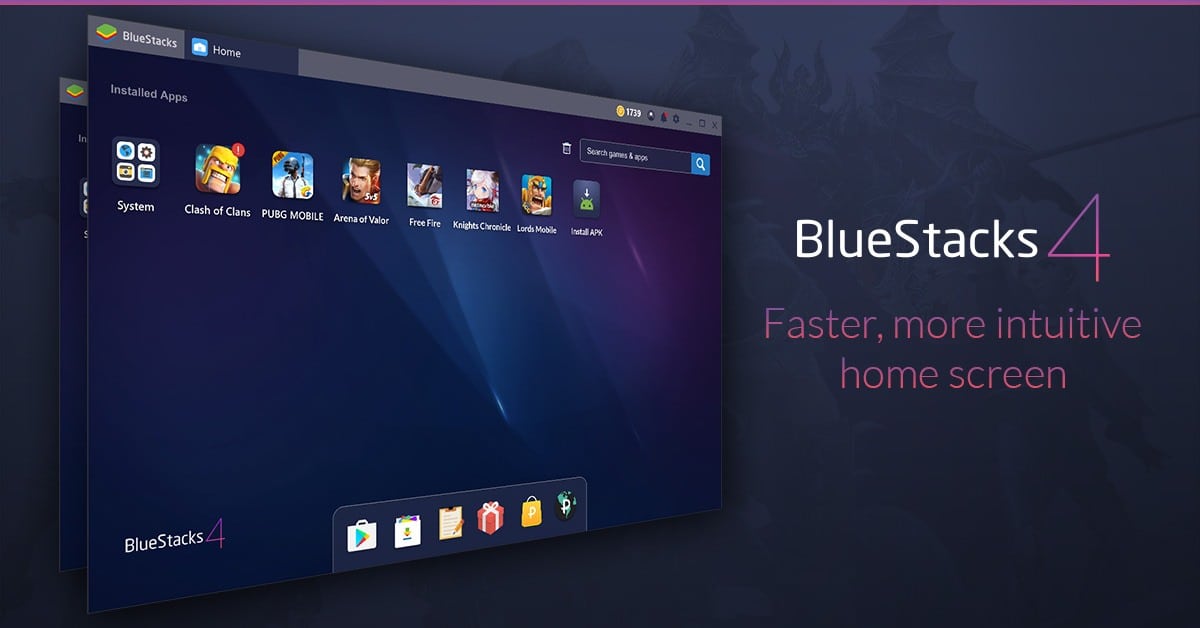
Choosing the right Android emulator for your PC often comes down to a choice between older and newer software architectures. When BlueStacks released version 5, it wasn't just a minor patch; it was a total rewrite built from scratch to fix the high memory consumption that plagued version 4. If you're trying to figure out which version fits your computer's hardware, understanding how they handle RAM, CPU load, and instance management will help you decide quickly.
Performance and Resource Footprint
The most significant divergence between these two platform generations is how they consume your computer's hardware resources. BlueStacks 4 relied on a heavier architecture that often caused significant stuttering during long gaming sessions or when running multiple apps at once.
Version 5 was engineered specifically to reduce this overhead. It uses up to forty to fifty percent less RAM than its predecessor. If your laptop or desktop has limited memory, this reduction prevents your system from swapping data to the storage drive and dragging your frame rates down. Boot times and app launch speeds are also noticeably faster on the newer platform, meaning you spend less time staring at loading screens.
- Memory Management: Version 5 introduces TRIM support, allowing you to reclaim RAM from within the emulator interface without restarting the app.
- CPU Efficiency: Background processes are streamlined, keeping processor temperatures lower during marathon gaming sessions.
- Eco Mode: Version 5 features a much more aggressive eco-mode that drops frame rates for specific instances when you're multi-tasking or farming resources, cutting power consumption drastically.
Instance Management and Multi-Tasking
Running multiple accounts in mobile games—often called multi-boxing—is a primary use case for Android emulators. Both versions include an Instance Manager, but the underlying mechanics differ.
BlueStacks 4 struggled when users spun up three or more concurrent windows. The cumulative RAM usage spiked rapidly, frequently leading to crashes on mid-range PCs. Version 5 isolates each instance more efficiently. You can run multiple game windows side-by-side with a fraction of the hardware cost, and use batch operations to start, stop, or arrange your windows with fewer clicks.
Compatibility and Android Versions
Software compatibility dictates which games you can actually play. BlueStacks 4 was tied to older Android runtimes, which worked fine for games released up around 2020. However, modern mobile titles require newer Android runtime environments, security protocols, and graphics APIs to function properly.
Version 5 supports multiple Android runtime environments through its multi-instance manager, ranging from Nougat 64-bit to Android 11 and 13. This flexibility means you can spin up an older environment for lightweight games or a modern Android runtime for graphics-heavy role-playing games. If you try to run cutting-edge mobile releases on older software, they won't even appear in the integrated store search.
Common Setup Mistakes
When transitioning between versions or setting up an emulator for the first time, users often run into a few predictable traps:
- Disabling Virtualization: Forgetting to enable Hardware Virtualization (Intel VT-x or AMD-V) in your PC's BIOS settings ruins performance on both versions, making the emulator feel sluggish.
- Over-Allocating RAM: Giving the emulator all of your PC's available memory starves Windows. Always leave at least half of your system RAM for your host operating system.
- Ignoring Graphics Modes: Failing to switch between DirectX and OpenGL compatibility modes when a game displays graphical glitches or black screens.
Frequently Asked Questions
Can I upgrade directly from BlueStacks 4 to BlueStacks 5?
You can't directly migrate your old virtual machine files over because the underlying architecture changed completely. You'll need to install version 5 fresh and log back into your accounts.
Is BlueStacks 5 safe to use on Windows?
Yes, it's a legitimate, widely used software platform developed by BlueStacks Official. Always download installers directly from the official site to avoid modified packages bundled with unwanted software.
Why is my game lagging even on BlueStacks 5?
Lag is usually caused by disabled hardware virtualization in your BIOS, outdated graphics drivers, or allocating too few CPU cores inside the emulator settings menu.
Which version is better for low-end PCs?
Version 5 is vastly superior for low-end hardware due to its dramatically lower RAM footprint and lighter background resource consumption.



