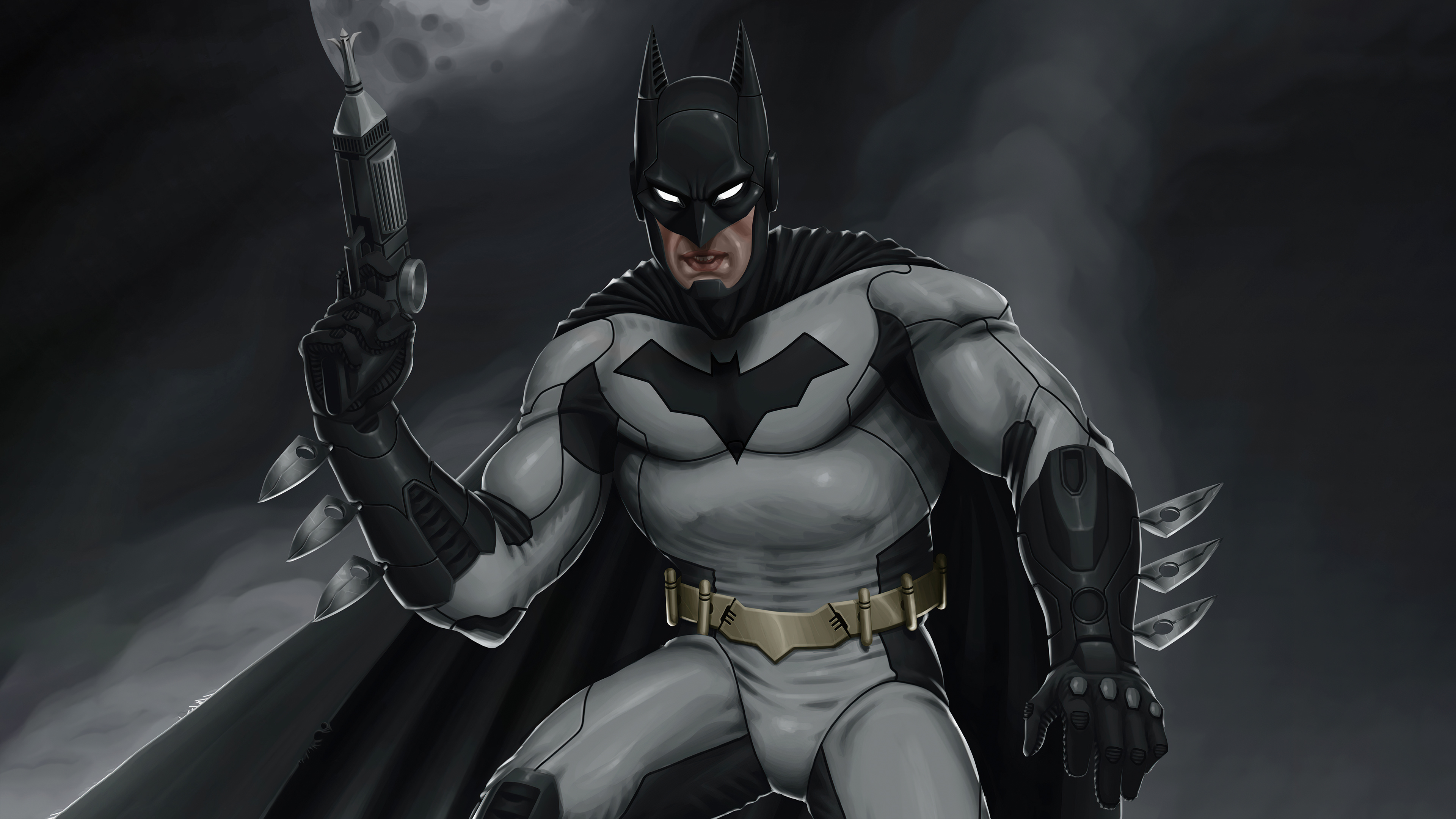
Playing Batman Arkham in 4K transforms Rocksteady's classic superhero trilogy into a modern visual powerhouse. While official current-gen console remasters like Return to Arkham capped out at lower resolutions or locked frame rates, PC players can push these titles far beyond their original 2009–2015 limits. You'll need a capable rig, a collection of community texture mods, and custom launcher configurations to unlock native ultra-high-definition rendering, crisp ambient occlusion, and high-resolution video cutscenes.
Getting the trilogy to run smoothly at 3840x2160 resolution requires tackling each game's individual quirks, engine limitations, and scaling issues. Let's break down how to set up your system, find the right asset packages, and avoid common performance pitfalls that tank your frame rate.
Preparing Your PC for High-Resolution Gotham
Before installing heavy visual packages, verify that your hardware can handle ultra-high-definition rendering without bottlenecking. Running these titles at 3840x2160 with heavy post-processing demands at least 8GB of VRAM and a fast NVMe solid-state drive to eliminate texture pop-in.
Because these games run on older iterations of the Unreal Engine (Unreal Engine 3), they weren't natively built to stream massive 4K texture arrays. You'll encounter memory leaks or stuttering if you don't adjust configuration files. Start by backing up your save files, usually located in your Documents folder under the respective game title, before editing any game directories.
Modding Batman Arkham Asylum for 4K
The original title in the series requires specific community tools to handle high-resolution assets properly. The default launcher often restricts modern display settings and fails to scale interface elements correctly.
- Advanced Launchers: Install a replacement launcher like the Nexus Mods Advanced Launcher to bypass engine locks, enable texture pack support, and manage custom resolutions automatically.
- Texture Packs: Combine base texture overhauls with high-resolution environment packages to sharpen the asylum walls and character models.
- Cutscene Upgrades: The pre-rendered video files in the original release play back in compressed 720p. Community projects like the Asylum 4K cutscene pack replace these with AI-upscaled video files.
Scaling Up Arkham City and Arkham Knight
Moving beyond the asylum, Arkham City and Arkham Knight present different scaling challenges. Arkham City shares similar Unreal Engine 3 limitations, meaning you'll need similar texture injection tools. Arkham Knight, however, pushes modern hardware much harder due to its dense open-world rendering and interactive physics.
For Arkham Knight, native 4K is achievable on modern mid-to-high-end graphics cards without heavy texture mods, but you must manage Nvidia GameWorks settings carefully. Turning down interactive fog and high-level PhysX debris keeps your frame rate stable at 60 frames per second or higher during heavy predator encounters. If you want to dive deeper into official franchise history and updates, check out DC.
Avoiding Common Performance Bottlenecks
Pushing older software past its intended design parameters introduces visual glitches and stability errors. Watch out for these frequent mistakes during setup:
- Ignoring Depth Buffer Conflicts: Using screen-space ambient occlusion or custom depth-of-field filters can break your user interface or cause strange shadows to bleed through walls. Always configure your post-processing injector's depth buffer correctly.
- Overlooking Read-Only File Flags: Unreal Engine games frequently revert custom .ini configuration changes if the files retain their read-only status or if Windows permissions block write access.
- Skipping VRAM Checks: Stacking multiple uncompressed texture packs will quickly exhaust your graphics card memory, causing severe stuttering during fast-paced batmobile sequences or gliding transitions.
Frequently Asked Questions
Do these visual upgrades disable Steam achievements?
No. Most texture replacements, configuration tweaks, and cutscene upgrades operate entirely client-side by replacing local game files, leaving achievement tracking intact.
Can I use a PlayStation controller layout with these mods?
Yes. You can install companion UI mods that swap out the default Xbox button prompts for native PlayStation DualShock or DualSense icons.
Why do some cutscenes still look blurry after installing mods?
If you skipped downloading the separate high-resolution cutscene packages, the game will default to the original compressed video files during cinematic sequences.
Do I need a powerful CPU for 4K Arkham gameplay?
While resolution is primarily a graphics card workload, Unreal Engine 3 relies heavily on single-core CPU performance for physics and asset streaming, making a balanced system necessary to prevent hitching.



