Scammers love free music. When tech giants offer extended trials like an Apple Music free 3 months promotion, fraudulent phishing campaigns instantly flood social media and email inboxes. If you've just bought a new iPhone or spotted a tempting link online, you need to know how to separate genuine hardware-bundled perks from credential-harvesting traps.
Official long-term trials require specific hardware purchases or authenticated carrier partnerships. They never ask for your Apple ID password via an email link, nor do they demand cryptocurrency to unlock a code. Let's break down how legitimate promotions work, where malicious actors strike, and how you can safely activate your trial without risking your digital security.
How Legitimate Apple Music Trials Work
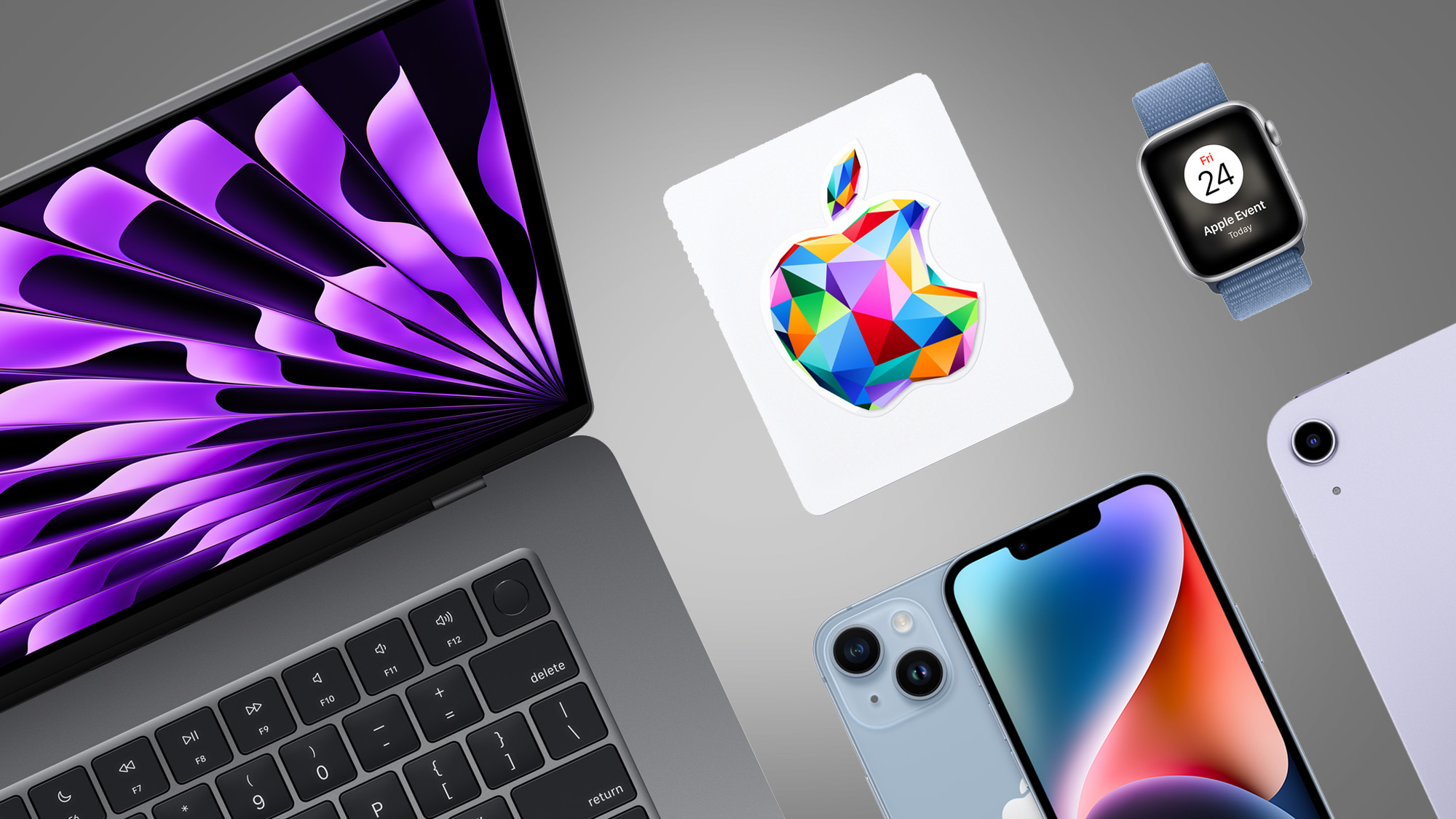
Apple offers an extended trial period primarily through hardware ecosystem bundling. When you buy a qualifying device—such as a new iPhone, iPad, Mac, Apple Watch, or eligible audio gear like AirPods and HomePod—you unlock a valid three-month trial.
The redemption path is straightforward and contained entirely within Apple's secure ecosystem:
- Turn on your new device and sign in with your Apple Account.
- Open the pre-installed Apple Music app.
- The promotion banner appears immediately on launch, or sits prominently on the Home tab.
- Tap Get 3 Months Free and confirm your billing details.
Third-party electronics retailers like Best Buy also run verified promotional tie-ins, issuing redemption codes through secure customer accounts after a qualifying purchase. These deals require no external third-party software downloads or strange sign-up forms.
Anatomy of Apple Music Phishing Scams
Fraudsters use targeted social media ads, text messages, and lookalike emails to mimic official Apple promotions. Their goal is simple: steal your Apple Account credentials, credit card details, or personal data.
Phishing messages usually create fake urgency, claiming your "exclusive code" expires in two hours. When you click the link, it leads to a pixel-perfect replica of the Apple login page hosted on a strange domain rather than an official apple.com URL. Once you type in your password, attackers capture it instantly.
Another common trap involves fake survey sites promising free subscription codes in exchange for completing marketing forms or downloading unverified mobile applications. Apple never distributes music streaming subscriptions through random web surveys or social media direct messages.
Red Flags to Spot Fake Promotions
Protecting yourself requires vigilance against common manipulation tactics. Watch out for these warning signs before clicking any promotional link:
- Suspicious URLs: Official Apple links point to domains ending in
apple.comor specific subdomains likeoffers.applemusic.apple.com. If the URL uses hyphens, misspellings, or entirely different top-level domains, close the tab immediately. - Upfront Payments: Real trials require an Apple Account with a valid payment method on file for post-trial renewals, but they never charge a fee, processing cost, or crypto deposit to activate the free period.
- Unsolicited Direct Messages: If a random social media account tags you in a giveaway or sends a direct message offering a multi-month music code, it's a scammer looking to harvest credentials.
Step-by-Step Safety Checklist
Before entering your payment information or clicking any promotional banner, run through this quick security checklist to verify the offer's authenticity:
- Check the Device: Verify your hardware is actually eligible. Standard promotional trials require a newly activated device purchased within the last 90 days.
- Inspect the Browser Bar: Look for the lock icon and ensure the web address matches official Apple infrastructure.
- Use Official Apps: Redeem hardware offers directly inside the native Apple Music application rather than browsing through search engine ads.
- Enable Two-Factor Authentication: Secure your Apple Account with two-factor authentication so that even if a phishing page captures your password, unauthorized logins remain blocked.
Managing Your Subscription and Avoiding Surprise Charges
Free trials automatically transition into paid recurring subscriptions once the promotional window closes. If you don't intend to keep the service, you need to manage your billing settings proactively.
You can cancel your subscription immediately after activating the trial, and you'll still retain full access to the platform until the three-month period expires. Open the App Store, tap your profile icon, select Subscriptions, and tap Cancel on Apple Music. This simple habit prevents unwanted charges from slipping onto your credit card statement.
Frequently Asked Questions
Can returning subscribers claim the three-month trial?
Standard hardware-bundled trials are strictly designated for new subscribers. However, Apple occasionally runs promotions for qualified returning subscribers who haven't maintained an active membership for a specified period.
What happens if I accidentally clicked a phishing link?
Change your Apple Account password immediately and check your account settings for any unfamiliar trusted devices. If you entered credit card details, contact your bank to freeze or replace the card.
Are student or carrier-bundled plans safer than online deals?
Yes. Carrier partnerships through major cellular providers and student discounts managed via Unidays are processed through secure, authenticated portals, completely avoiding third-party scam risks.
Do AirPods Max and Beats headphones qualify for the offer?
Yes, most Apple-owned audio gear—including AirPods, AirPods Pro, AirPods Max, and select Beats hardware—qualifies for the three-month music promotion when paired with a compatible iOS device.



