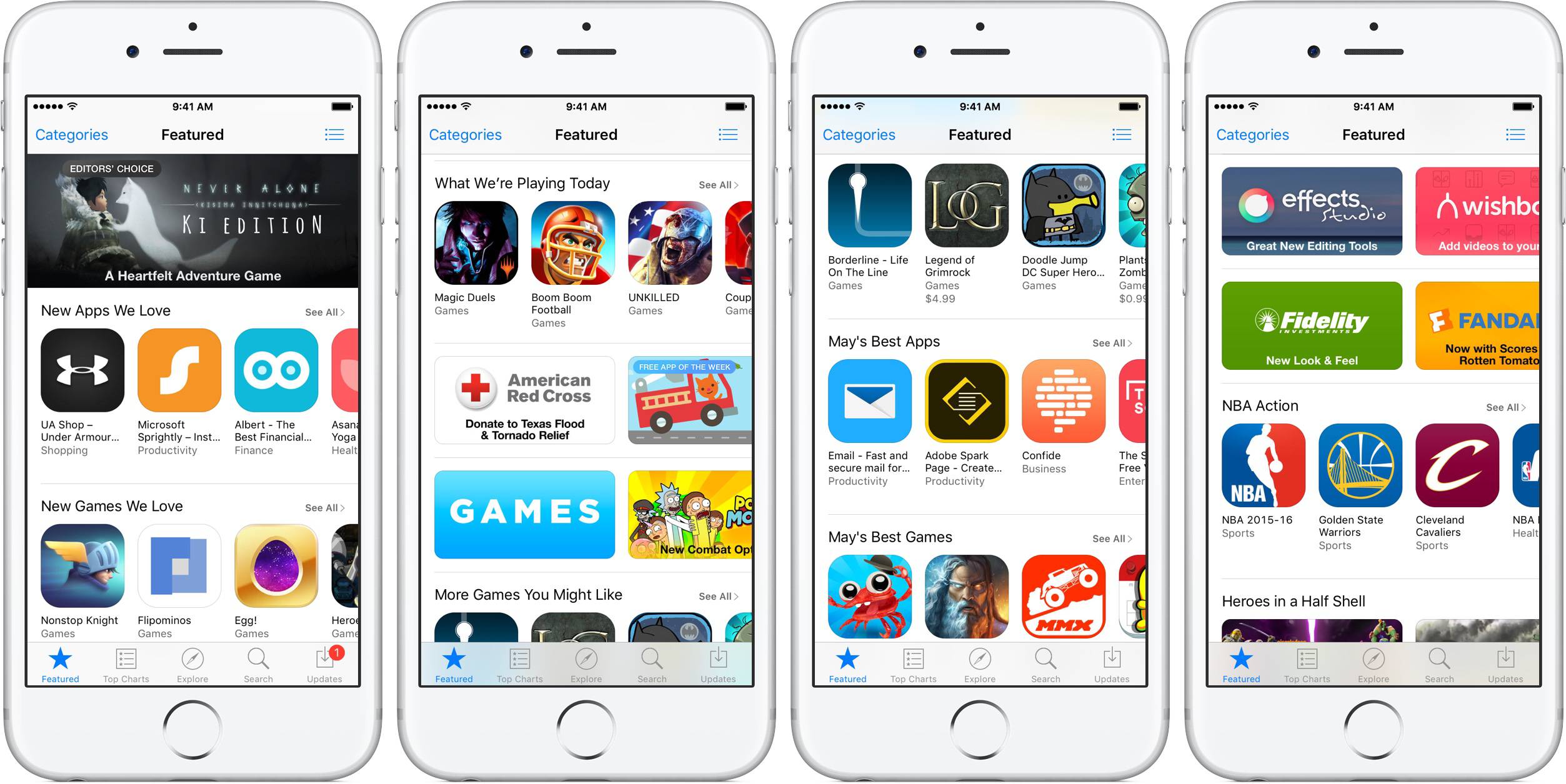
Mastering app distribution requires a firm grip on Apple's developer portal. If you're building software for iOS, iPadOS, or macOS, you spend a lot of time inside App Store Connect. It's the central hub where you configure product pages, manage user access, run TestFlight betas, and track performance metrics.
Most teams only scratch the surface of what this platform can do. They upload a binary, fill out metadata, and check download counts once a week. This guide breaks down how to leverage advanced management settings, interpret complex analytics data, and avoid common operational pitfalls that stall app growth.
Navigating the App Store Connect Ecosystem
When you log in, the interface splits into distinct sections. Knowing where everything lives saves hours of clicking around during a release cycle.
Core Modules Breakdown
- Apps: The control center for all your product listings, version history, in-app purchases, and store metadata.
- TestFlight: Your testing sandbox where you manage internal teams and invite up to 10,000 external testers via email or public links.
- Analytics: The dashboard for tracking user acquisition, retention curves, conversion rates, and monetization events.
- Sales and Trends: The financial reporting tool providing detailed spreadsheets on proceeds, paid units, pre-orders, and refunds.
- Users and Access: The permission manager where you assign roles like Admin, Developer, Finance, or Customer Support to team members.
Optimizing App Management and Submissions
Managing your app metadata effectively dictates how easily users discover your software. A rushed submission often triggers a rejection from App Review.
Crafting High-Converting Product Pages
Your product page acts as your primary landing page. You have strict character limits, so every word counts.
- App Name and Subtitle: Your name gets 30 characters. Don't stuff keywords here; keep it clean and memorable. Use the 30-character subtitle to highlight core value propositions instead of generic phrases like "best app ever".
- Visual Assets: Upload up to 10 screenshots and 3 app previews per localization. The first three screenshots matter most because they appear directly in search results when no video plays. Showcase actual user interfaces rather than abstract marketing graphics.
- Product Page Optimization (PPO): Run A/B tests on your product page icons, screenshots, and preview videos. PPO lets you test variations against your default page to see which creative drives higher conversion rates.
- Custom Product Pages: Create tailored landing pages with unique URLs to highlight specific features or cater to distinct audience segments coming from your marketing campaigns.
Handling TestFlight Efficiently
Before sending your app to Apple's review team, internal and external testing iron out bugs.
- Internal Testing: You can add up to 100 team members who have access to App Store Connect roles. Builds process almost instantly for internal groups.
- External Testing: External testers don't need to be in your organization. You can invite up to 10,000 users via email or a shareable public link. Note that external builds require a streamlined review by Apple before testing begins, though subsequent builds of the same version bypass full review.
- Crash Feedback: Monitor crash logs directly inside TestFlight to catch critical stability issues before public release.
Decoding App Store Analytics
The analytics suite provides granular data regarding user behavior, but raw numbers can mislead if you don't understand how Apple aggregates them.
Key Acquisition Metrics
- Impressions: The number of times your app icon appeared on the App Store. High impressions with low downloads signal a weak icon or poor subtitle context.
- Product Page Views: Users who clicked through to read more about your app.
- Conversion Rate: Calculated by dividing total downloads by unique impressions. If your conversion rate sits below 3% to 5%, your store listing needs immediate revision.
- Source Types: Track whether users found you through App Store Search, App Store Browse, Web Referrers, or App Referrers. This reveals where your organic visibility or external marketing efforts pay off.
Retention and Engagement
Acquiring a user means nothing if they churn immediately. The retention charts show the percentage of active users on specific days following installation.
- Look closely at Day 1, Day 7, and Day 30 retention curves.
- A sharp drop-off between Day 1 and Day 7 usually points to onboarding friction, confusing UI, or failure to deliver on the app store promise.
Common Pitfalls to Avoid
Teams frequently make avoidable mistakes that delay updates or skew performance data.
- Ignoring Privacy Manifests: Apple strictly enforces privacy requirements. If your app or third-party SDKs include required reason APIs without proper documentation, your build will face instant rejection. Always audit your dependencies before submission.
- Overlooking Phased Releases: When pushing major updates, enable phased releases over a seven-day period. This rolls out the update gradually to a percentage of your user base each day, allowing you to catch server outages or critical bugs before 100% of users download the faulty build.
- Misinterpreting Currency and Proceeds: Sales and Trends data shows estimated proceeds, not gross revenue. Apple takes its commission (typically 15% or 30%) before reporting your final payout amounts.
Frequently Asked Questions
Can I change my app's name after it has been published?
Yes. You can update your app name, subtitle, and metadata when submitting a new version of your app. The new name goes live as soon as App Review approves the update.
What is the difference between first-time downloads and redownloads?
First-time downloads track unique users installing your app for the very first time. Redownloads count instances where a user who previously purchased or downloaded your app installs it again on a new or wiped device.
How do I grant external developers access without giving admin rights?
Go to the Users and Access section, click the plus icon, enter their details, and assign a specific role such as Developer or App Manager. This restricts them from accessing sensitive banking, tax, or legal agreements while letting them manage builds and metadata.
Why are my analytics data delayed?
App Store Connect updates its analytics metrics roughly once every 24 hours. Real-time data isn't available, so you need to look at historical trends rather than minute-by-minute spikes.